
The Production Module interface is organised so that your main production tools stay visible during live operation.
In the middle of the screen, you see the main output windows:
-
Program (PGM)
-
Preview (PRV)
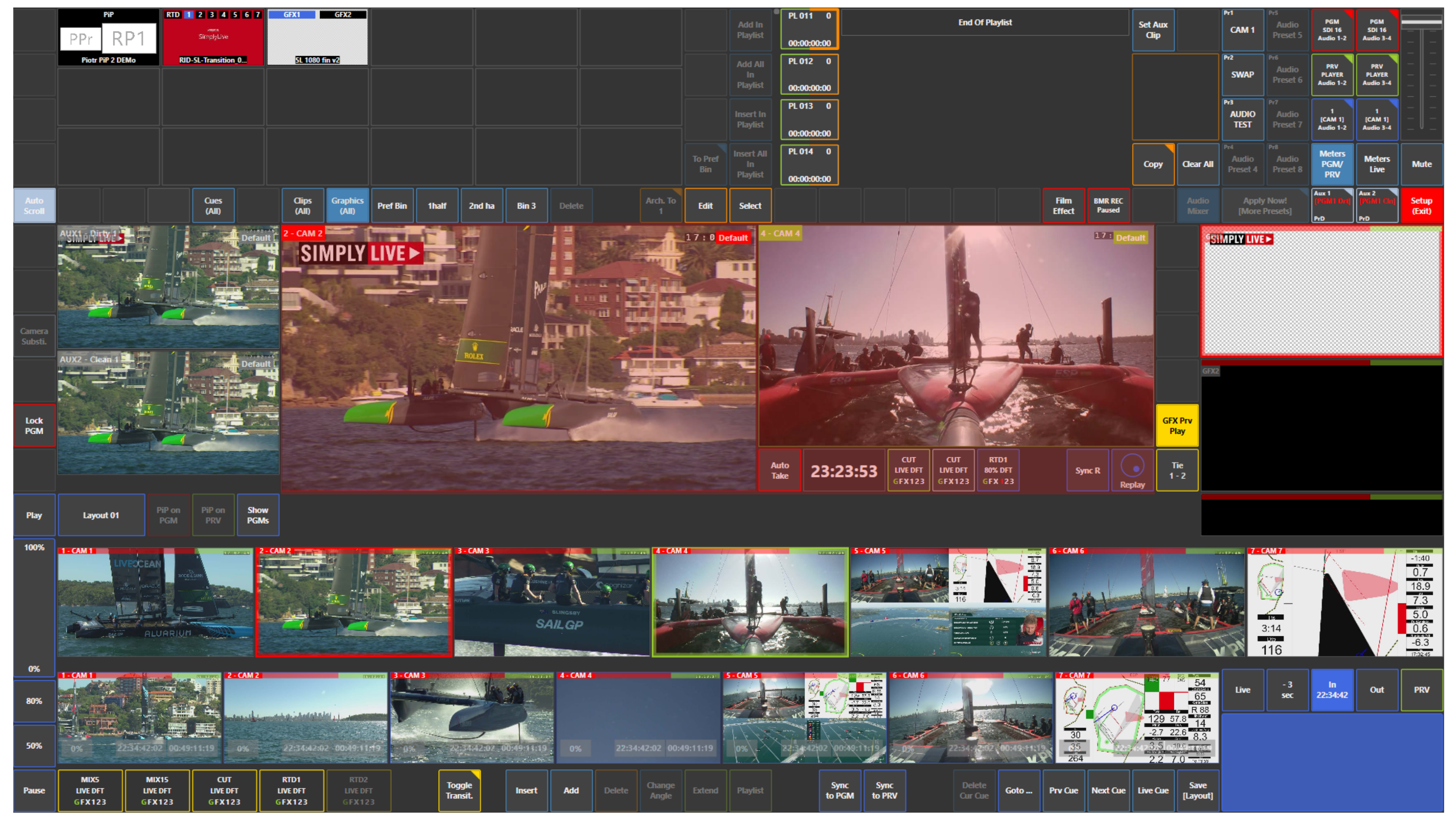
Just below them, you see your input cameras.
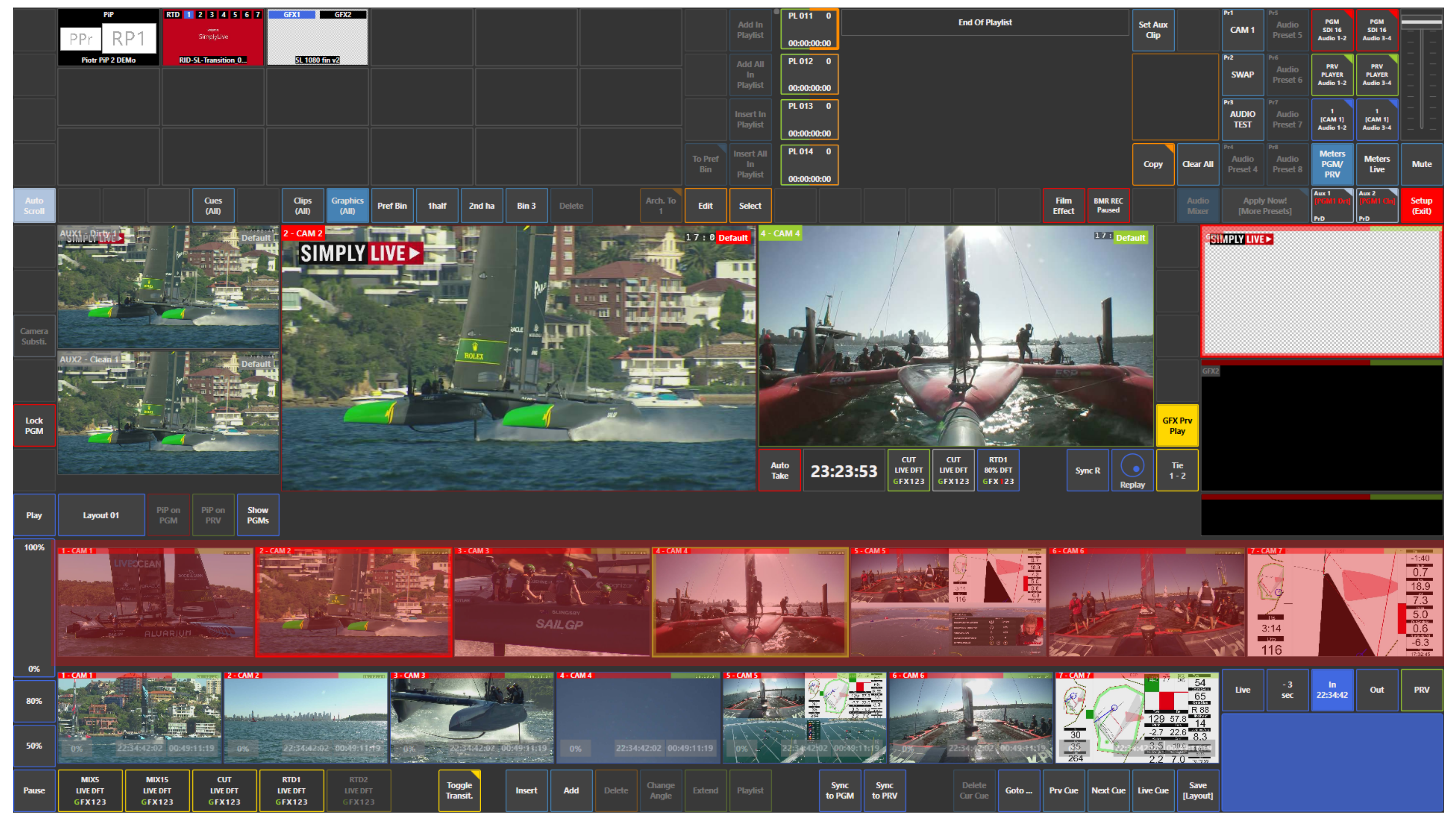
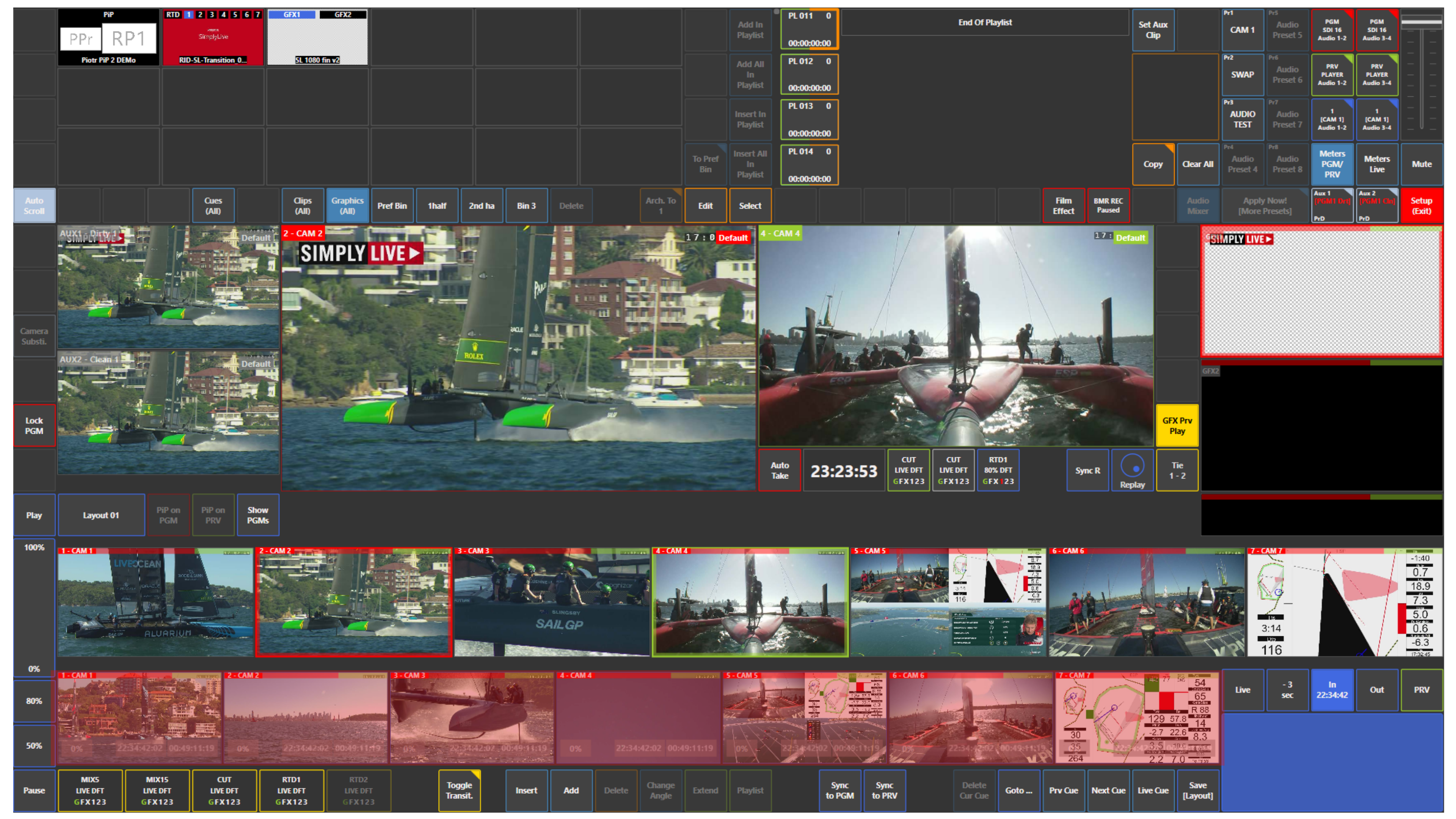
Below the input cameras, you see your replay cameras, which allow you to browse and prepare replay content while keeping the main production view visible.
At the top of the screen, you have access to the main content and workflow panels, such as:
-
Cues
-
Clips
-
Graphics
-
Playlist
-
Bins
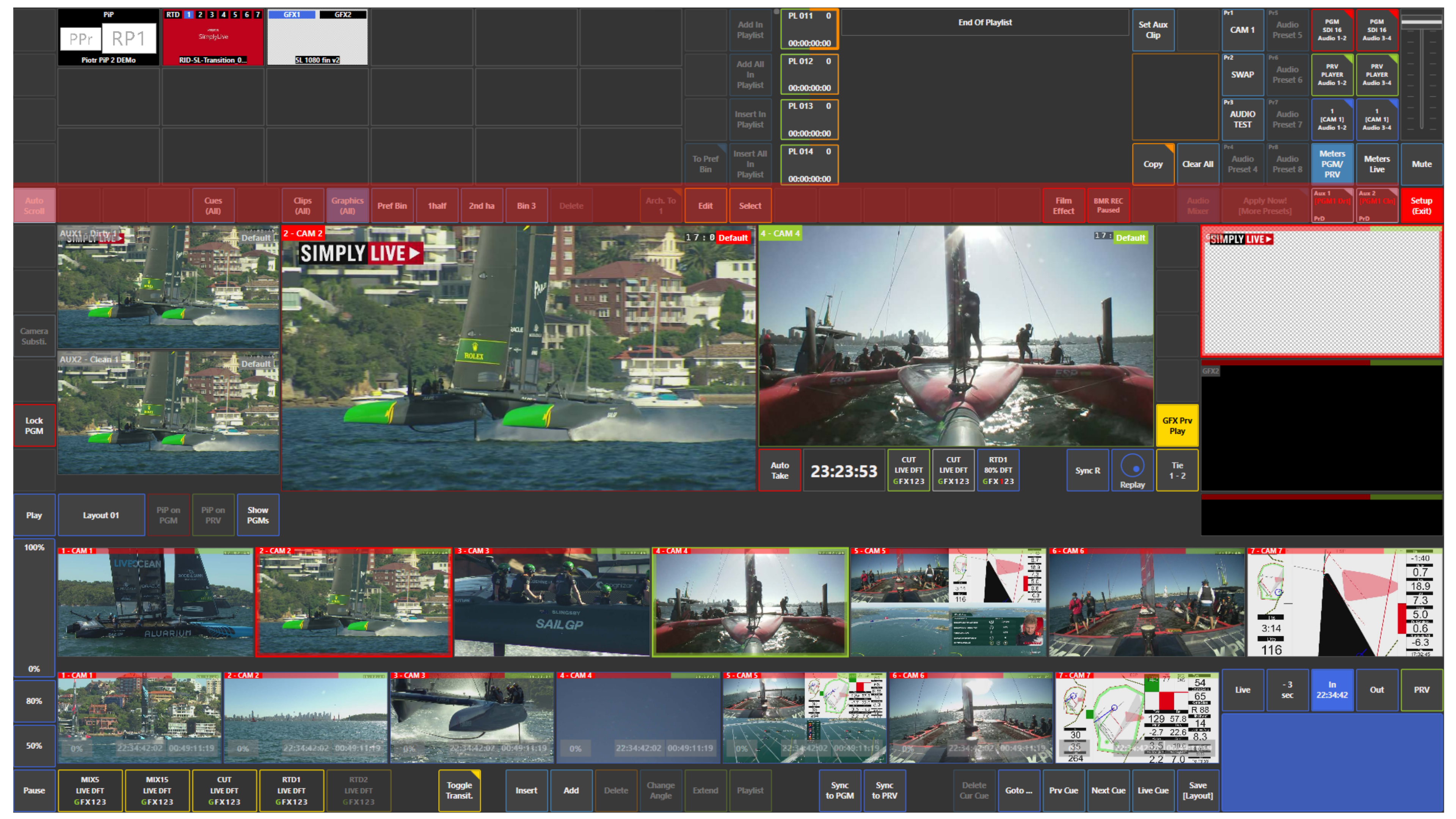
In the top right area, you can access system and operational functions, such as:
-
Backend Server
-
Synchro. Status
-
Audio Monitor
-
Jog On Touch
-
Config
-
Macro
-
Prefs
-
Delete Format
-
Import RTD
-
Import GFX1/2
-
Import GFX3
-
Import PiP
-
Import Clip
-
Exit ViBox
-
Setup
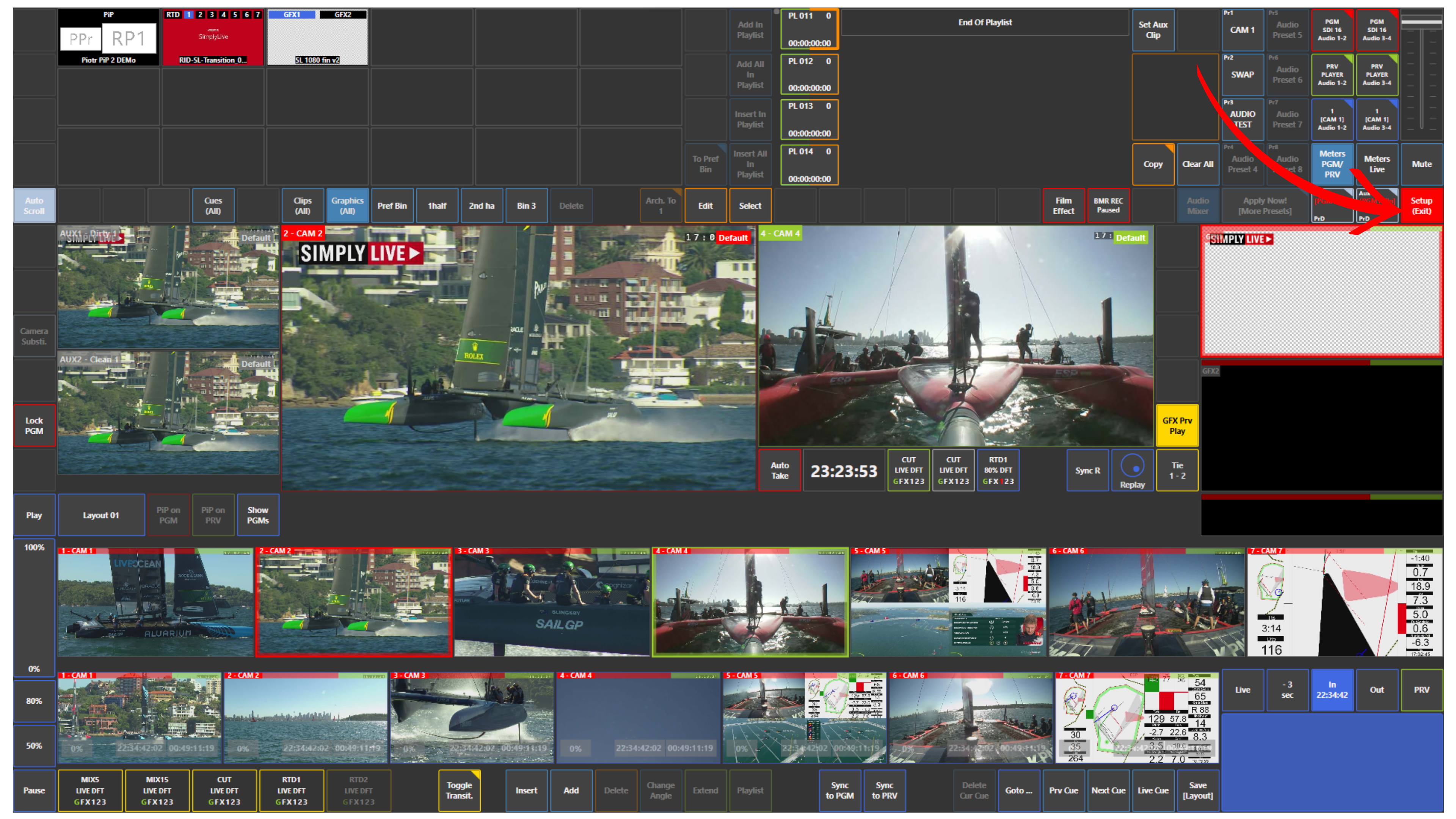
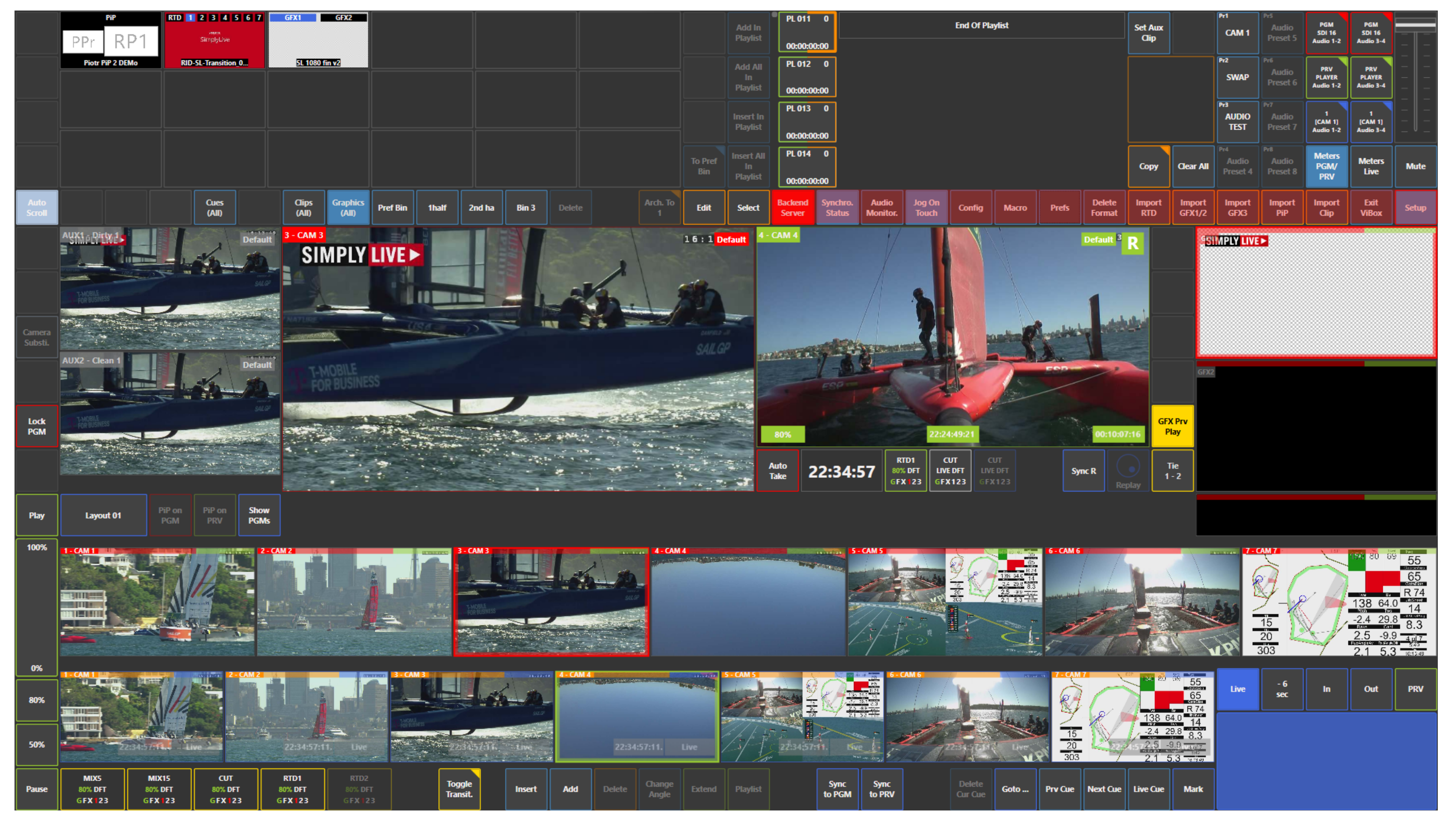
This layout keeps Program, Preview, replay sources, input sources, and content management tools in one clear production workspace.
Pro Tip
Once you understand the screen layout, you can switch, monitor, build playlists, trigger graphics, and prepare replays without moving between different systems.