

The entire configuration of the Audio Monitoring App can now be performed via the web interface. Installation and use of the standalone Riedel AMA Config Tool application are not required, but configuration is still possible using this application (→AMA Config Tool).
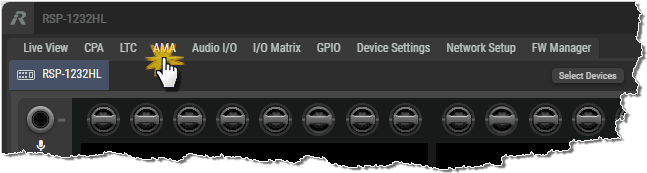
In the SmartPanels Web Interface, click on the AMA tab.
Enable AMA
To be able to use AMA, it needs to be enabled on the SmartPanel.
This can be done with the Enable AMA switch.
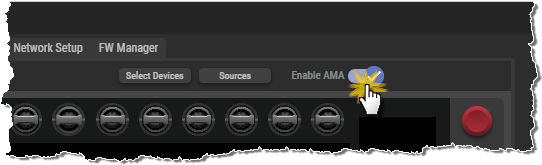
Clicking the Select Devices and Sources buttons opens two additional sections, which are described in the corresponding subchapters.