
This chapter describes how to Upgrade a Cluster Setup to High Availability.
Upgrading a Cluster Setup to High Availability
A Single Node Setup (no high availability) can be changed to a Cluster Setup (high availability).
-
Click on Upgrade to High Availability on the right of a Cluster Setup. Upgrading a Cluster Setup to High Availability is similar to creating a new Cluster Setup.
-
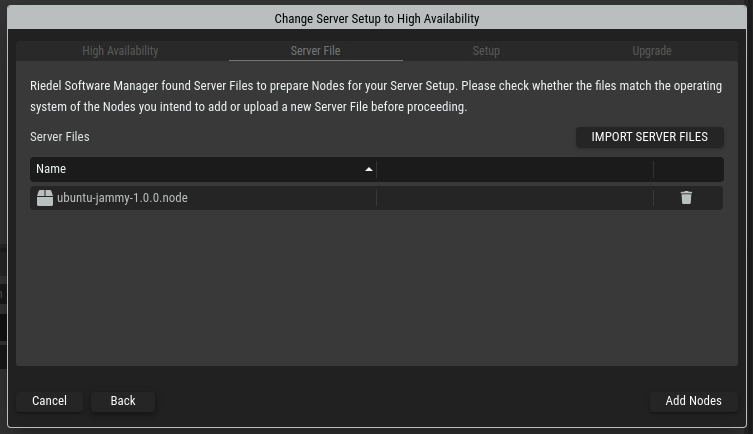
Verify that Riedel Software Manager has a Node File corresponding to the operating system of the servers or virtual machines to be added.
-
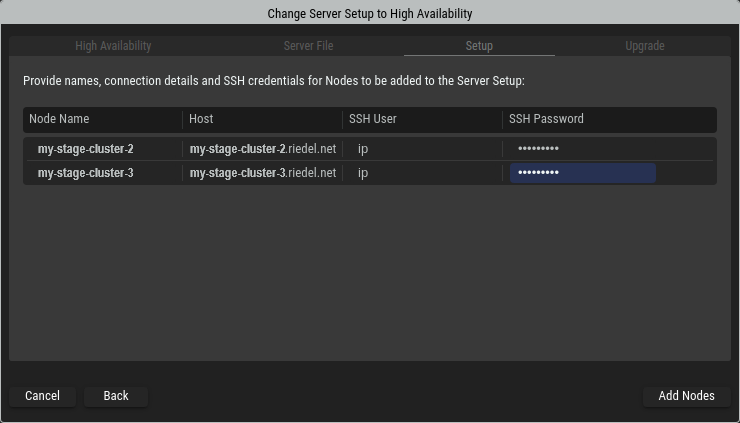
Provide host names or IP addresses and SSH credentials for the servers or virtual machines to be added. Click Add Nodes to start upgrading your Cluster Setup.
-
Riedel Software Manager is now upgrading the Cluster Setup and adding the provided servers or virtual machines to it. During this process it will install required packages on the servers to be able to join the Cluster Setup. Once all nodes show the “Online” Status, the process is finished. Click Next to proceed.
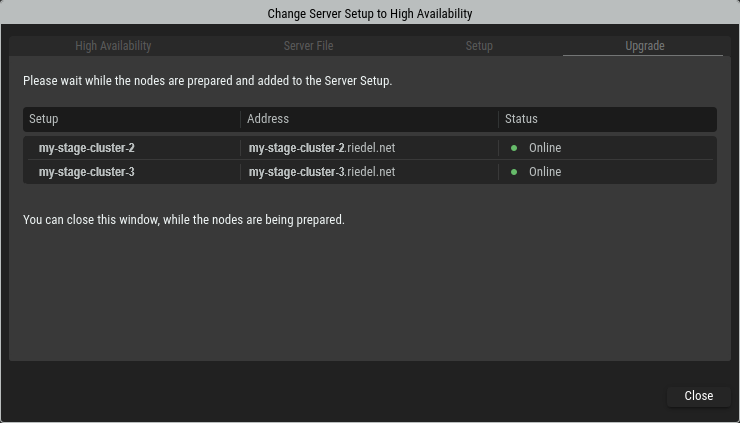
The duration of this process is dependent on the network connectivity speed between the computer running Riedel Software Manager and the individual servers or virtual machines of the cluster.
In case one or multiple Nodes stay in “Offline” status for a long time, this indicates either a network connection or a login problem through the SSH connection. In this case, close the wizard, remove the pending node and add another node manually.