
Front view
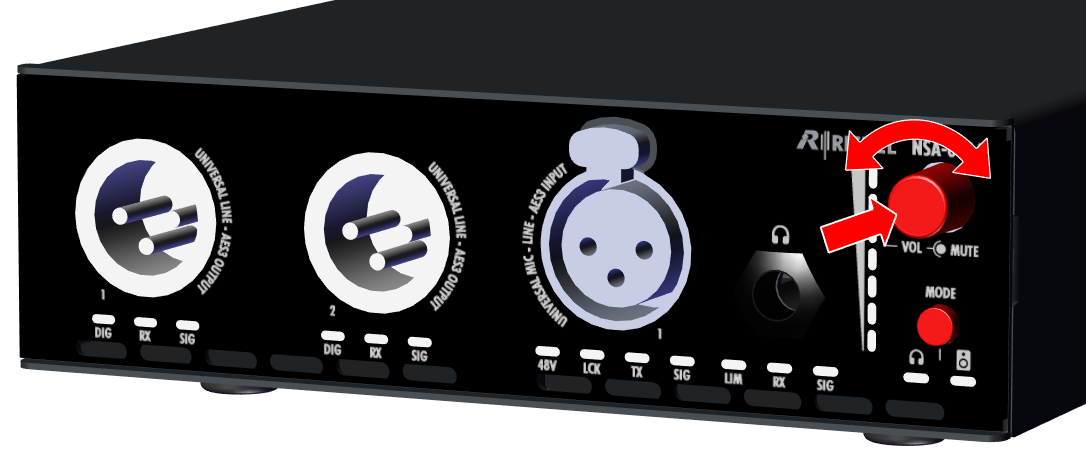
Volume Rotary
|
Turning the rotary encoder adjusts the Headphone (HP) volume. This is indicated by the level bargraph to the left of the rotary encoder. Pressing the rotary encoder mutes the headphone. This is indicated by the red LED in the rotary encoder. |
|
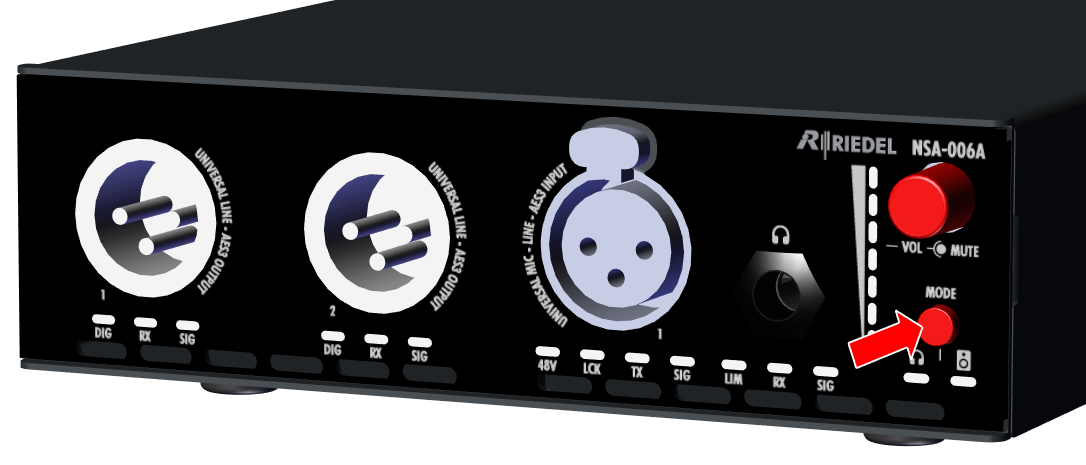
Mode button
|
Future function (only Headphone mode is currently supported). |
|
Rear view
The rear of the devices NSA-003A, NSA-006A and NSA-007A is identical.
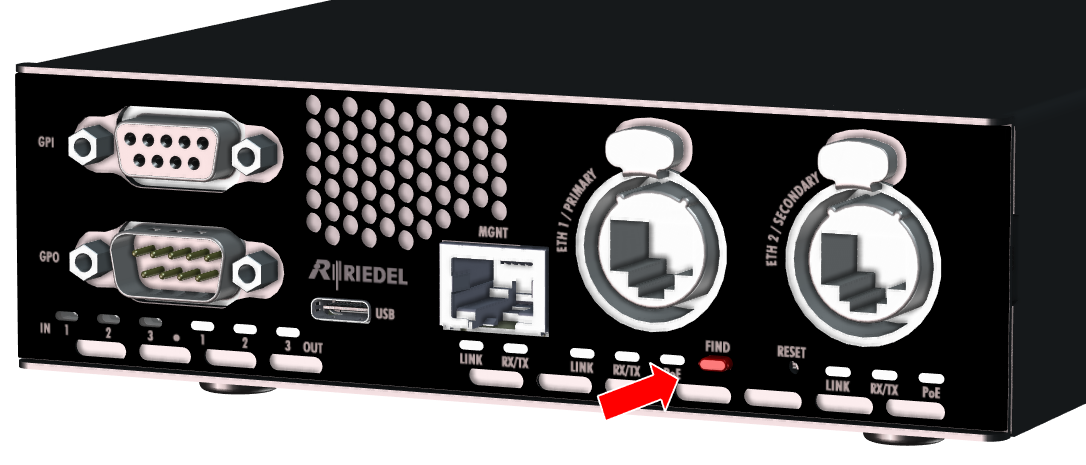
Find button
|
The left button between the primary and secondary Ethernet ports is used to locate the device.
|
|

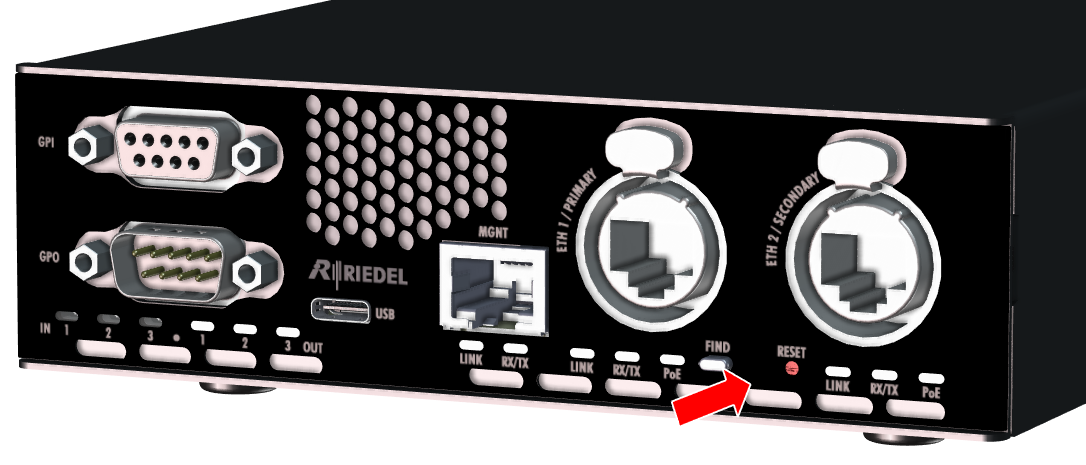
Reset button
|
The right button (pinhole) between the primary and secondary Ethernet ports is used to restore the factory settings (e.g. with a paper clip).
Pressing the reset button for 2 seconds resets the device to the factory settings. The device acknowledges the reset by flashing the "Link" LEDs (3× on/off cycles). |
|