
To access the NSAs web interface, open a web browser on your computer and point it to the IP address of the device.
NSAs do not have static IP addresses on delivery.
The IP address can be determined by a Zeroconf browser (i.e. Riedel-NMOS-Explorer).
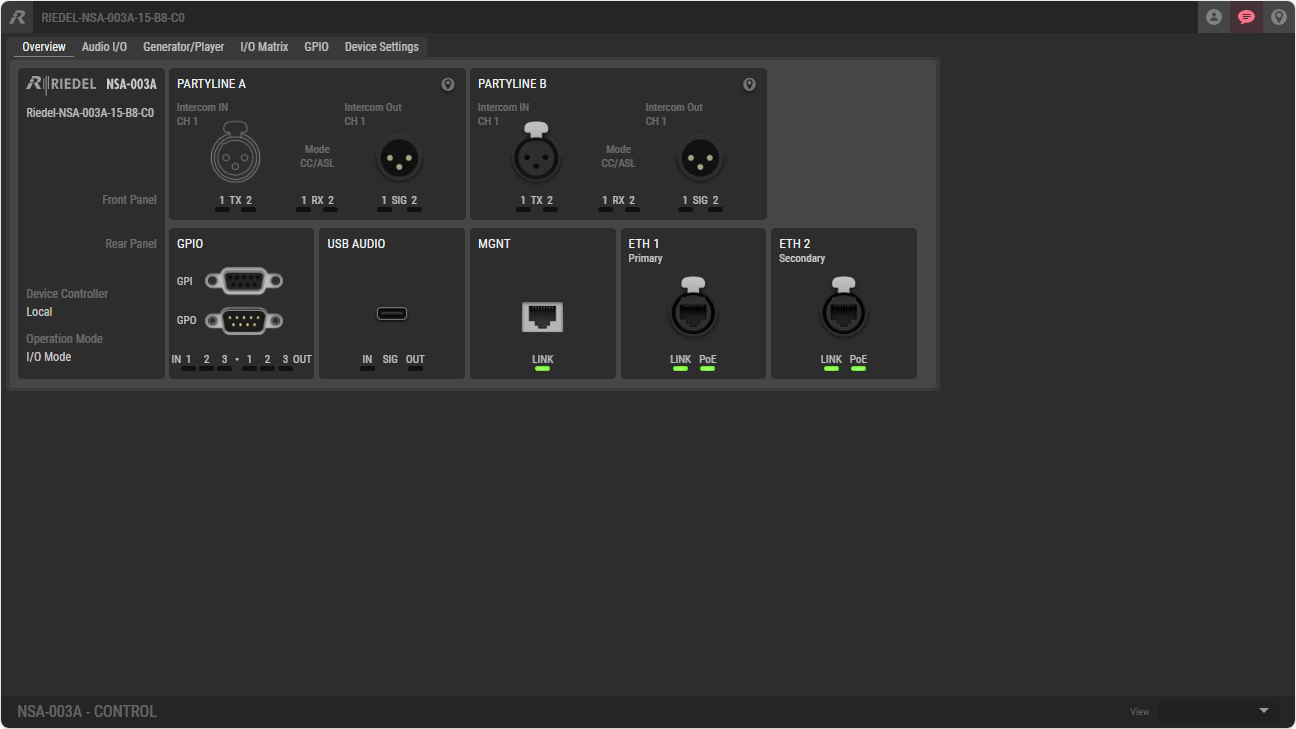
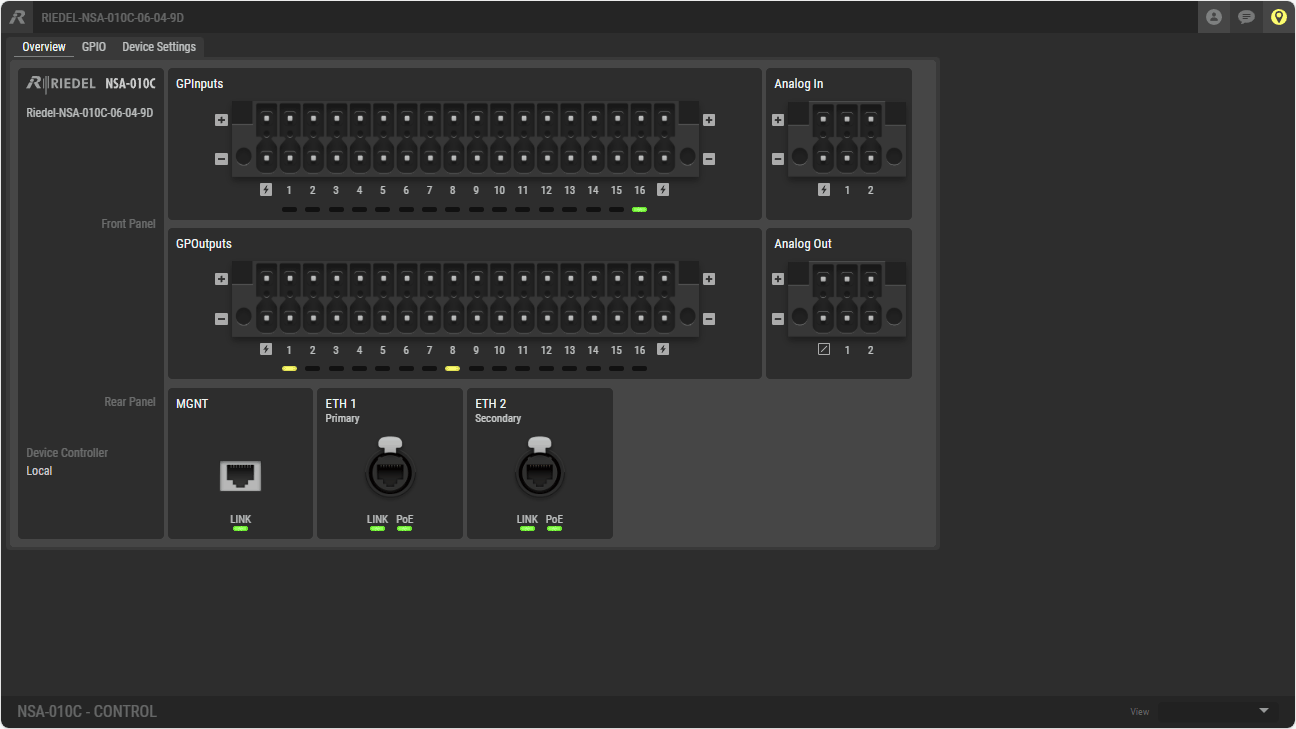
General behavior and settings in the web interface
Most settings, such as moving faders or selecting checkboxes, take effect immediately in the system.
Some settings, such as changing IP addresses or stream settings, must be confirmed with the Apply button to apply the changes to the system.
The Cancel button discards all changes and the previous settings are retained.
If the web interface is opened, the Overview tab is displayed by default and – depending on the device settings – no other tabs can be opened or settings made. To configure the device, you must first log in to the device (see Log-in in the table below).
Different tabs are visible depending on the NSA type.
The icons at the top of the web interface are available regardless of the tab selected.

|
Home |
Click to open the 'Overview' tab. |

|
Log-in |
Click to log in to the system. An active login is indicated by the blue |

|
Device Status |
Click to call up device messages. Errors will be indicated in red and warnings in yellow. |

|
Locating |
Click to localize the device. Active localization is indicated by the yellow This function is also possible for individual interfaces by only flashing the status LEDs of the respective port (-> Overview #Localization). |

