
Configuring a SAME Application
Configuring the Default Behavior of a SAME Application
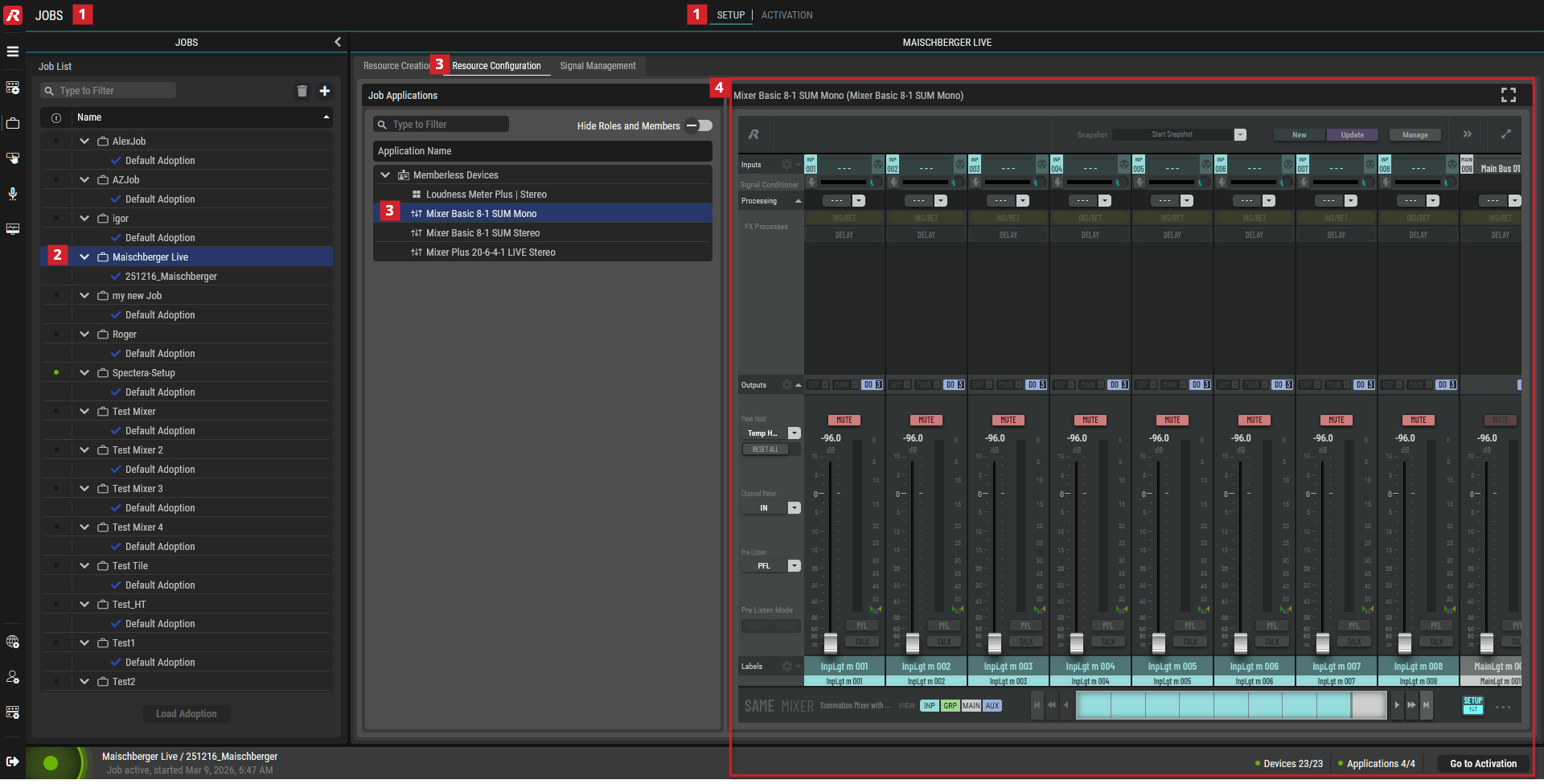
Once Applications have been added to the Job (in Setup, Resource Creation tab, Applications tab), you can configure the Application in Setup, Resource Configuration tab, to set the Application’s default initial settings and behavior. By doing this, when a Job is run, the Application starting configuration is suited to the production’s needs and workflows.
Configure a SAME Application as follows:
-
In Jobs, select the Setup tab.
-
In the Job List, select a Job.
-
In the Resource Configuration tab, select an Application in the Job Applications List.
-
Configure the Application. Click

Typical Mixer Volume