
The RC-10 can be used to assist the operator in RefBox.
This can help the video review operator if they are more familiar with this device for replay operations rather than the Shuttle Xpress.
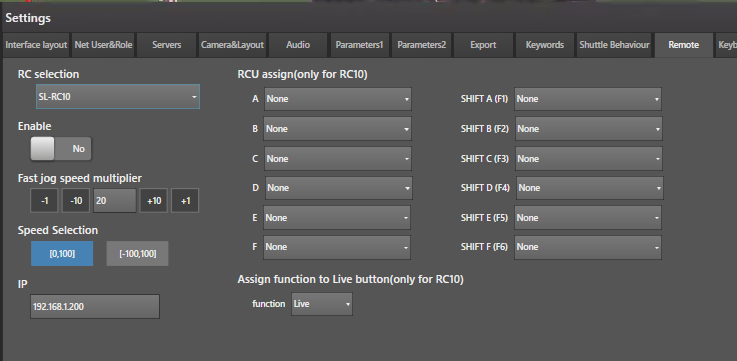
Open up the settings and navigate to “Remote”.
This may not be visible if you are not assigned to the Master or RO Master roles.
Select RC-10 from the list and input the IP address of the remote.
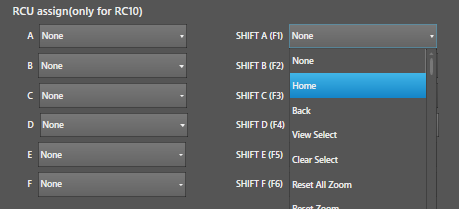
You have the option to assign shortcuts to the A-F (Shift + A-F) keys, in place of them selecting the sources to PGM 1 / PGM 2.
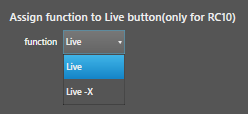
When “LIVE” is pressed, this can either go to the Live moment in real-time or the delayed Live moment, which is pre-definded, in order to be a few seconds behind the real-time action to assist with video review calls.
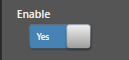
The RC-10 can be connected and setup, and then enabled or disabled depending on if the user would like to use this.