
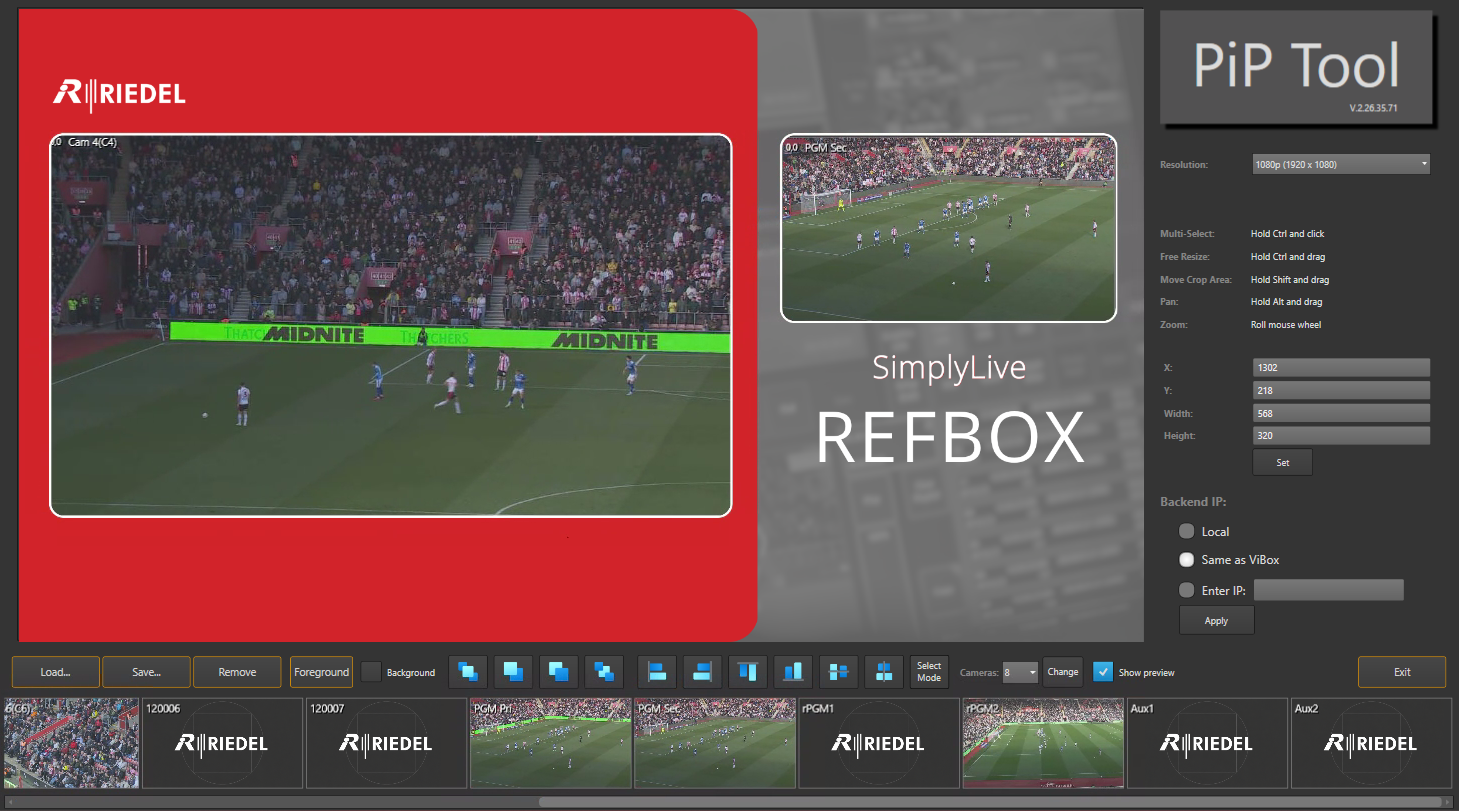
Import a background graphic to sit around your PiP windows, e.g. branding, scorebugs or borders.
Click the “Foreground” button in order to load a background
Background Image Requirements
-
.tga format, 32-bit with alpha
-
Correct resolution
-
Transparent (alpha) areas wherever video should show through
-
The background image must stay in the same location from when the PiP was created, as the file references the file path. If not, it will fail to Import to ViBox UI.
Layer order
-
In front (Background - Untick): The background sits over the video. Use this when the graphic has transparent cut-out windows.
-
Behind (Background - Tick): The background sits under the video, and the PiP windows sit on top
Borders around PiP windows aren’t a setting in the PiP Tool. Build them into the background graphic.