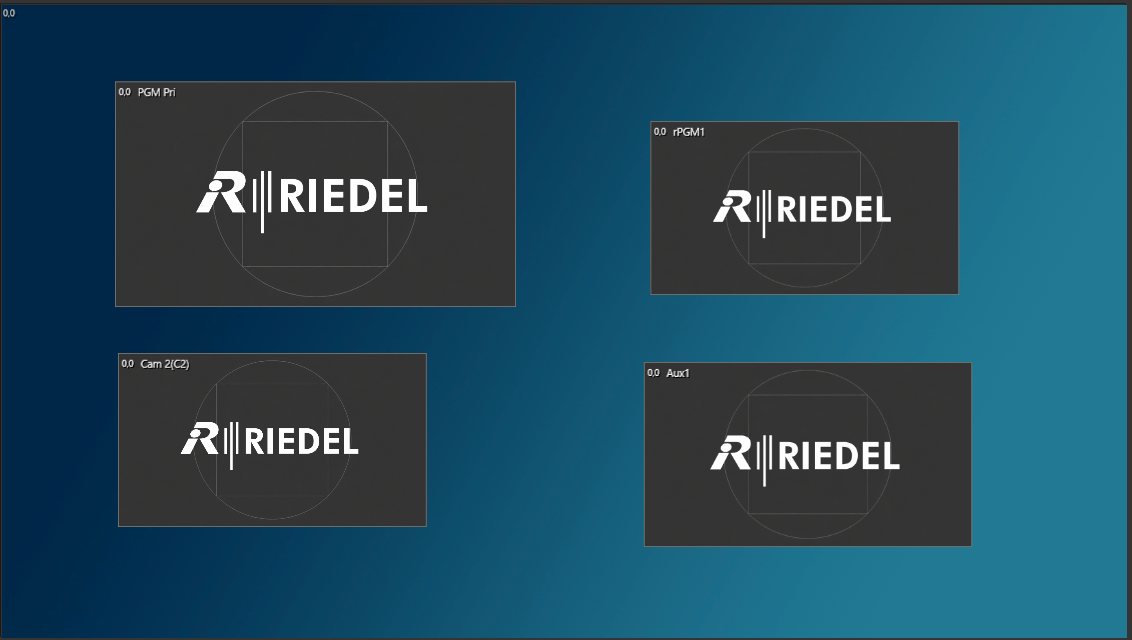
Creation Window
Drag and drop inputs or internal channels here. Then position, scale or crop each one to set how it appears on output.
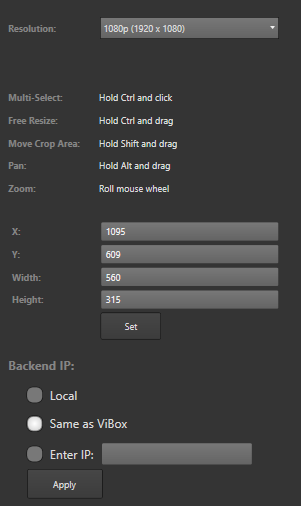
Modification Column
Set the exact size of each PiP video or position it with X/Y coordinates.
Inputs / Internal Channels Row
Shows every video input to the server, plus the internal recording channels.
Turn on Show Preview to see live video from each source while you build your PiP.

During live production, close the PiP Tool or turn off “Show Preview”. Sending the video sources to the PiP Tool takes a lot of processing power.