
Lever-Key Functions
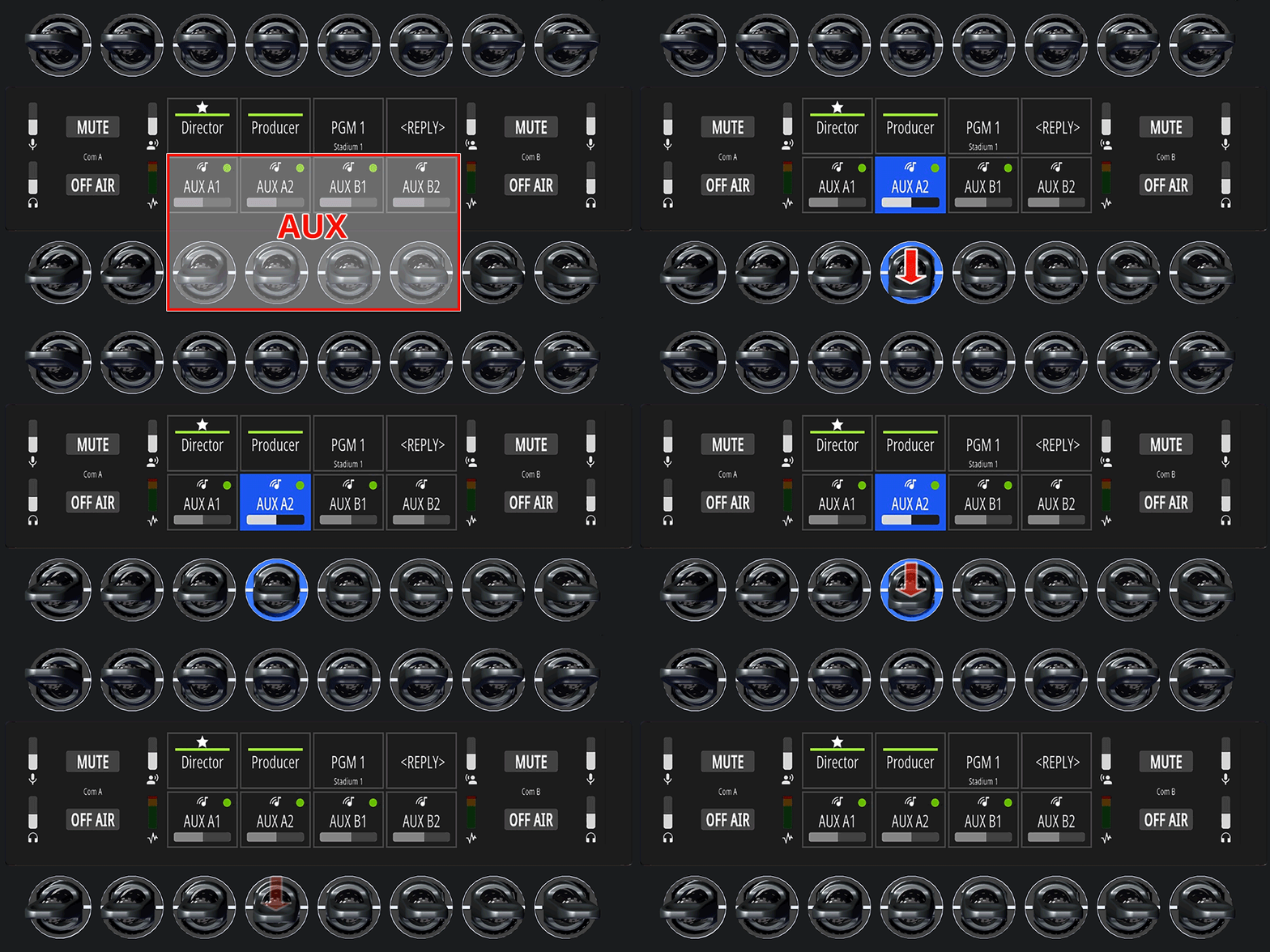
In Single Commentator Mode, 4 AUX channels are available in the center of the lower row.
In Dual Commentator mode, there are also 4 AUX channels available in the center of the lower row, with the two left buttons (AUX A1/2) assigned to Commentator A and the two right buttons (AUX B1/2) assigned to Commentator B.
A green dot in the upper-right corner indicates that an audio signal is present in that channel.
Activate AUX in the Headphone mix
-
Press and release the respective
AUXkey downwards. -
This function remains active until the key is pressed again (latching).
The AUX indicator on the display and the LED rings turn blue (can also be set to pink, red, green or purple in the SmartPanels Web Interface on the Commentary tab).
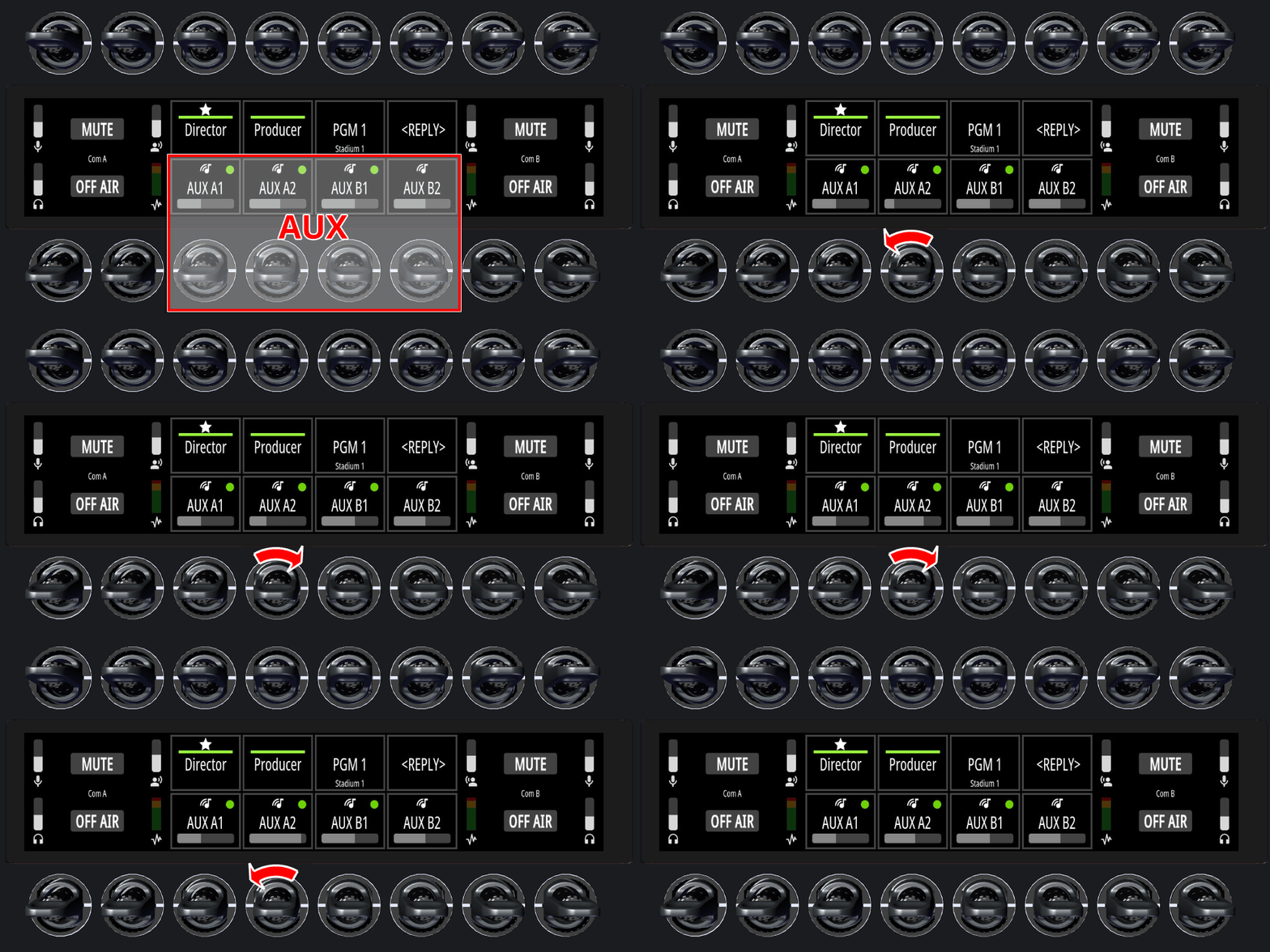
AUX Volume
-
Turn the respective rotary knob to adjust the AUX headphone volume.
The AUX headphone volume level is visualized by a horizontal bar in the key display.
The AUX volume cannot be muted using a key.
AUX channels can be hidden in the SmartPanels Web Interface on the Commentary tab. In this case, the respective channel is not available.