
Front view
There are no buttons on the front of the NSA-004A.
Rear view
The rear of the devices NSA-004A and NSA-005A is identical.
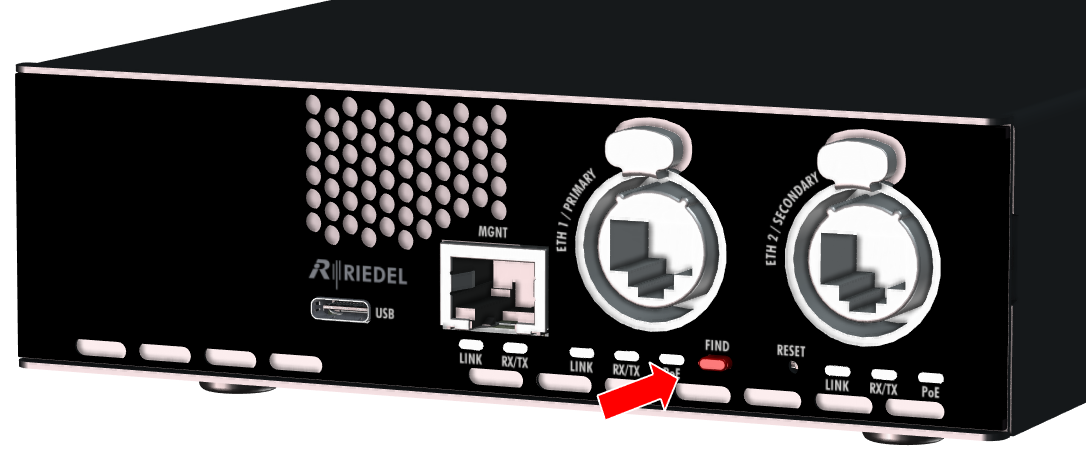
Find button
|
The left button between the primary and secondary Ethernet ports is used to locate the device.
|
|

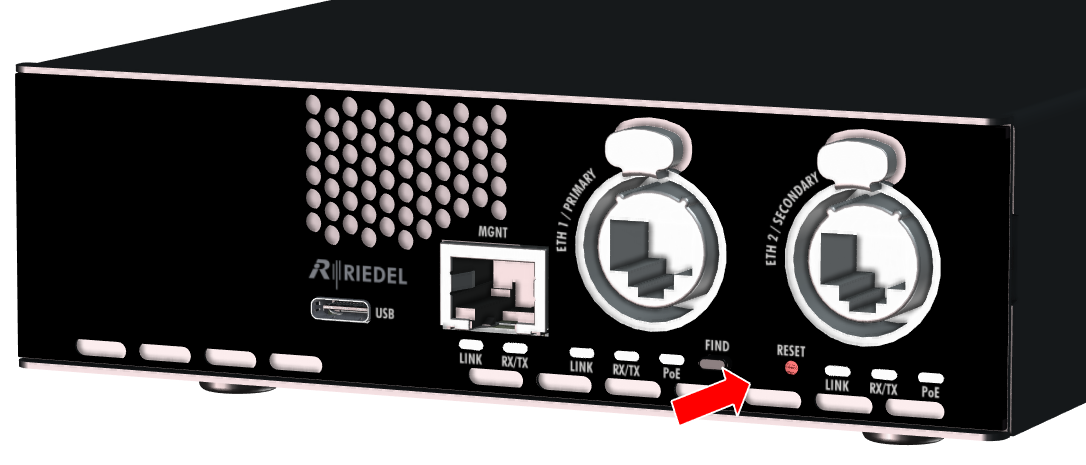
Reset button
|
The right button (pinhole) between the primary and secondary Ethernet ports is used to restore the factory settings (e.g. with a paper clip).
Pressing the reset button for 2 seconds resets the device to the factory settings. The device acknowledges the reset by flashing the "Link" LEDs (3× on/off cycles). |
|