
The Slomo module of SimplyLive allows operators to control the Riedel SimplyLive replay system efficiently.
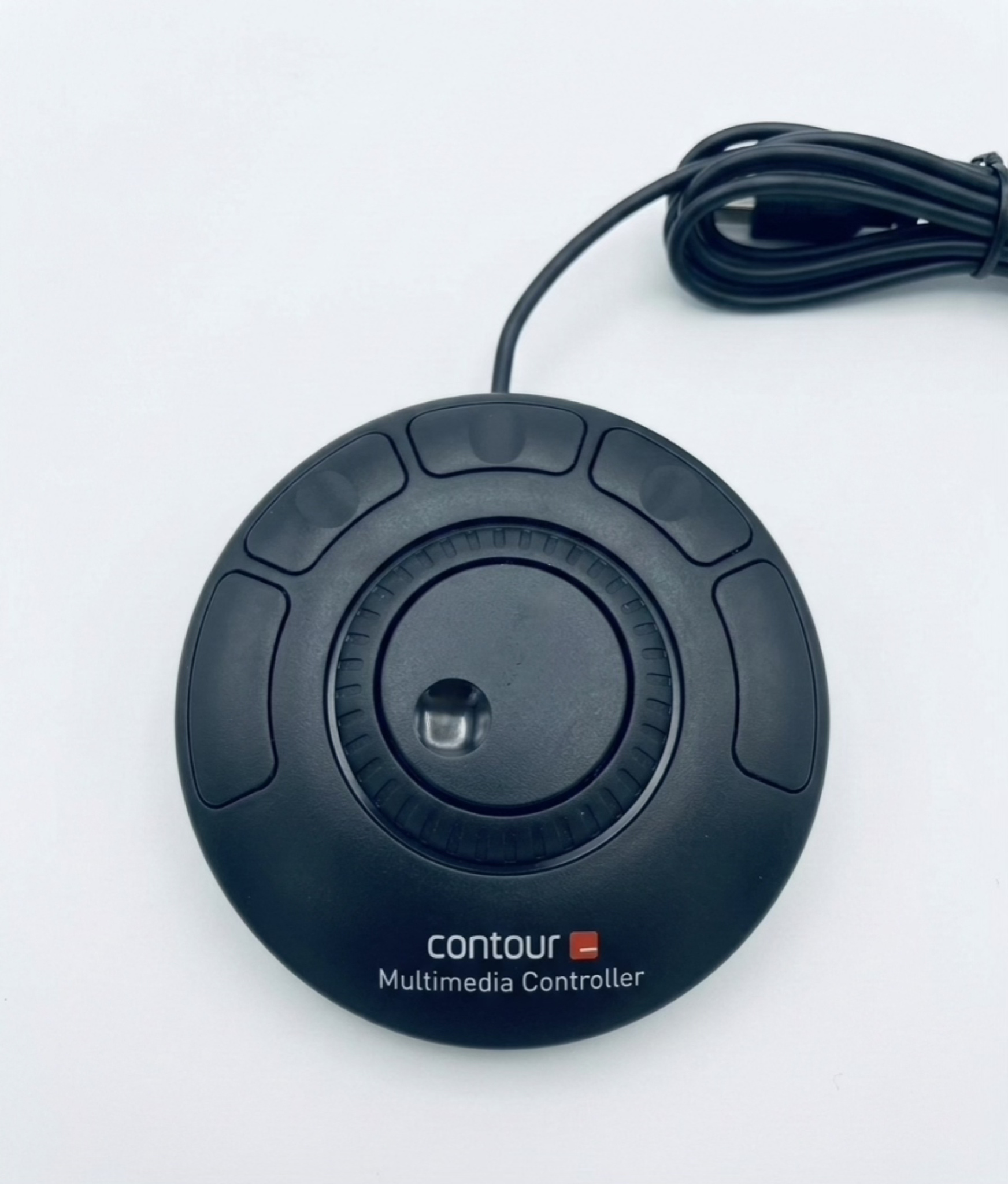
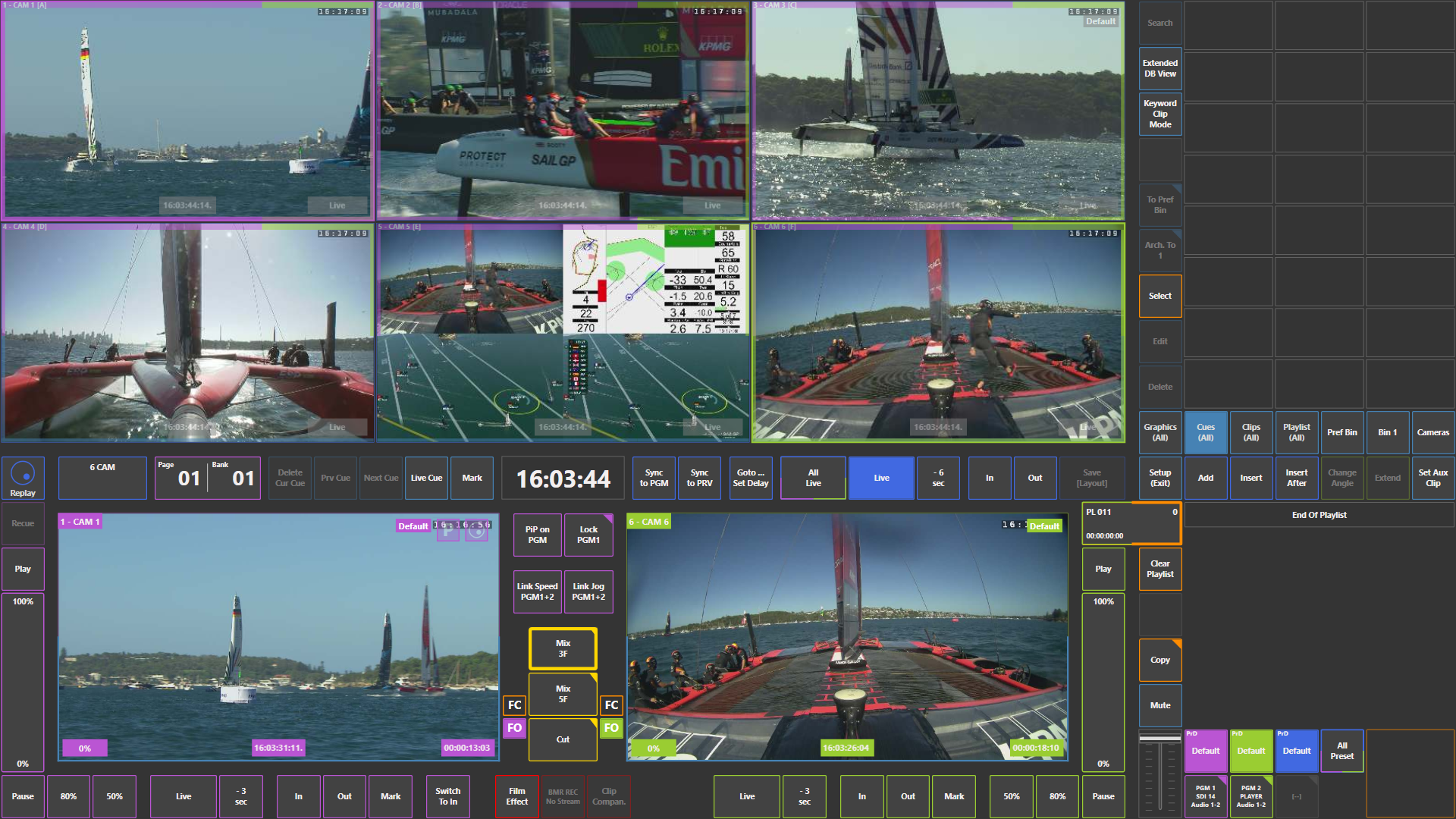
You can use what you already know from traditional replay environments — well-known concepts such as pages and banks, together with a standard replay controller. At the same time, SimplyLive introduces a groundbreaking touchscreen interface, which can also be combined with additional control devices such as the ShuttleXpress controller, allowing operators to work even faster and more intuitively.
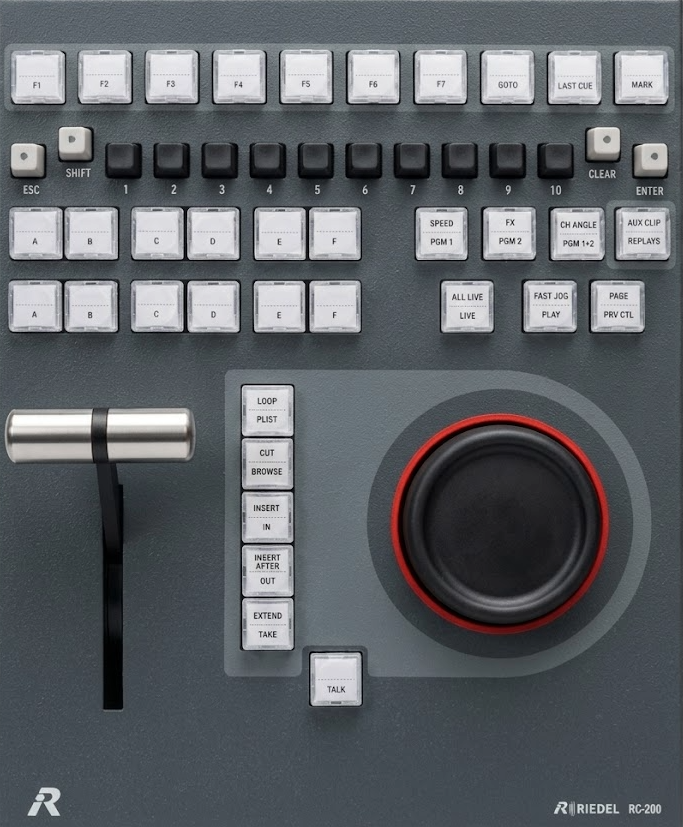
In this operating manual, we will guide you through the most important and essential steps needed to efficiently utilize the full power of the SimplyLive Slomo module.
One of the most remarkable aspects of SimplyLive is the touchscreen interface. From the moment you start working with the system, you will notice that the interface feels natural. The touchscreen interaction is designed to follow natural human movement, making the workflow intuitive and easy to understand.
Using only the touchscreen, operators can already perform professional replay operations, including creating replays, building highlights, and preparing playout sequences.
However, the real strength of SimplyLive appears when the touchscreen interface is combined with traditional replay controllers. Operators who are already experienced with other replay systems can combine the touchscreen workflow with a dedicated controller, allowing them to work extremely quickly when marking clips, creating highlights, and preparing playouts.
For even more control and efficiency, SimplyLive can also be combined with additional devices such as the ShuttleXpress controller, which can further enhance the replay workflow. With this device, operators can quickly mark IN and OUT points, save clips, and spool back and forth through camera angles — effectively rewinding and fast-forwarding recorded feeds with high precision.
The goal of this manual is to help operators understand how to combine these tools together to create a powerful and efficient replay workflow.
SimplyLive Slomo gives operators everything they expect from the best replay systems — but also much more.
Pro Tip
SimplyLive significantly expands the traditional replay workflow.
Instead of being limited to a small number of clip locations, the SimplyLive system allows operators to organize content across up to 100 pages, providing a large workspace for clips and replay material. This gives operators far greater flexibility when managing highlights during complex productions.
Another powerful feature is the ability to organize clips not only through pages and banks, but also through bins (folders). This folder-based structure makes clip organization more intuitive and allows operators to quickly locate important content during live productions.