
Operational Purpose
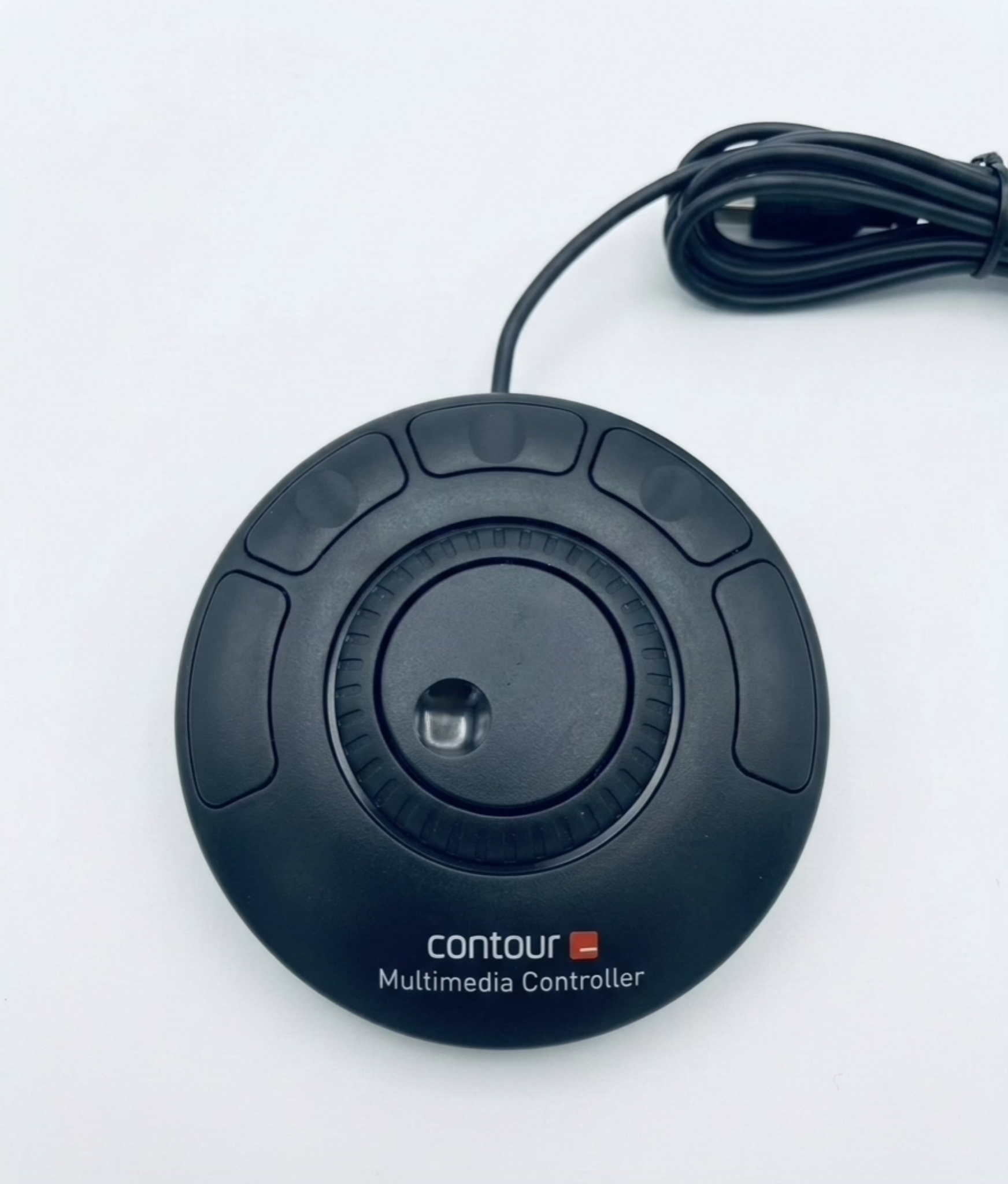
Shuttle Xpress is a compact control device that can be used within the SimplyLive SloMo module to simplify and speed up your replay workflow.
It provides quick access to essential operations such as marking, clipping, and navigation through the record train.
Why it matters in live production
In fast-paced environments, speed and precision are everything.
Shuttle Xpress allows you to:
-
React instantly to live action
-
Navigate quickly through multiple camera feeds
-
Create clips without interrupting ongoing playback
It acts as a lightweight alternative to a full replay controller, especially useful in compact or secondary setups.
How to use it
With Shuttle Xpress, you can perform the core replay operations:
-
Mark IN / OUT
Define clip boundaries at any moment during live or playback -
Save clips
Quickly store moments for immediate replay or later use -
Jog / Shuttle control
Navigate frame-by-frame or at variable speed through the record train -
Browse content
Move across inputs (cameras) and outputs to find the exact action
This aligns with the standard replay workflow where marking and browsing are done on active channels controlled by jog functions
Pro Tip
Use Shuttle Xpress as your dedicated browsing and clipping tool, while your main controller focuses on playout (PGM1 / Preview / Program 2 (PGM2)).
This separation dramatically increases efficiency during high-pressure productions.