
The 1200 SmartPanel series offers two different ways of operation:
-
Talk/Listen
-
Talk/Mute
The desired mode can be set in the Director software (panel properties > UI Config tab):
right-click on the respective SmartPanel > Properties > UI Config tab > Panel operation mode.

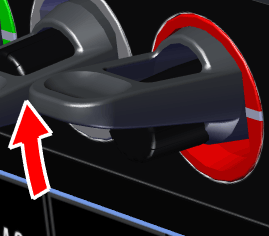
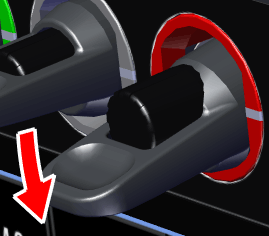
The following table shows the function of lever keys in both modes:
|
Lever Direction |
Talk/Listen |
Talk/Mute |
|
|
up (latching only) |
|
Listen to outgoing audio (Talk) on a remote panel (monitor remote panel) |
Mute the incoming audio signal |

|

|
||
|
down (auto, momentary and latching) |
|
|
|

|

|
||