
This tab displays general information about the interfaces and their status LEDs.
Depending on the device type, the corresponding interfaces are displayed.
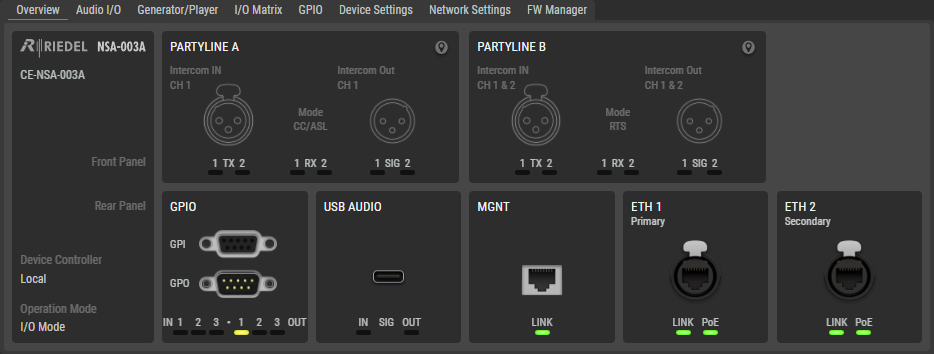
-
No interfaces can be selected and configured in this view, but double-clicking an item opens the corresponding page directly.
-
The status LEDs correspond to the actual status as displayed on the device:
-
The USB audio status is only visible in the web interface. There are no LEDs on the device for this interface. (Not available for NSA-010C)
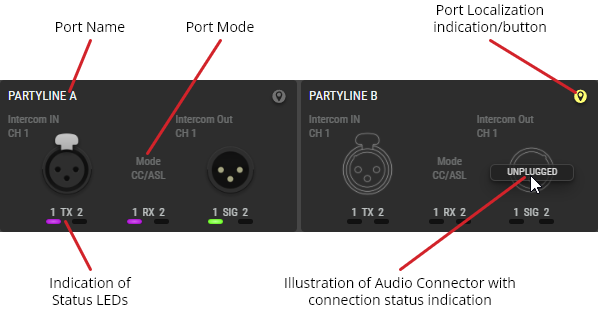
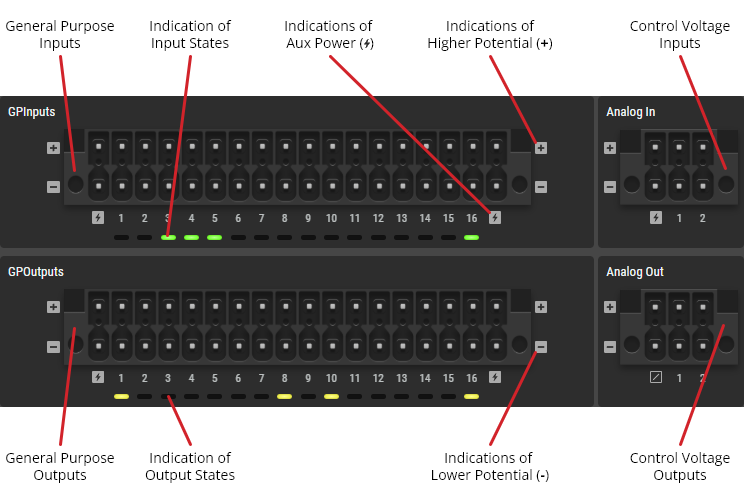
Connector Illustrations
Partylines
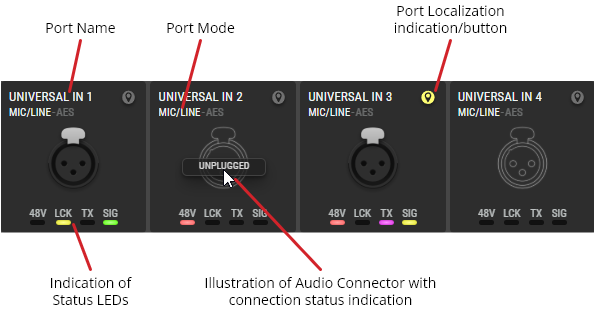
Universal Inputs
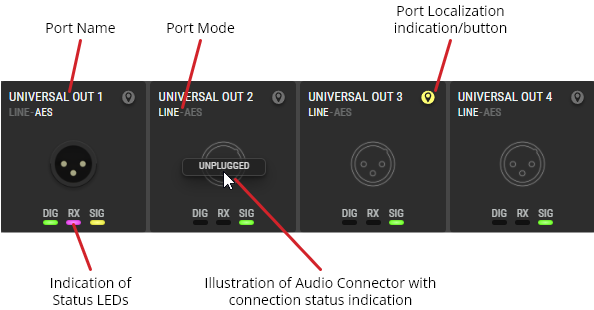
Universal Outputs
GPIOs
Localization Function
Clicking the 
The localization function is also possible for the entire device by flashing all status LEDs of all interfaces of the NSA (-> Web Interface > Locating).
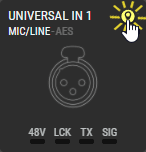
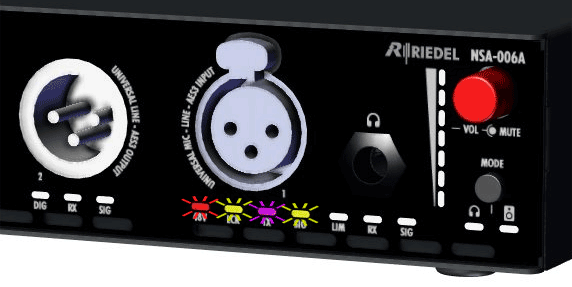
Localization Function (e.g. NSA-006A: Universal Input)
Connection Detection Function
The connection detection function shows whether a plug is inserted into an audio socket (Partyline A & B, Universal In & Out, Headphone Out) or not. If an audio socket is not in use, Unplugged appears when the mouse hovers over the corresponding audio socket and the interface is displayed as a line drawing.
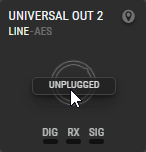
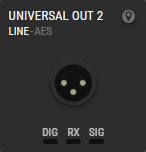
Connection Detection Function (e.g. NSA-006A: Universal Output)