
BMR allows you to save your settings to a file for later use.
This is useful whenever you have modified codecs, wrappers, chunking settings, destination paths, or other configuration values and want to keep that setup ready for future productions. The saved file is small, so it can be stored easily, copied to a shared drive, saved on a USB stick, or even sent by email to another user, who can then load it onto their server.
-
To save the current setup, open the Tools button and select Save All Setting.
-
To load a previously saved setup, open the Tools button and select Load All Setting.
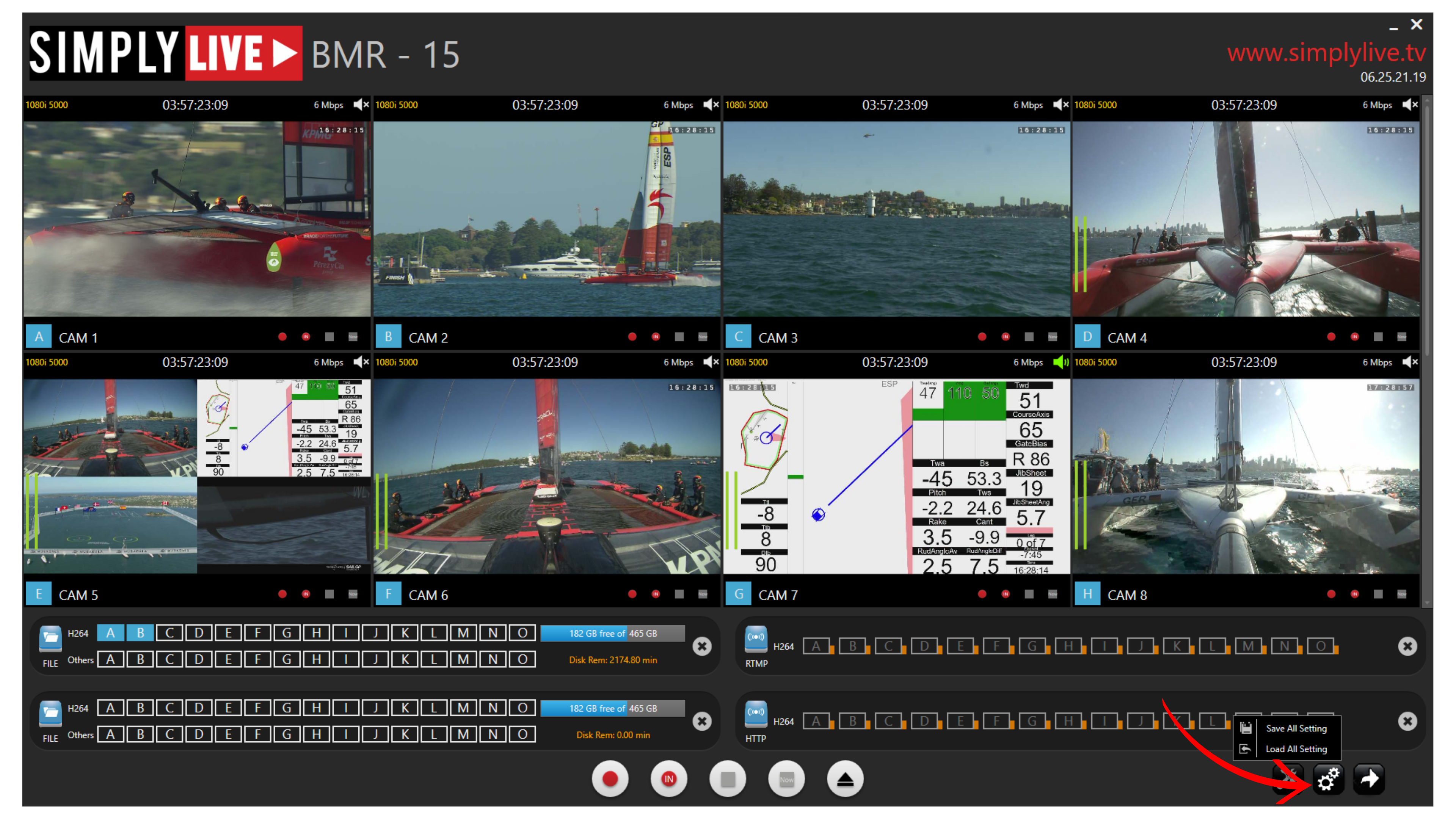
This gives you a quick way to restore a known configuration without setting everything again manually.
Info
Saving settings stores the current BMR configuration in a file, making it easy to move the same setup to another system or restore it later when needed.
Pro Tip
Keep a copy of your saved settings on a shared drive, in your email inbox, or on a USB stick so they are always easy to load when needed.