
BMR allows you to define the destination path for each stream container individually.
Each container can be assigned to a different target location, depending on your workflow. This makes it possible to send different recordings or streams to different destinations from the same interface.
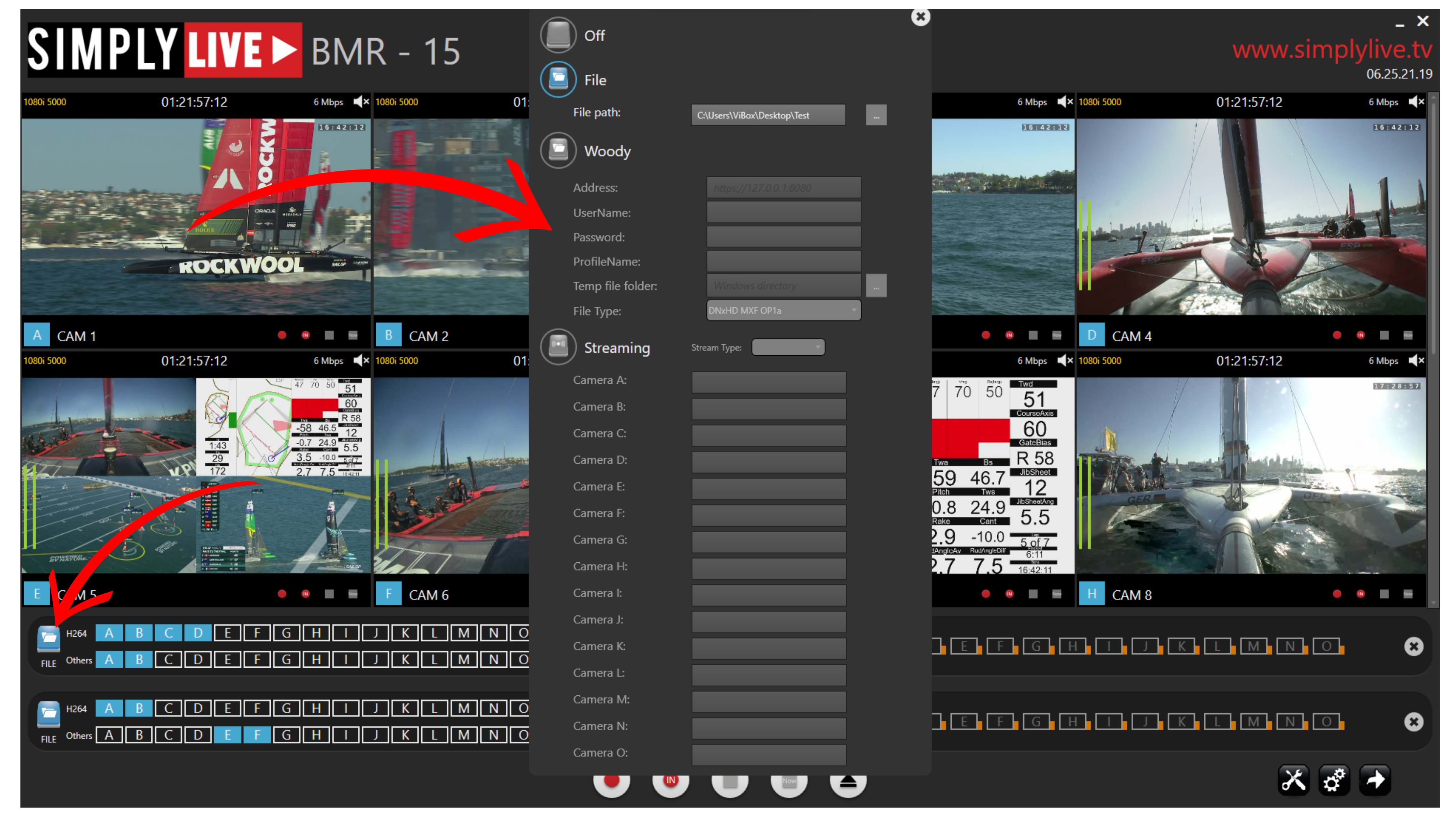
To set up a stream destination, open the required container by pressing its File button.
This opens the destination configuration window, where you can define the output path and adjust the required destination settings for that container.
From this window, you can configure:
-
the file path
-
the destination type
-
the stream type
-
the target parameters for the selected output
This gives you direct control over where the selected stream or recording will be delivered.
Info
Each stream container can be configured independently, so different containers can send their outputs to different destination paths at the same time.
Pro Tip
Set up all required destination paths before starting the recording or stream. This helps avoid delays once production is already underway.