
XPort can also handle archive tasks during production.
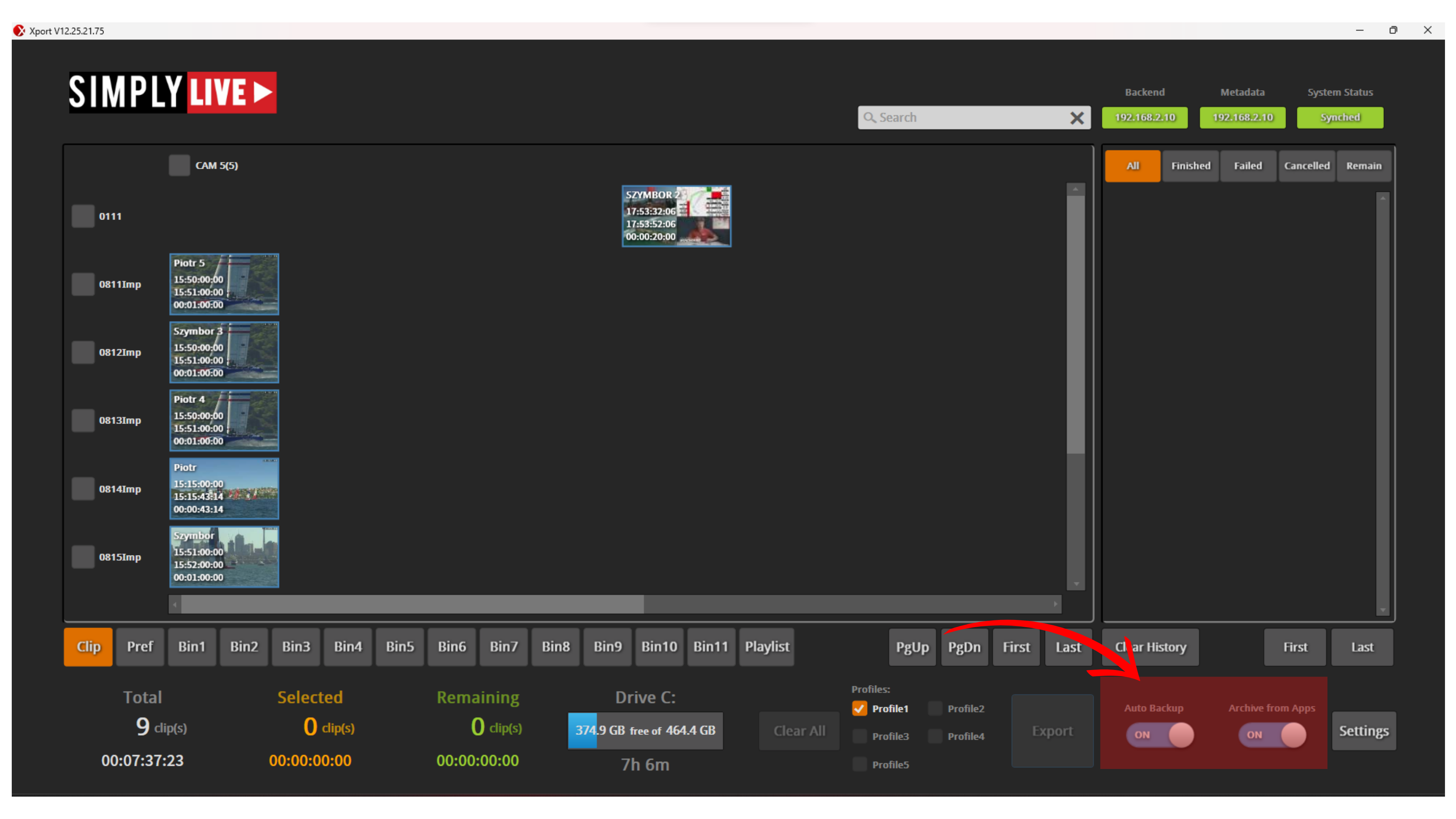
Autobackup allows clips to be exported automatically based on predefined rules.
This is useful for:
-
archiving clips during production
-
automatic backup
-
longer productions where important clips need to be sent out as they are created
Archive from Apps allows archive actions to be triggered from the application interface or from the Archive button on the remote controller.
In a typical production, this means the operator can manage archive actions without leaving the operating environment.
As clips are archived, their status is shown directly in the clips area through status icons.
This gives immediate feedback on archive progress while production continues.
Pro Tip
Try to automate part of your work by keeping Autobackup enabled and assigning archive actions to programmable keys or F-keys on the remote controller. This helps unload some of the workload, makes reactions more immediate, and lets you stay focused on live production.