
XPort is the archive and export application inside SimplyLive Production Suite Flex.
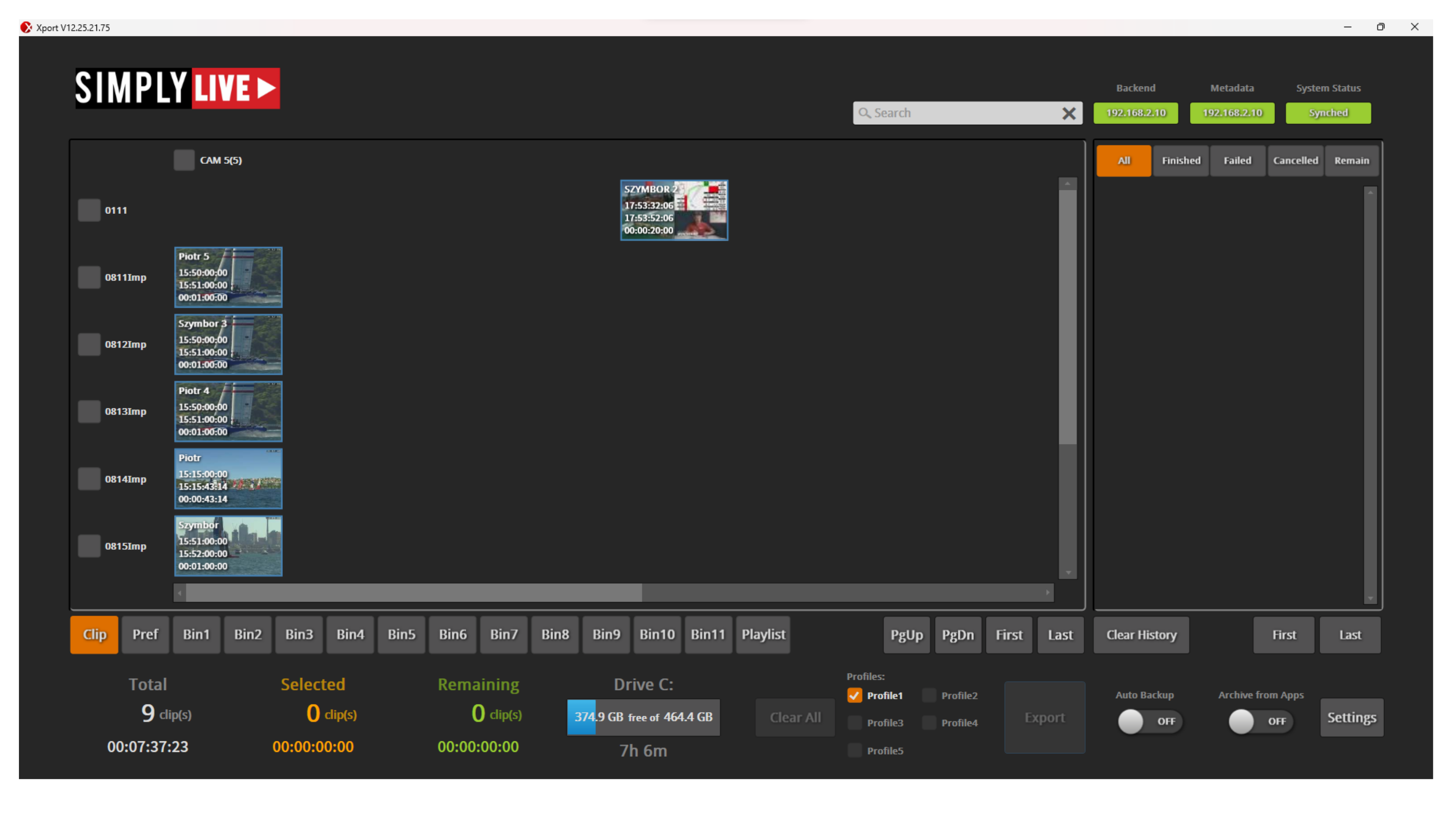
It allows you to export clips from the server into shared folders, external storage, or back into the system for immediate use.
This includes:
-
clips
-
playlists converted into a single file
-
automatically archived content during production
The goal is simple: take content from the server and move it exactly where it is needed, without slowing down the production.
Why this matters in production
Export is not something that only happens at the end.
It is often part of the live operation.
The moment a clip is ready, another team may already need it:
-
post-production
-
editorial
-
social media
-
archive
XPort allows you to send that content out immediately while staying in the flow of the production.
A common example is exporting a playlist from Slomo, turning it into one file, and making it available again for immediate playout.