Moving Playlist Elements
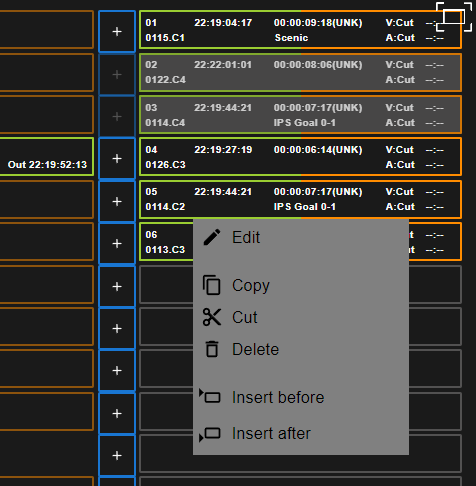
In order to move clips around in your playlist, you need to use the “Cut” and “Insert Before” or “Insert After” functions.
Right click the element(s) of the playlist you want to move.
Click “Cut” and then right click again where you want to relocate the playlist elements to and press “Insert Before” or “Insert After” depending or where you want to place them.
Rename Playlist
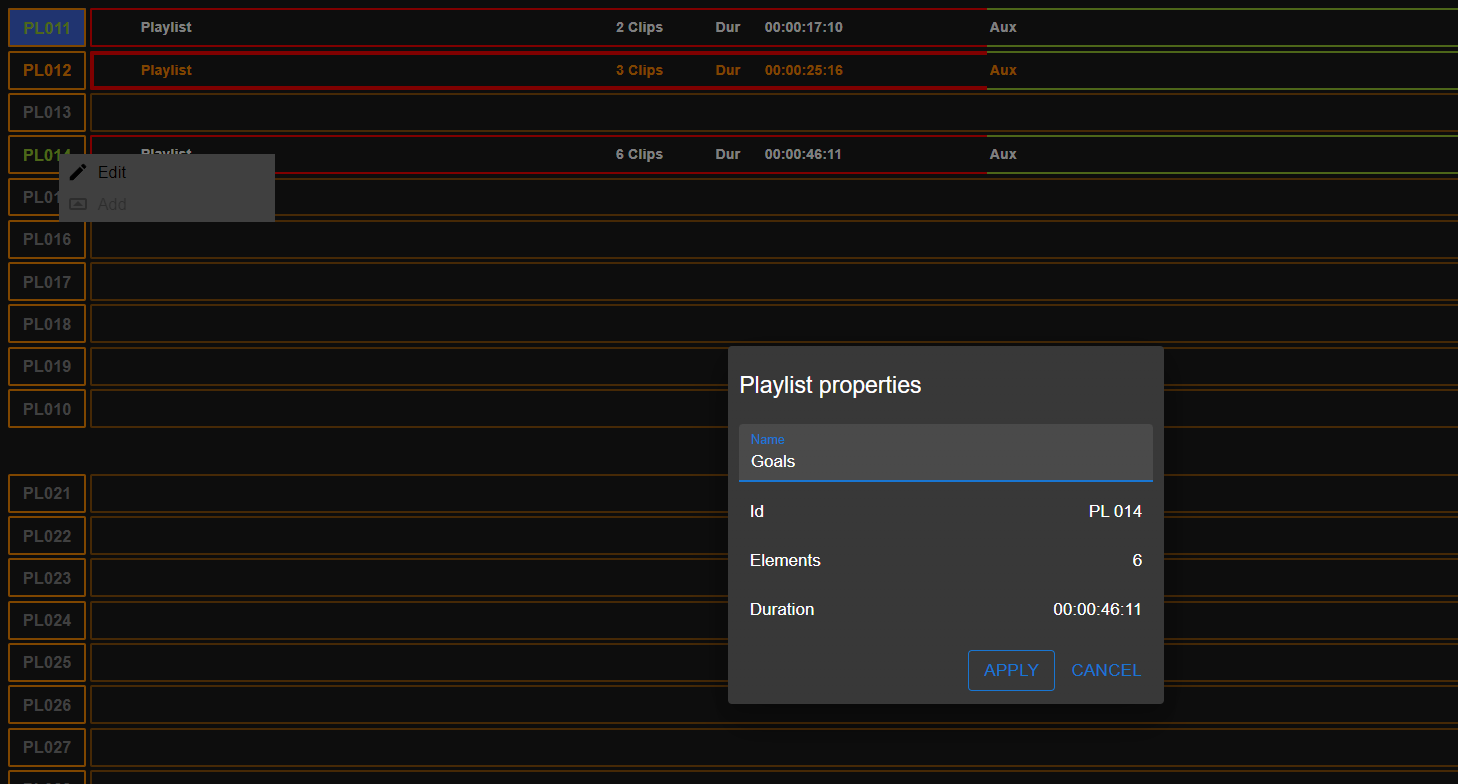
To rename a playlist, you need to navigate to the Playlist bank (ALT > 0) and you can right click the Playlist ID.
The Playlist properties window will pop-up and you can give the playlist a name.
Apply these settings.