
Search for any clip within the system by clicking on the search button along the bottom row or by pressing “F8” on the keyboard.
Once the window opens you can search for clips based on the following criteria:
-
Name or ID of the clip
-
Timecode
-
Date range
-
Keywords assigned to the clip
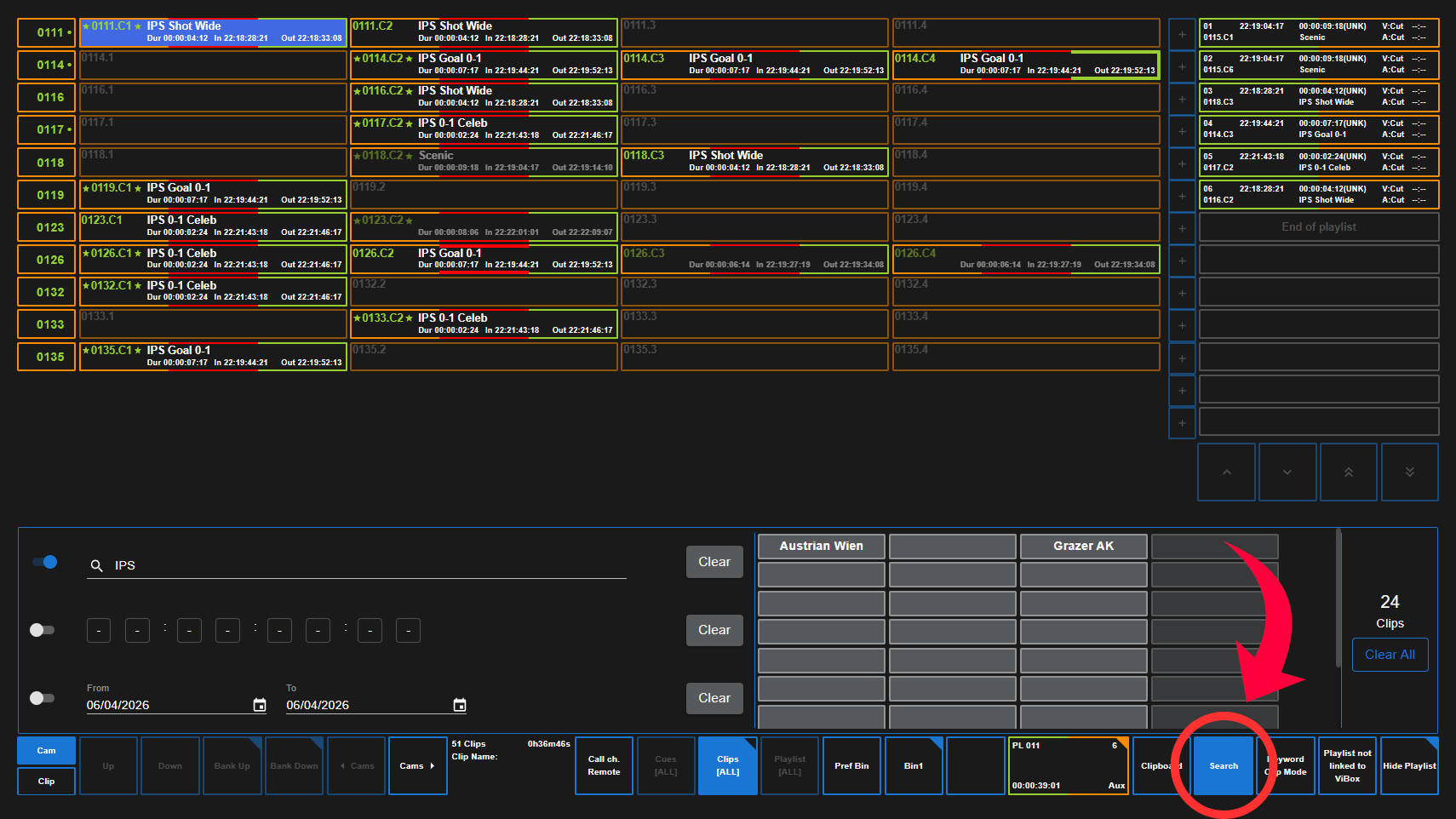
Make sure the search field is “Enabled” or “Disabled” by toggling the icon beside it.
You have the option to clear all search parameters on the right side of the Search window.
You can enable multiple search ranges at the same time to narrow down you search.