
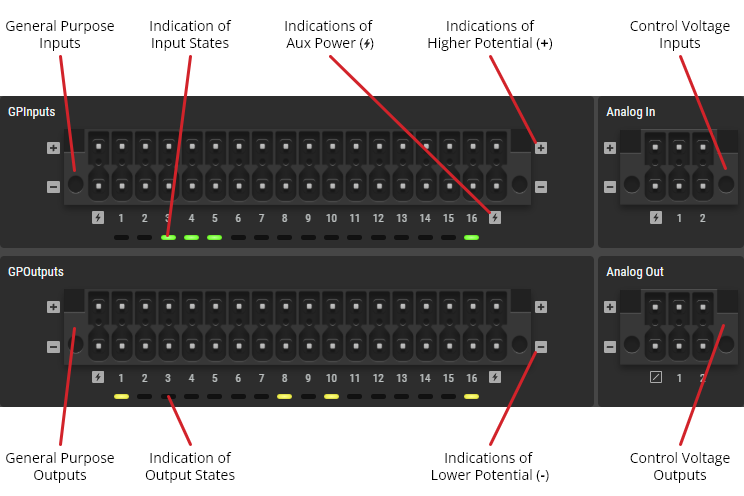
This tab displays general information about the interfaces and their status LEDs.
Depending on the device type, the corresponding interfaces are displayed.
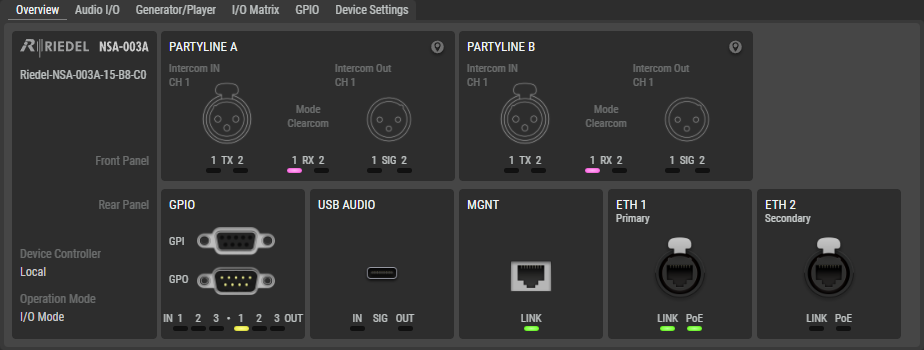
-
No interfaces can be selected and configured in this view.
-
The status LEDs correspond to the actual status as displayed on the device:
-
The USB audio status is only visible in the web interface. There are no LEDs on the device for this interface. (Not available for NSA-010C)
Connector Illustrations
NSA-003A
NSA-004A
NSA-005A
NSA-006A
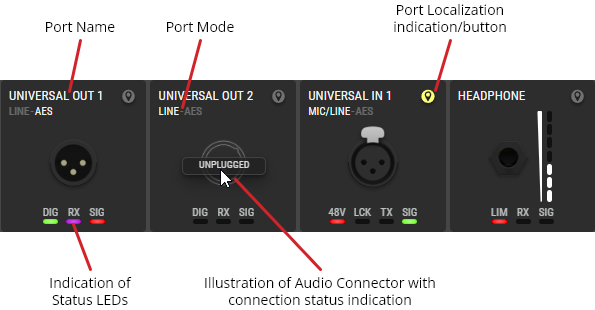
NSA-007A
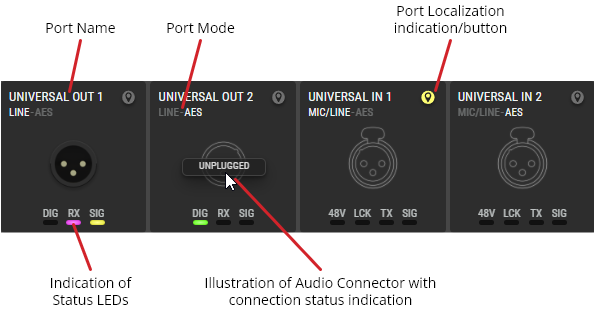
NSA-010C
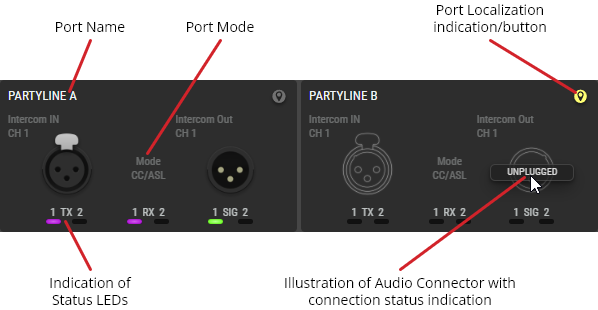
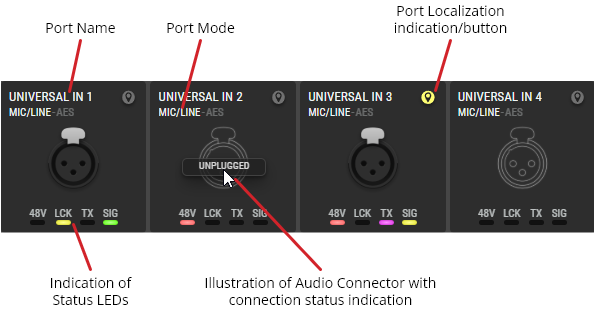
Localization
Clicking the 
The localization function is also possible for the entire device by flashing all status LEDs of all interfaces of the NSA (-> Web Interface #Locating).
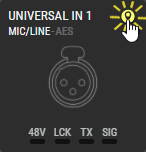
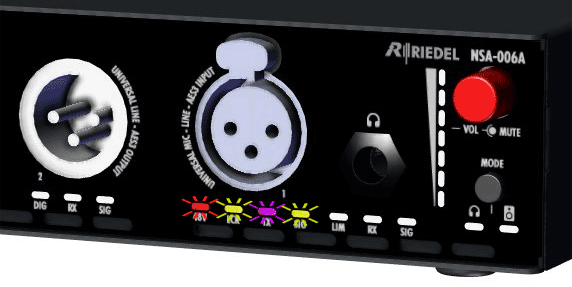
Localization (e.g. NSA-006A: Universal Input)
Connection Detection
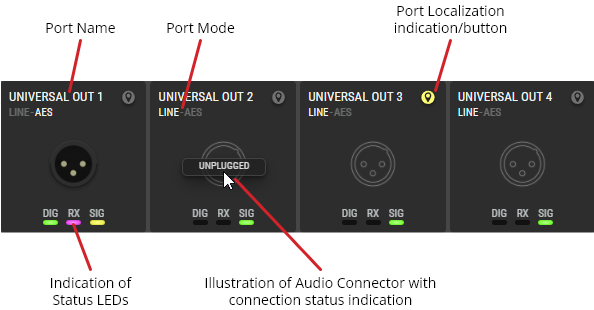
The connection detection function shows whether a plug is inserted into an audio socket (Partyline A & B, Universal In & Out, Headphone Out) or not. If an audio socket is not in use, Unplugged appears when the mouse hovers over the corresponding audio socket and the interface is displayed as a line drawing.
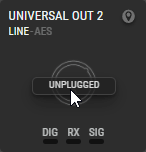
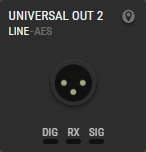
Connection Detection (e.g. NSA-006A: Universal Output)