
You can instantly move to any exact moment using timecode input.
To do this, press the Goto panel, enter the required timecode (for example, 18:45:00:00), and confirm.
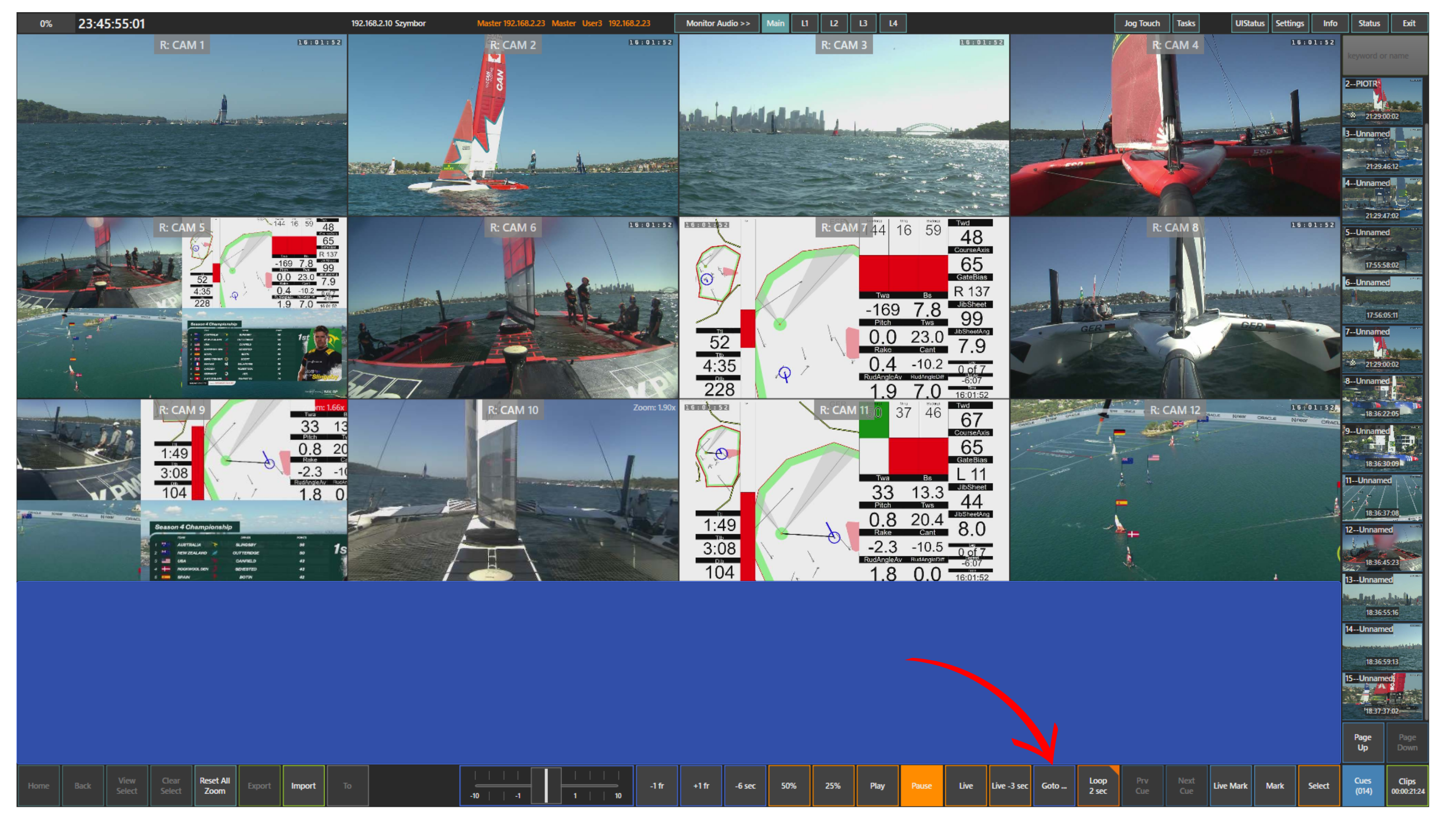
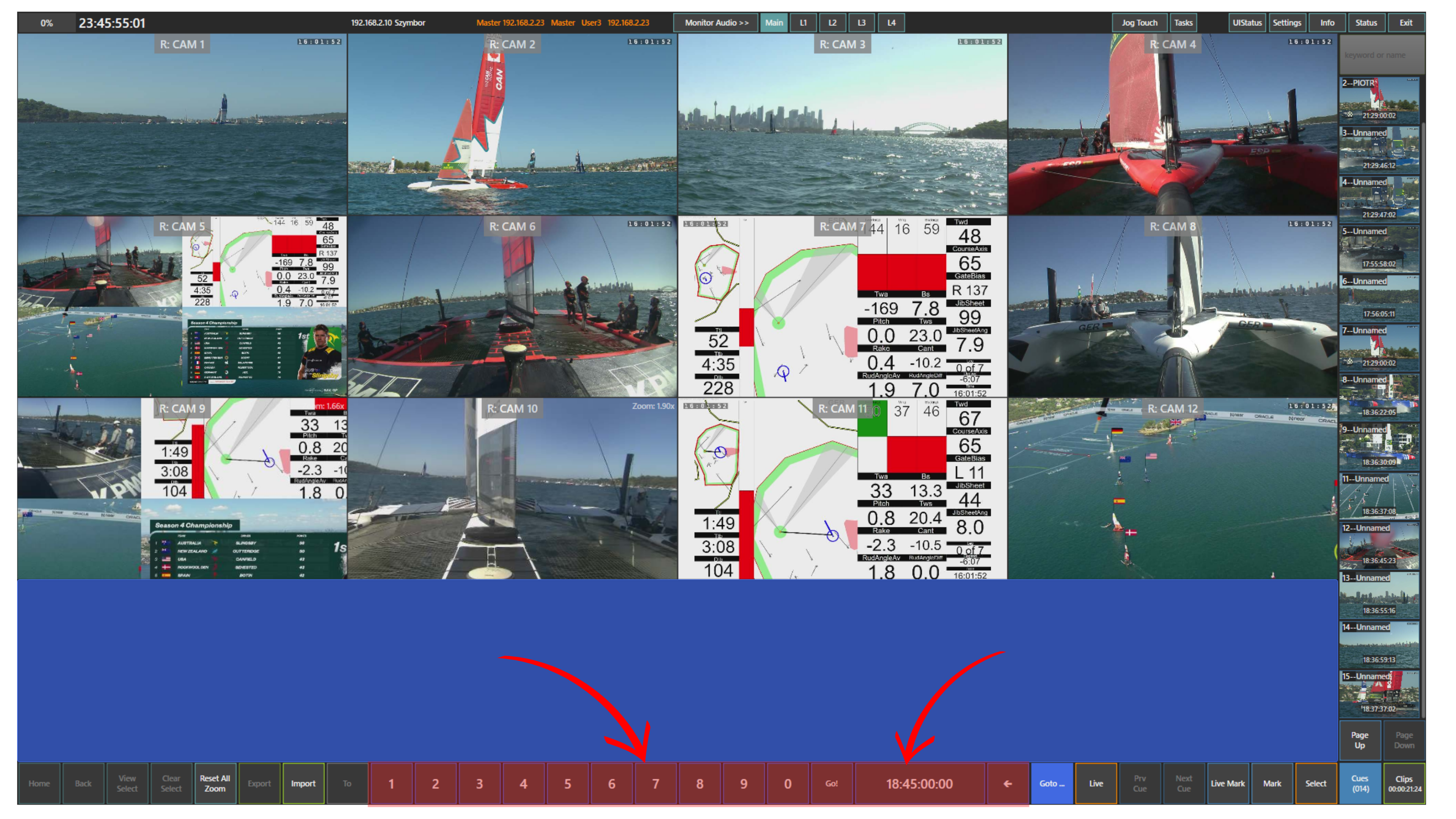
All camera inputs will jump to that exact point in time, fully synchronised and ready for review.
This allows you to immediately access a known moment without manually navigating through the timeline.
Pro Tip
Use the Goto panel when you know the approximate time of an incident. Instead of looking for it manually, jump directly to that moment and refine your position from there.