
If you need to review an action instantly without creating cues or clips, you can loop playback.
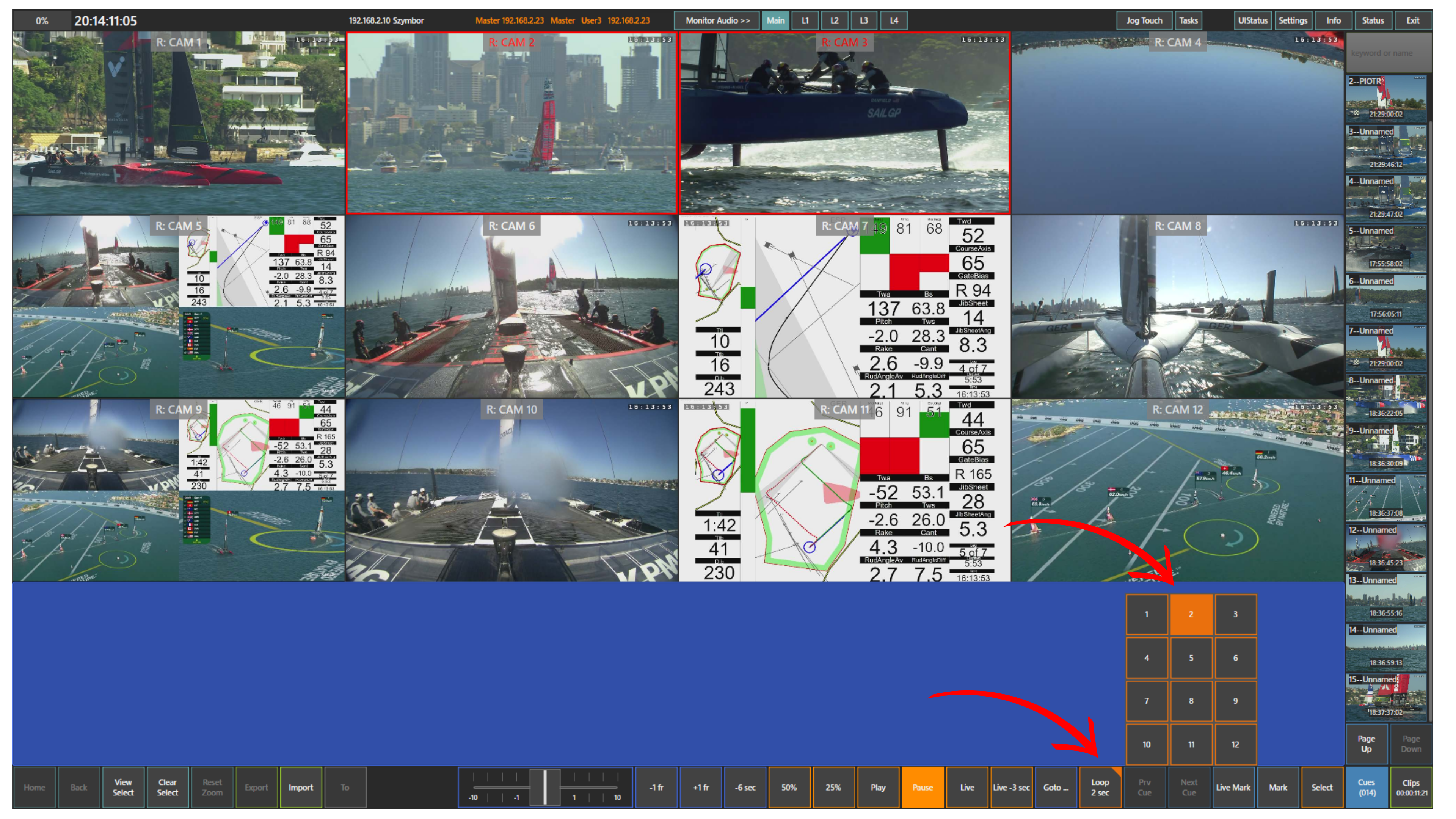
Press the Loop panel to start looping the recent action.
To access loop settings, press and hold the Loop panel. This opens the loop options, where you can define the loop duration and adjust how many seconds are included in the loop.
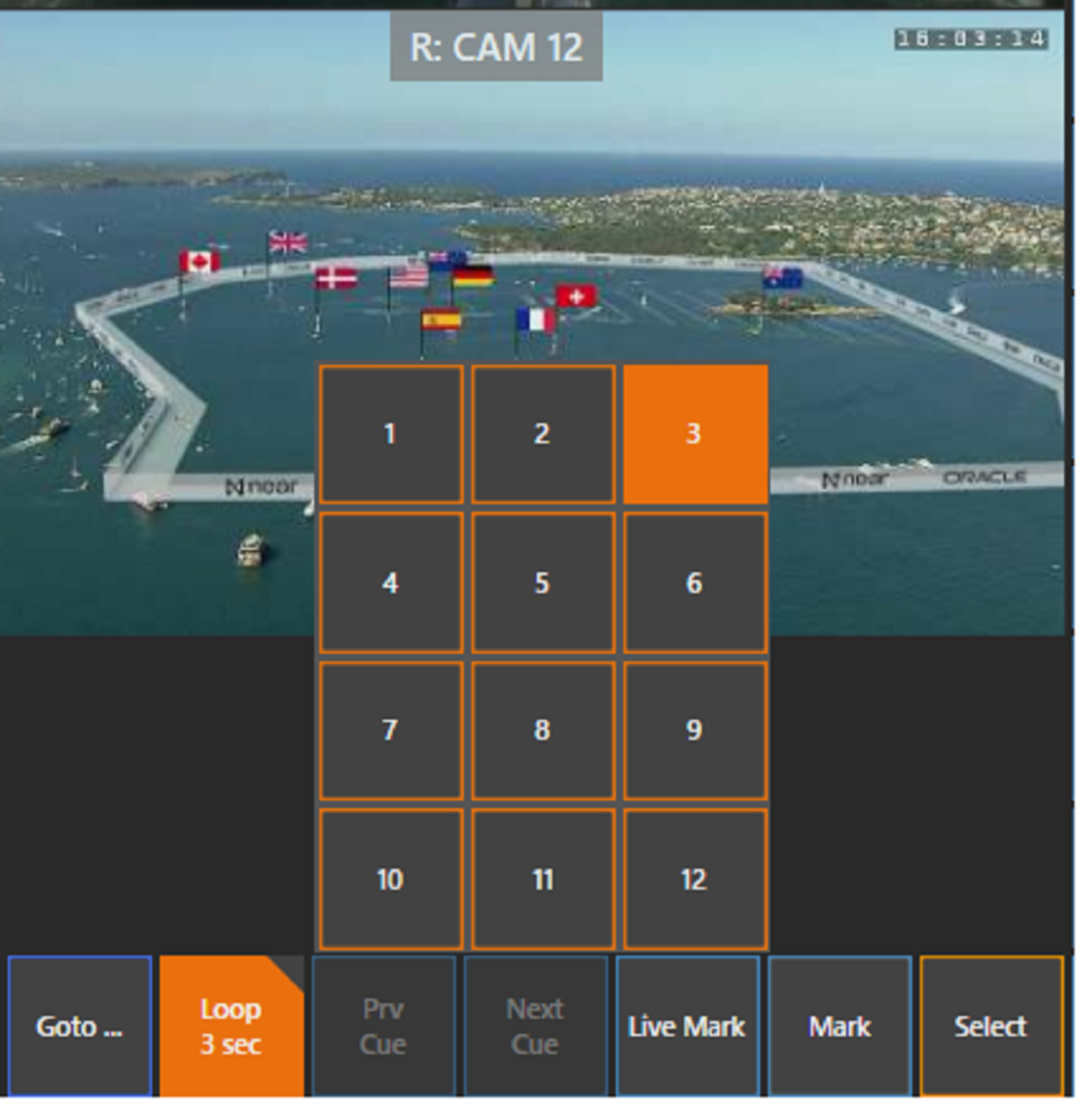
You can also select specific cameras to include in the loop. Tap the cameras you want, then press the View Select panel to open only those selected angles. The loop will then run on the selected cameras.
This allows you to focus on the most relevant angles while reviewing the action continuously.
Pro Tip
Use loop playback for quick review during fast actions when there is no time to create cues or clips.