
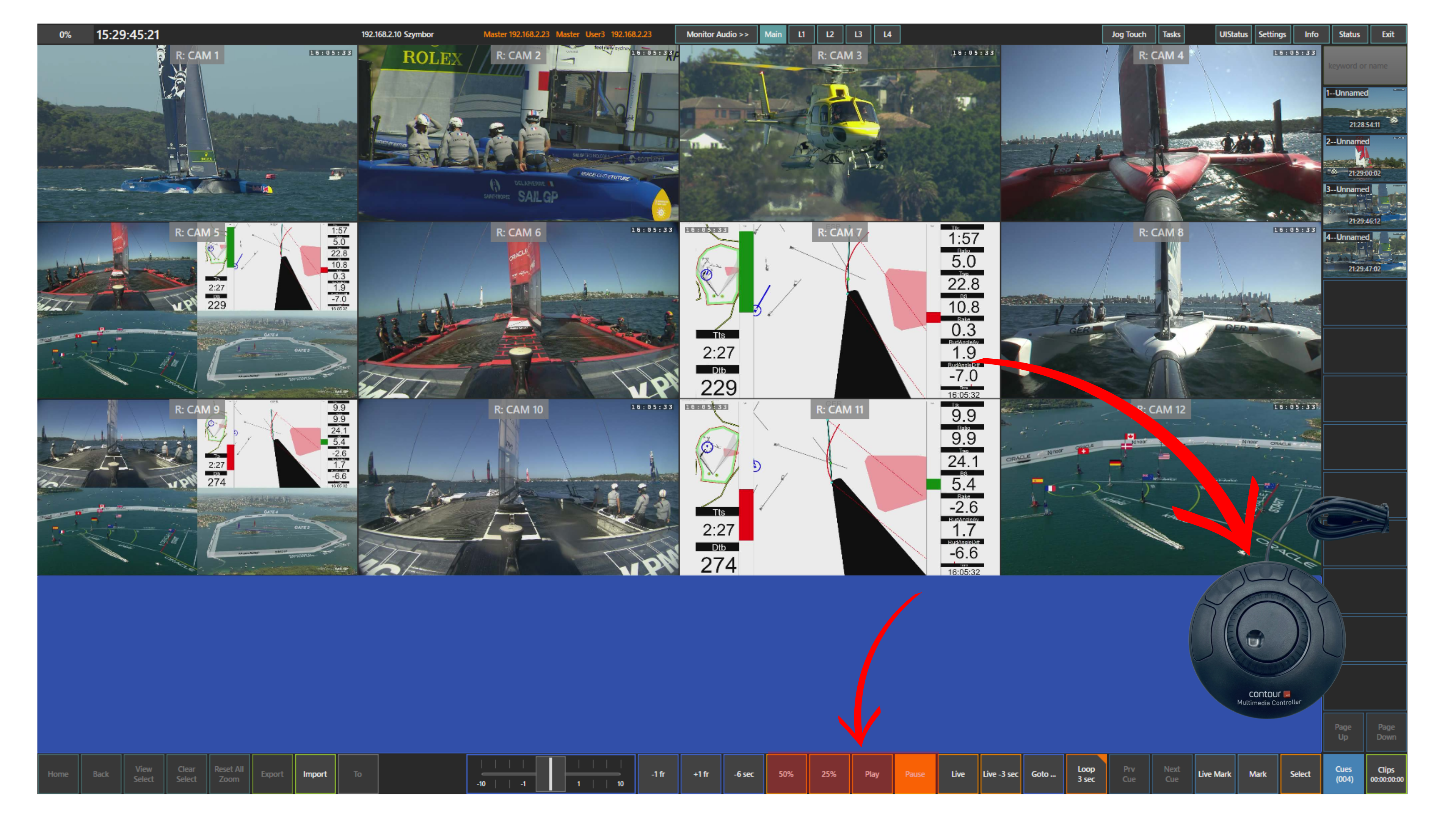
Once you have found the moment you want to review, you can use the playback controls located at the bottom of the screen.
By default, playback runs at 100% speed using the Play button.
You can also review the action in slow motion using the predefined speed buttons, such as 50% or 25%.
You can pause playback at any moment using the Pause panel.
These speed values can be configured in Setup → Prefs, allowing you to adapt playback to your preferred review workflow.
Pro Tip
For more tactile control, playback can also be operated using ShuttleXpress. This gives you another convenient way to control playback during review.