
In the Live module of SimplyLive Production Suite Flex, you can easily import external files directly to your server.
This allows you to quickly bring in additional content such as replay wipes, graphics, PiPs, or clips.
To import files:
-
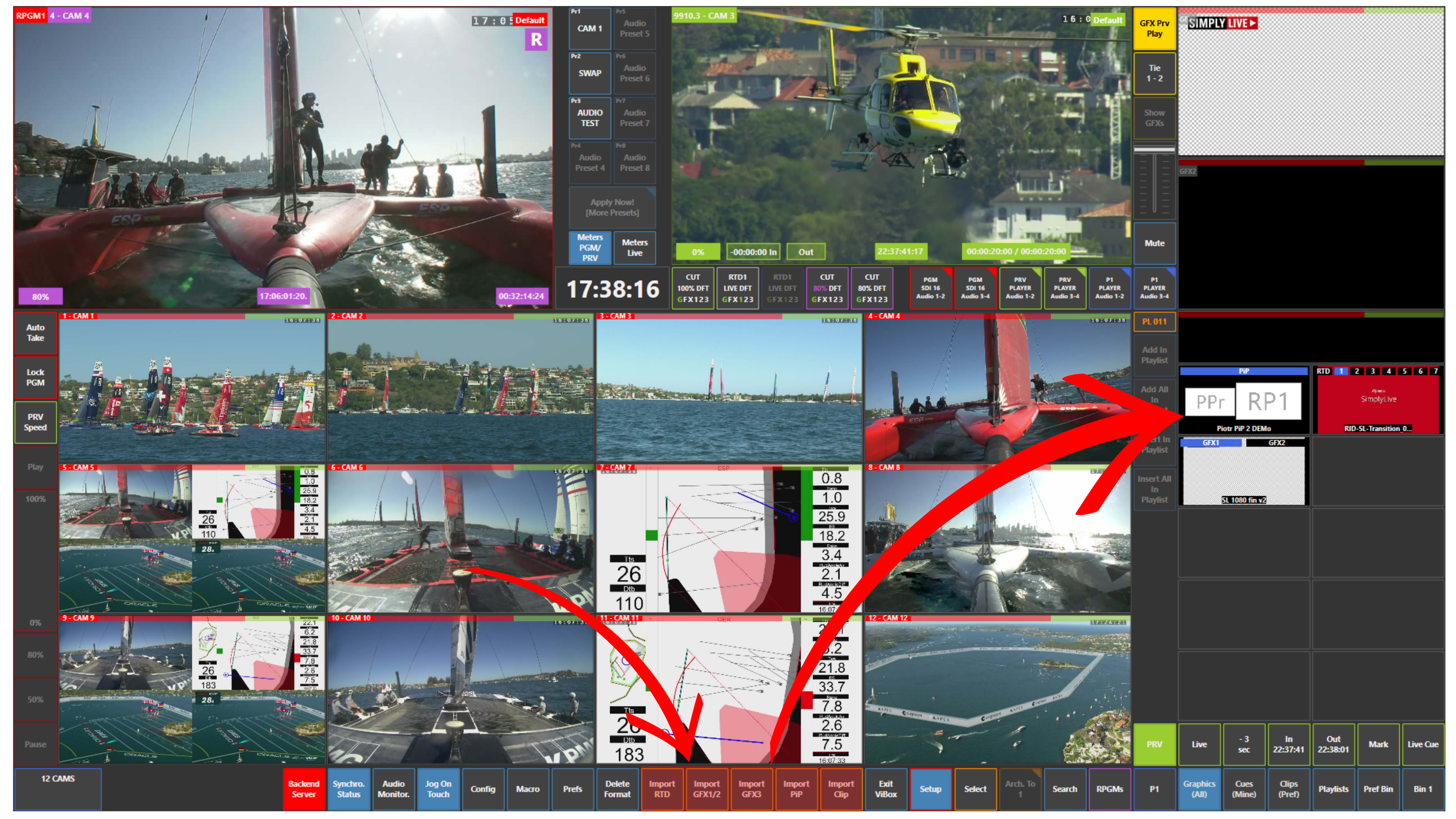
Use the buttons next to the Setup panel:
-
Import RTD (transitions / replay wipes)
-
Import GFX (graphics)
-
Import PiP (picture-in-picture)
-
Import Clip (video clips)
-
Simply press the appropriate button and import the file you need.
Pro Tip
Prepare your files in advance before the show, but remember that you can also import them during live production if needed.