
In the Live module of SimplyLive Production Suite Flex, Bins are a powerful way to organise your workflow and structure your content.
Bins allow you to organise your assets, such as clips, into different groups.
When working with a large number of clips, this helps you keep everything clean and easy to access.
For example, you can separate content into logical sections of your event and quickly switch between them during live operation.
Accessing Bins
-
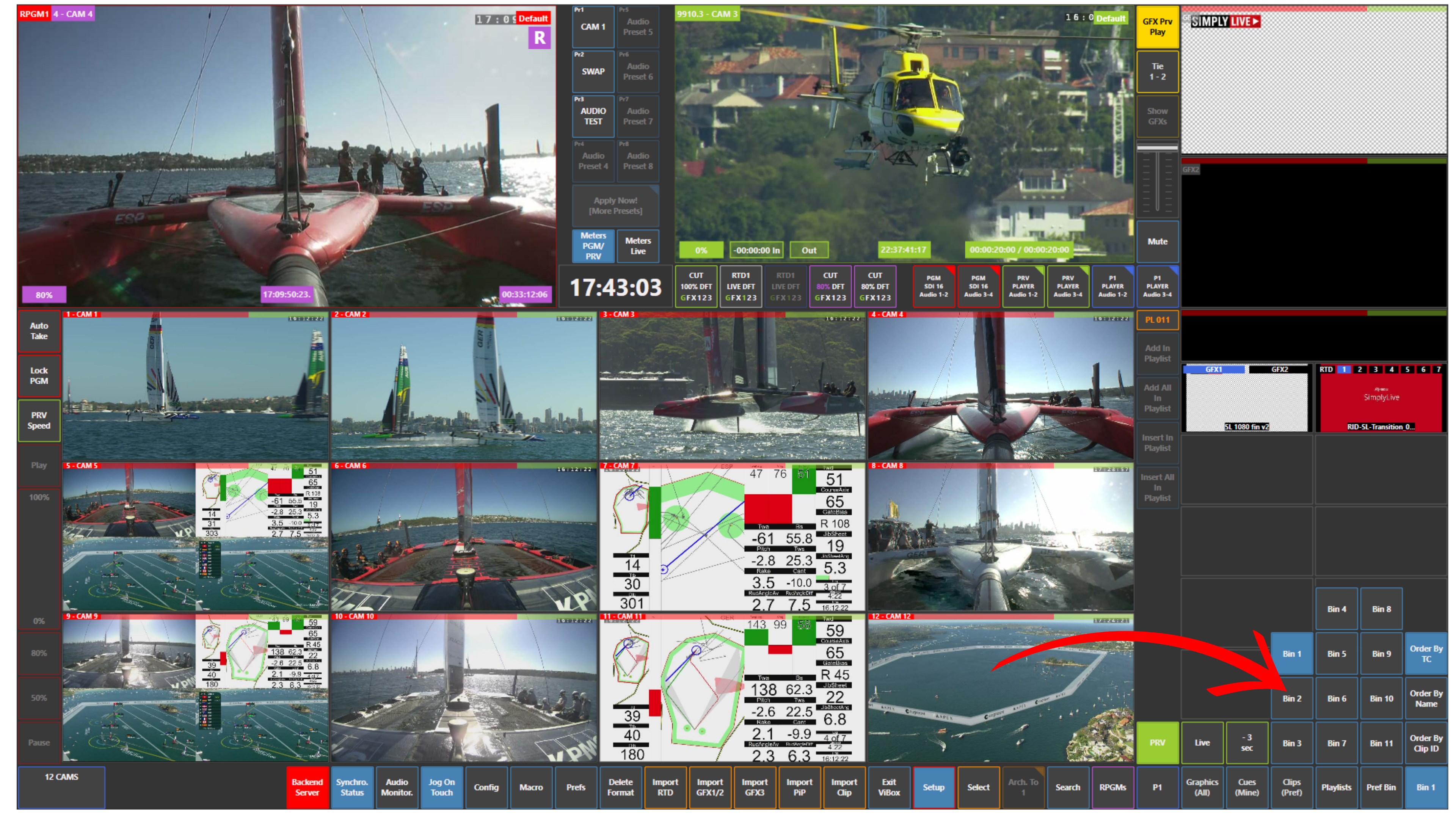
Open the Clips (Pref) panel
-
Select the desired Bin (Bin 1, Bin 2, etc.)
-
Your clips will be displayed according to the selected Bin
You can also sort clips using options such as:
-
Order by TC
-
Order by Name
-
Order by Clip ID
Bin Configuration
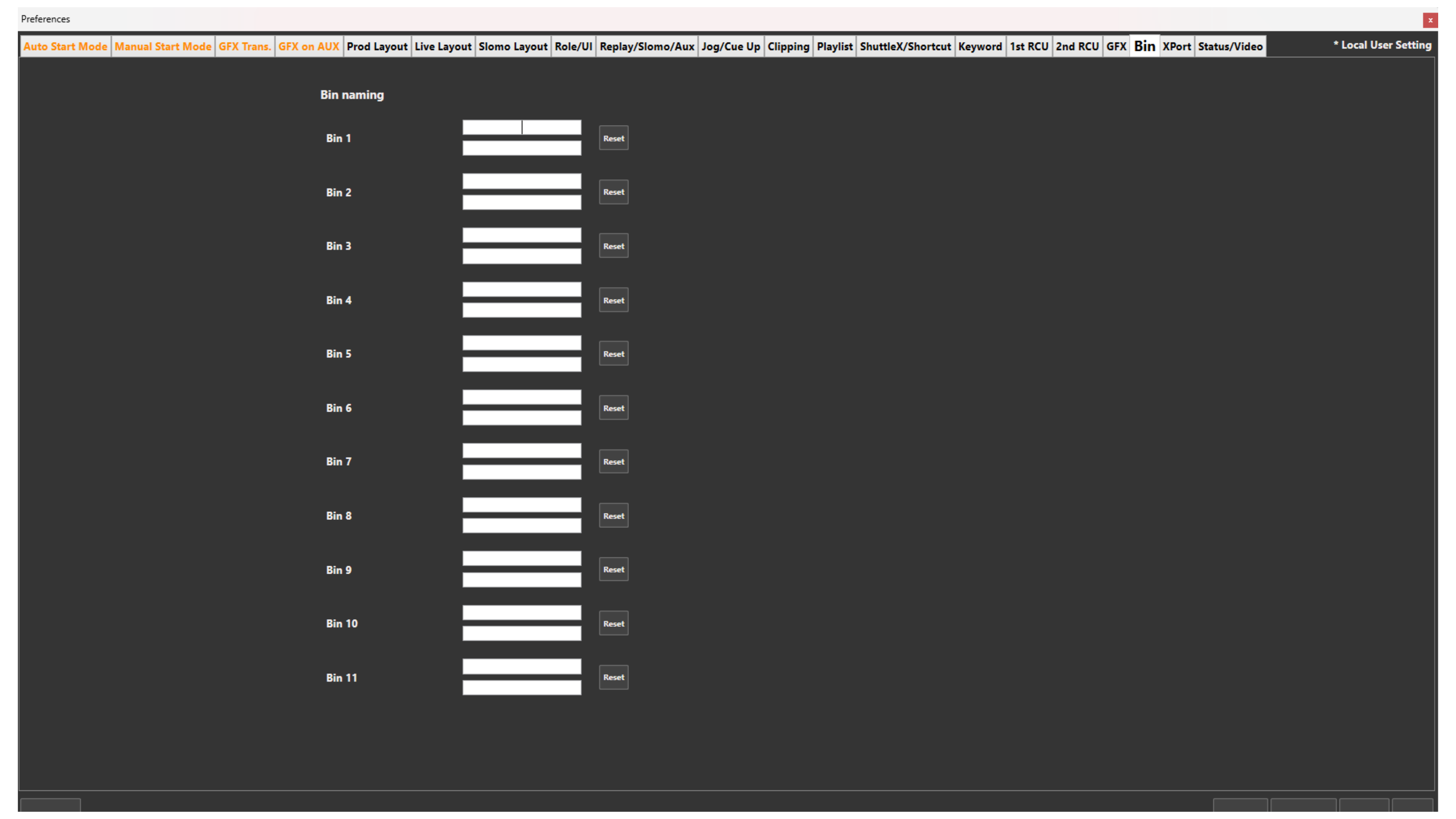
You can configure your bins in:
Setup → Prefs → Bin
From there, you can define and organise your bins according to your needs.
Pro Tip
Prepare your bins in advance to structure different parts of the event.
This makes navigation faster and reduces mistakes during live operation.
Pro Tip
SimplyLive Production Suite Flex allows you to store up to 9000 clips.
Bins are essential for managing and organising such a large amount of content efficiently.