
Layouts are one of the most powerful features in SimplyLive Production Suite Flex.
They work like multi-viewers, allowing you to organise how your cameras and inputs are displayed.
Working with Layouts
You can create and use multiple layouts depending on your needs. For example:
-
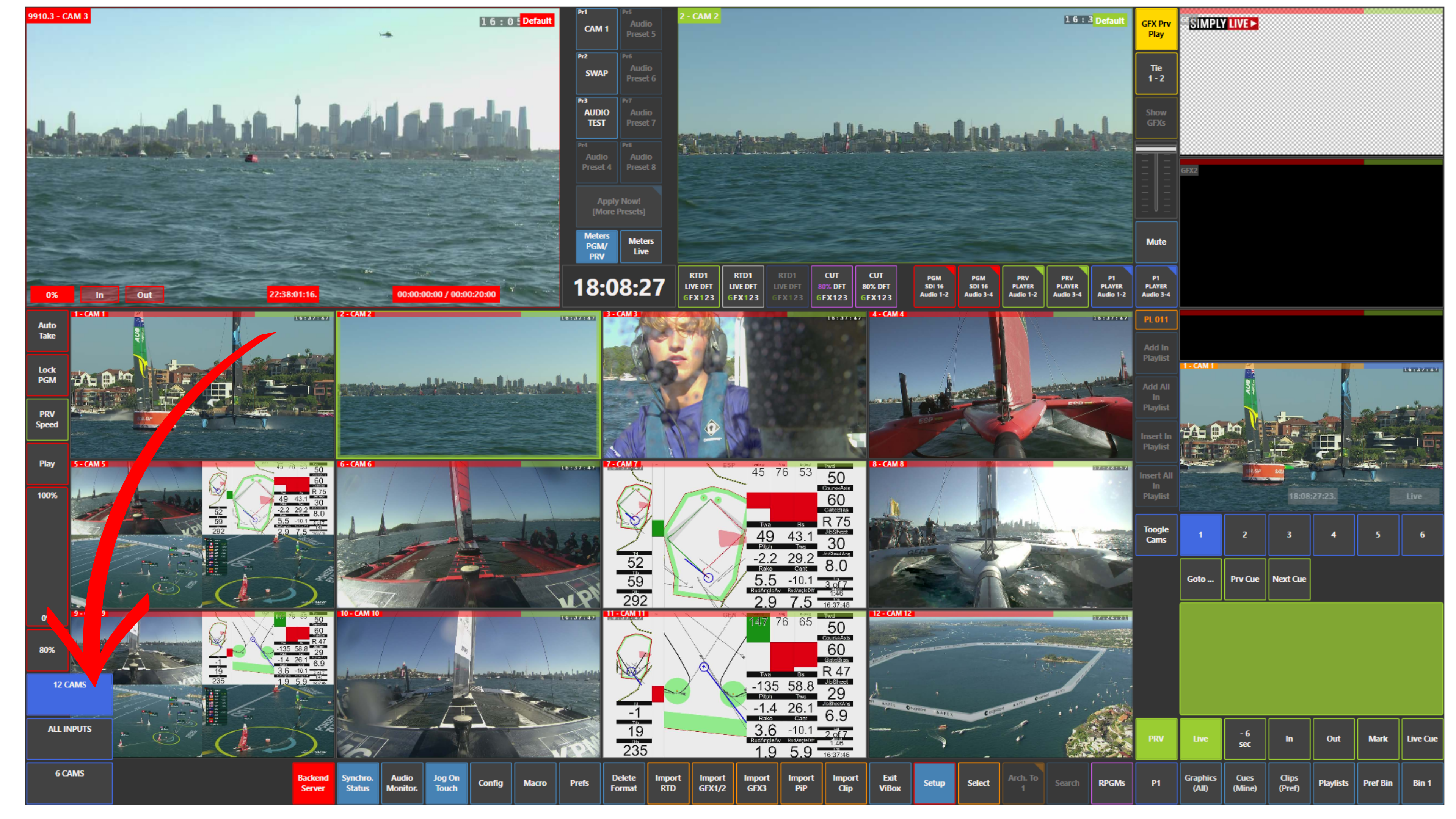
A layout with all inputs
-
A layout with 12 cameras
-
A layout with 6 cameras
This allows you to switch between detailed and simplified views depending on the situation.
-
If you need a full overview → use All Inputs
-
If you want a cleaner view → switch to 6 Cams
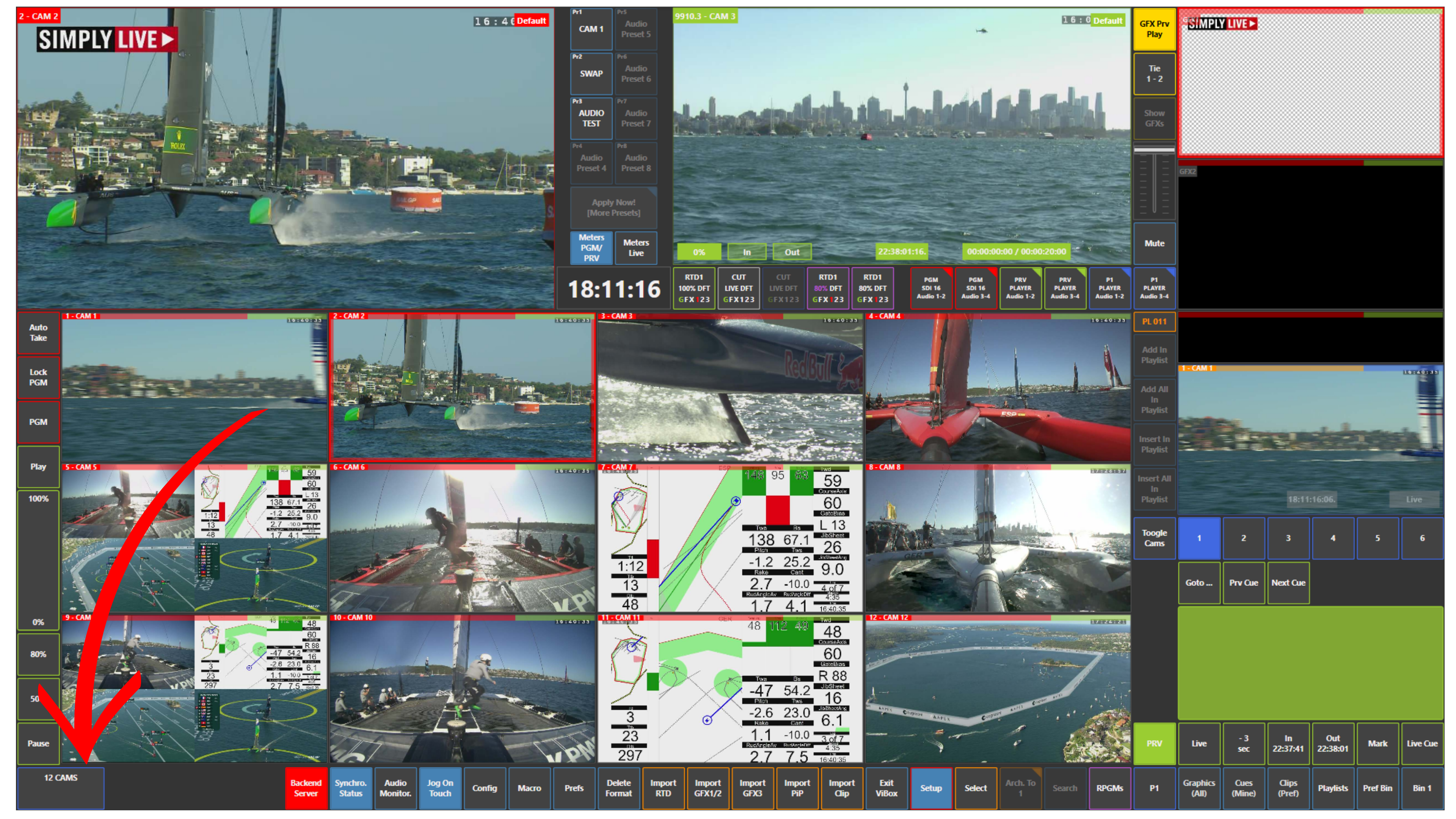
Switching Layouts
To access layouts:
-
Use the layout buttons at the bottom left of the screen
-
Select the desired layout
You can switch between layouts at any time.
Pro Tip
Switching layouts does not affect your output.
You can play content, stay on Program, and change your layout freely without impacting what is on air.
Info
Layouts can be configured in:
Setup → Prefs → Live Layouts