
Preferences > GFX on AUX
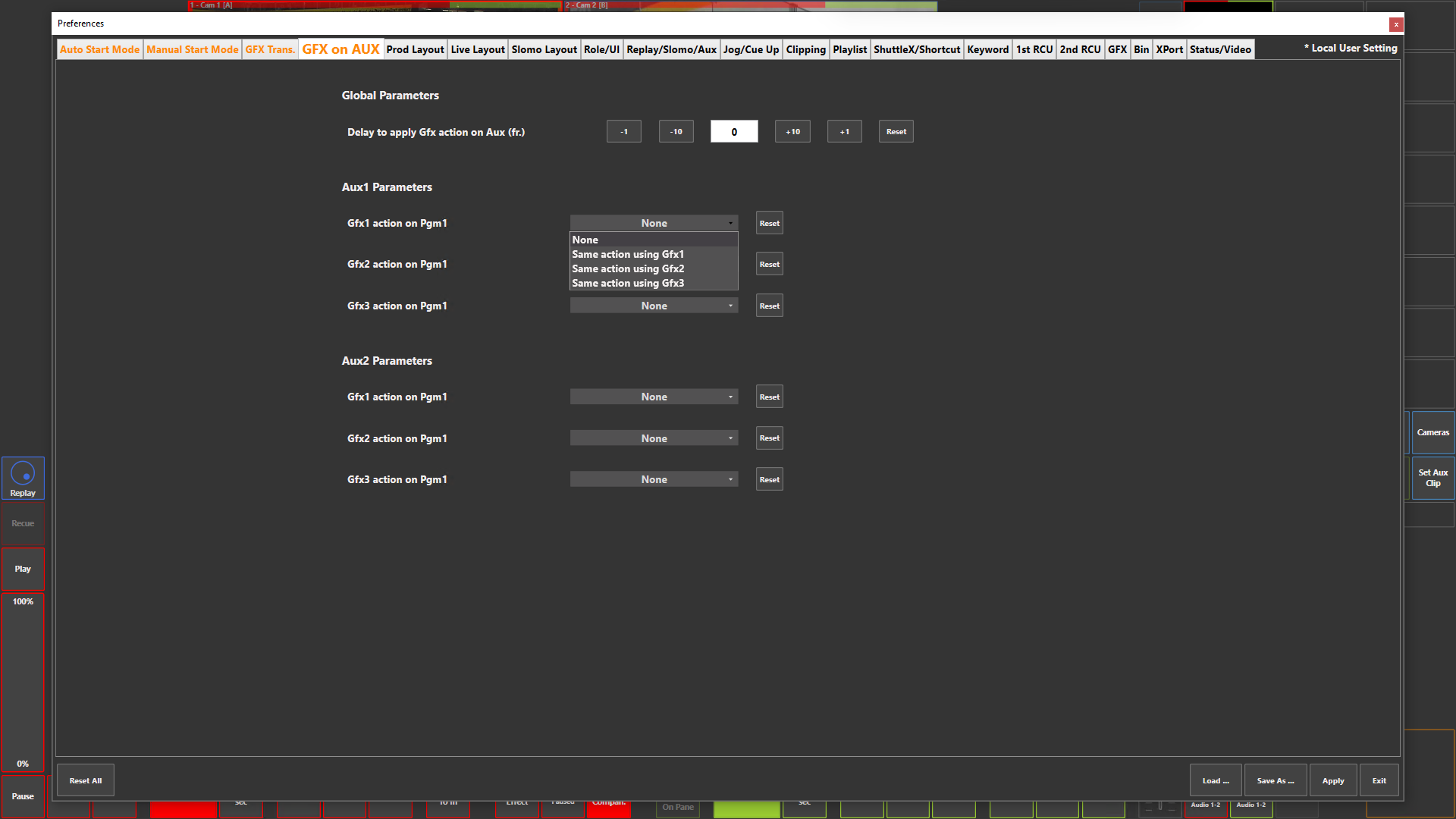
Preference Breakdown
|
Button Label |
Dropdown Menu |
Description |
User Specific |
|---|---|---|---|
|
Global Parameters |
|
|
Prod + Live |
|
Delay to apply Gfx action on Aux (fr.) |
|
Number of frames by which the GFX action on the Aux output is delayed relative to the PGM. Needed if a mixer delay has been configured in the WebConfig |
Prod + Live |
|
Aux1 Parameters |
|
Defines the behavior of Gfx on Aux1 |
Prod + Live |
|
Gfx1 action on Pgm1 |
None |
Disabled |
Prod + Live |
|
|
Same action using Gfx1 |
Any Gfx1 action performed on PGM1 will also be applied to Aux1 using Gfx1 |
Prod + Live |
|
|
Same action using Gfx2 |
Any Gfx1 action performed on PGM1 will also be applied to Aux1 using Gfx2 |
Prod + Live |
|
|
Same action using Gfx3 |
Any Gfx1 action performed on PGM1 will also be applied to Aux1 using Gfx3 |
Prod + Live |
|
Gfx2 action on Pgm1 |
Same a Above |
|
Prod + Live |
|
Gfx3 action on Pgm1 |
Same a Above |
|
Prod + Live |
|
Aux2 Parameters |
|
Defines the behavior of GFX on AUX 2 |
Prod + Live |
|
Gfx1 action on Pgm1 |
Same a Above |
|
Prod + Live |
|
Gfx2 action on Pgm1 |
Same a Above |
|
Prod + Live |
|
Gfx3 action on Pgm1 |
Same a Above |
|
Prod + Live |