
Preferences > Keyword
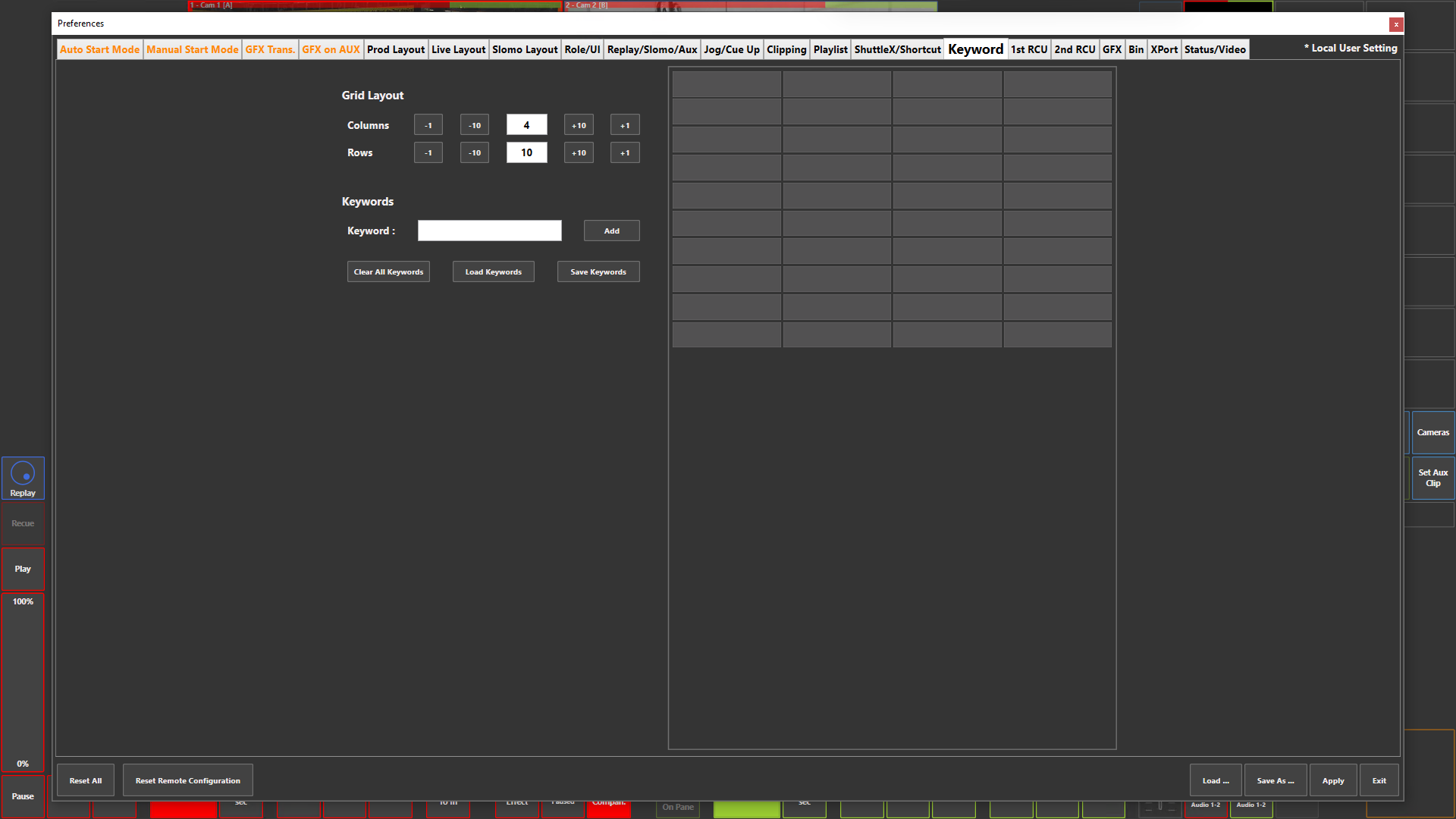
Preference Breakdown
|
Button Label |
Dropdown Menu |
Description |
Specific to Role |
|---|---|---|---|
|
Grid Layout |
N/A |
The keyword grid you create will display within the "Clip Properties" when you create or edit a clip |
All Roles |
|
Columns |
N/A |
Number of columns for the keyword grid |
All Roles |
|
Rows |
N/A |
Number of rows for the keyword grid |
All Roles |
|
Keyword |
N/A |
Type the keyword you wish to add |
All Roles |
|
Add |
N/A |
Keyword will get added to the next availiable space |
All Roles |
|
Clear All Keywords |
N/A |
Will remove all keywords from the grid |
All Roles |
|
Load Keywords |
N/A |
Lets you load a saved keyword grid |
All Roles |
|
Save Keywords |
N/A |
Lets you save the current keyword grid |
All Roles |
|
Keyword Grid |
N/A |
You can add keywords by clicking on an empty space and typing the keyword - You can move keywords around by right clicking and using the cut, copy and paste options |
All Roles |