
Audio presets are one of the most powerful audio tools in Production.
They allow you to decide which audio tracks are played with each source and to change that routing instantly during production. For example, you can swap tracks 3-4 to 1-2, route audio from one camera to another source, or apply one audio setup to multiple cameras. Audio presets are used to determine which audio tracks are replayed with each video source, and multiple presets can be configured for different playback situations.
Where to Configure Audio Presets
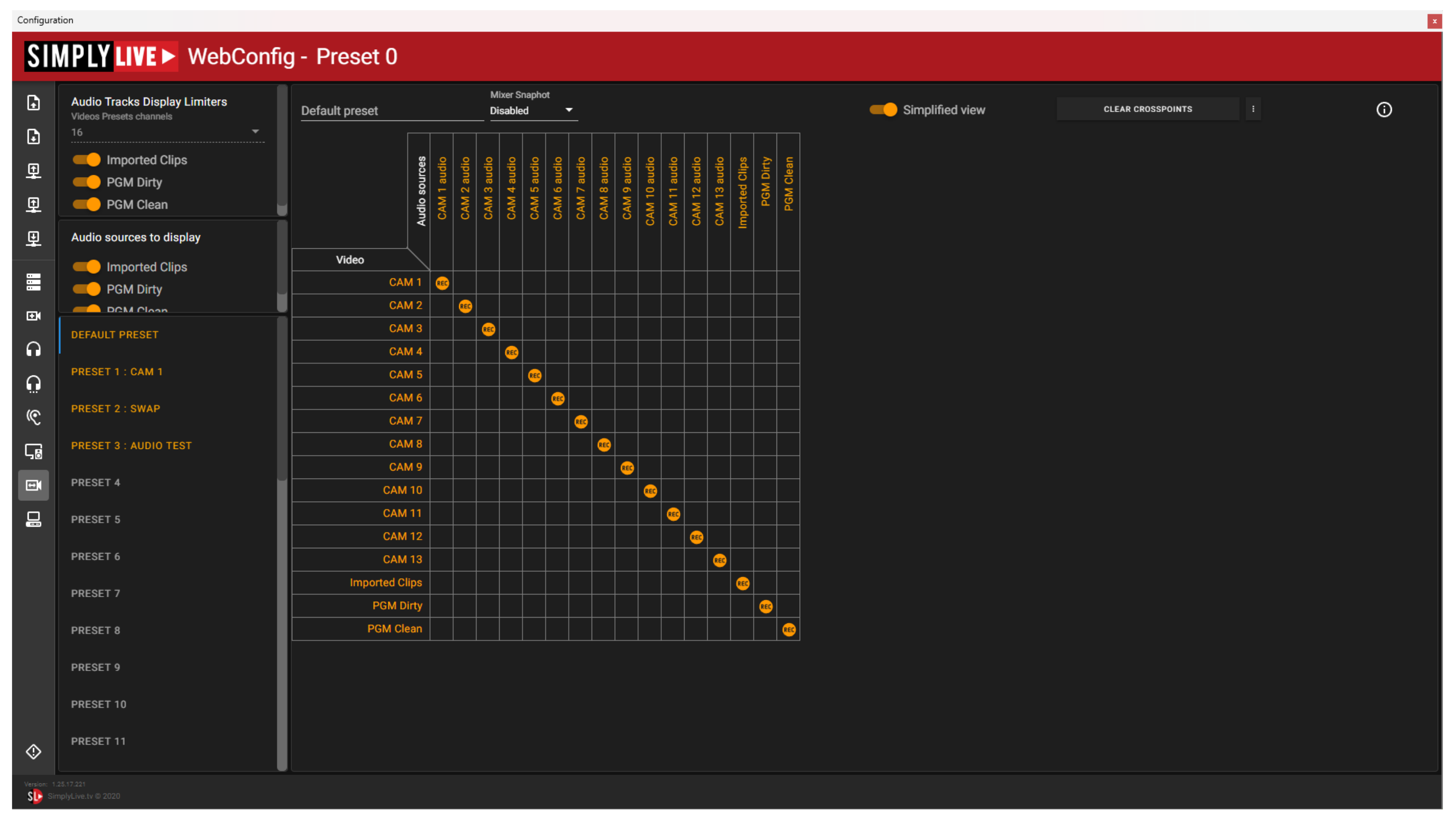
Configure audio presets in:
Setup → Config → Audio Presets
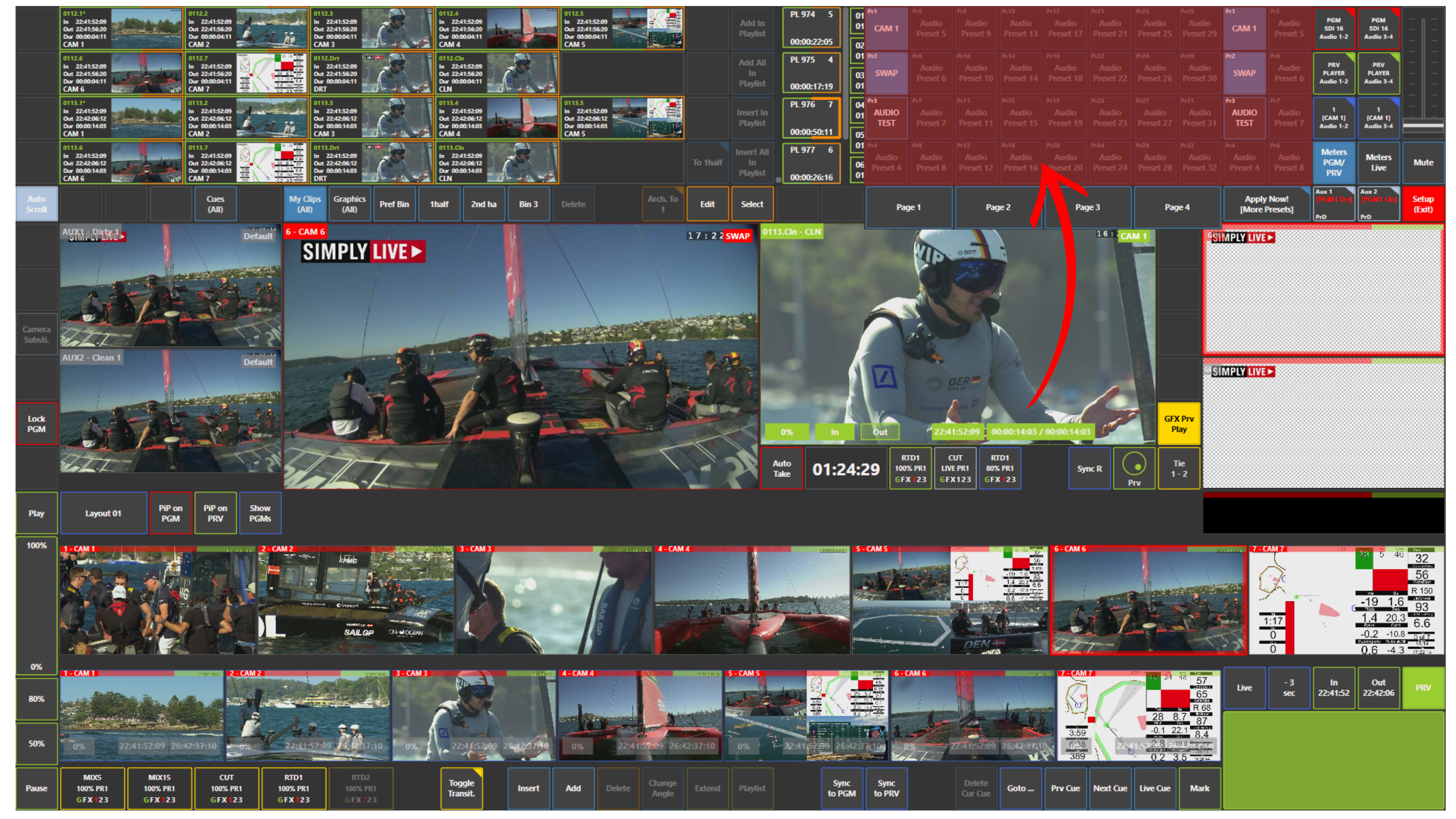
When you click Apply Now! [More Presets] in the top right area of the screen, you can see the available presets and switch between them.
How to Use Audio Presets
You can prepare different presets for different situations and apply them when needed.
For example, you can:
-
swap tracks 3-4 to 1-2
-
swap tracks 1-2 to 3-4
-
route audio from one camera to another
-
apply one audio setup to multiple cameras
Audio presets can be enabled, pre-selected, and then applied to the current output.
Info
This is especially useful when the correct audio is present, but not on the tracks you need for air.
Instead of changing the source outside Production, you can correct the routing by applying the required audio preset.
Use Case – Live Production Scenario
You recorded an interview, but the correct audio is on tracks 3-4 instead of 1-2.
Instead of asking for the channels to be changed elsewhere, you apply an audio preset that swaps 3-4 to 1-2.
The audio is corrected immediately and the source is ready for air.
Pro Tip
Prepare several audio presets in advance for common situations, such as:
-
interview audio
-
nat sound
-
swapped track order
-
camera-specific audio routing
This makes fast audio correction much easier during live production.