
Using Goto..., you can jump directly to a specific timecode.
This can be done from:
-
Replay cameras
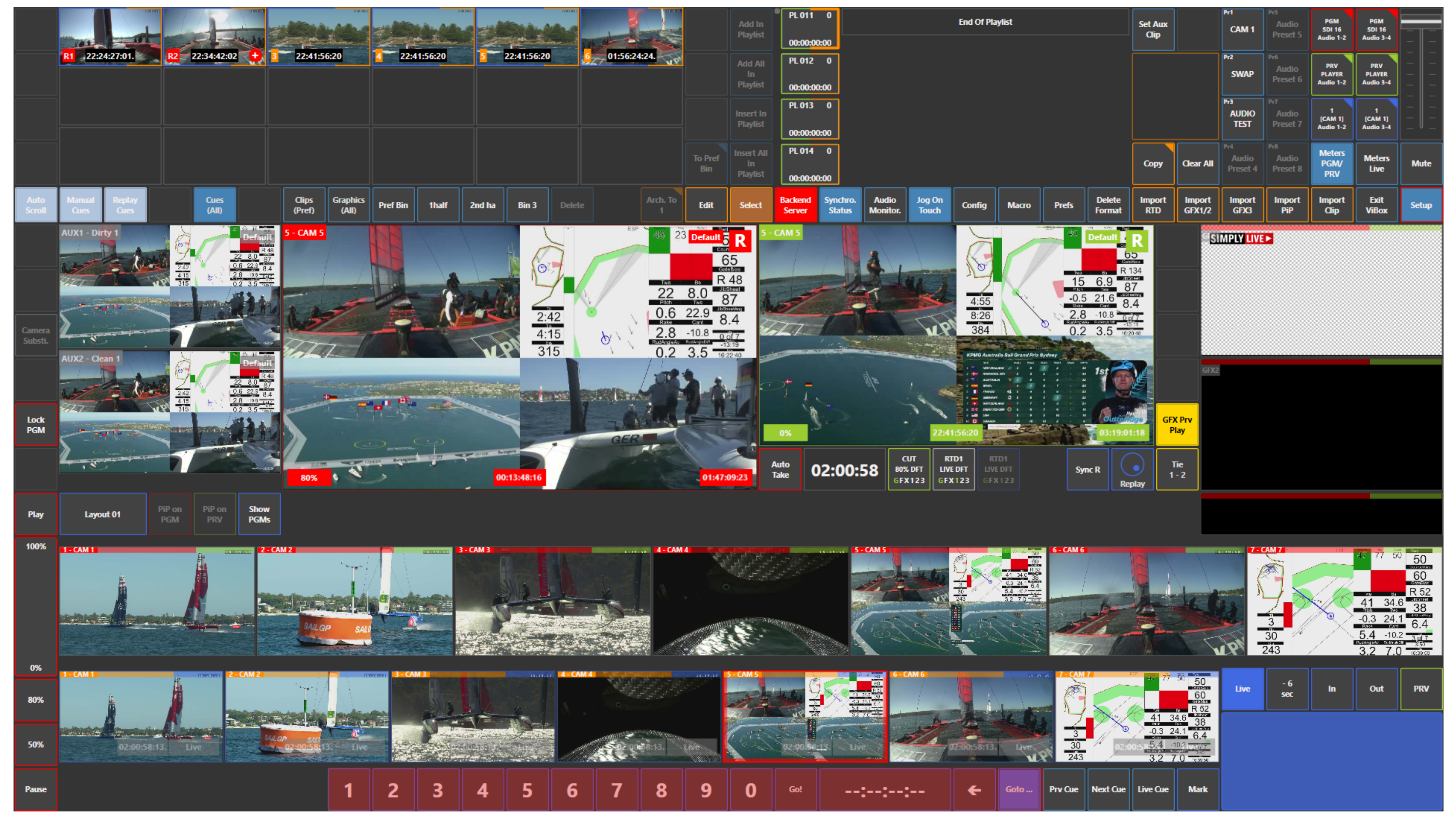
-
Preview (PRV)
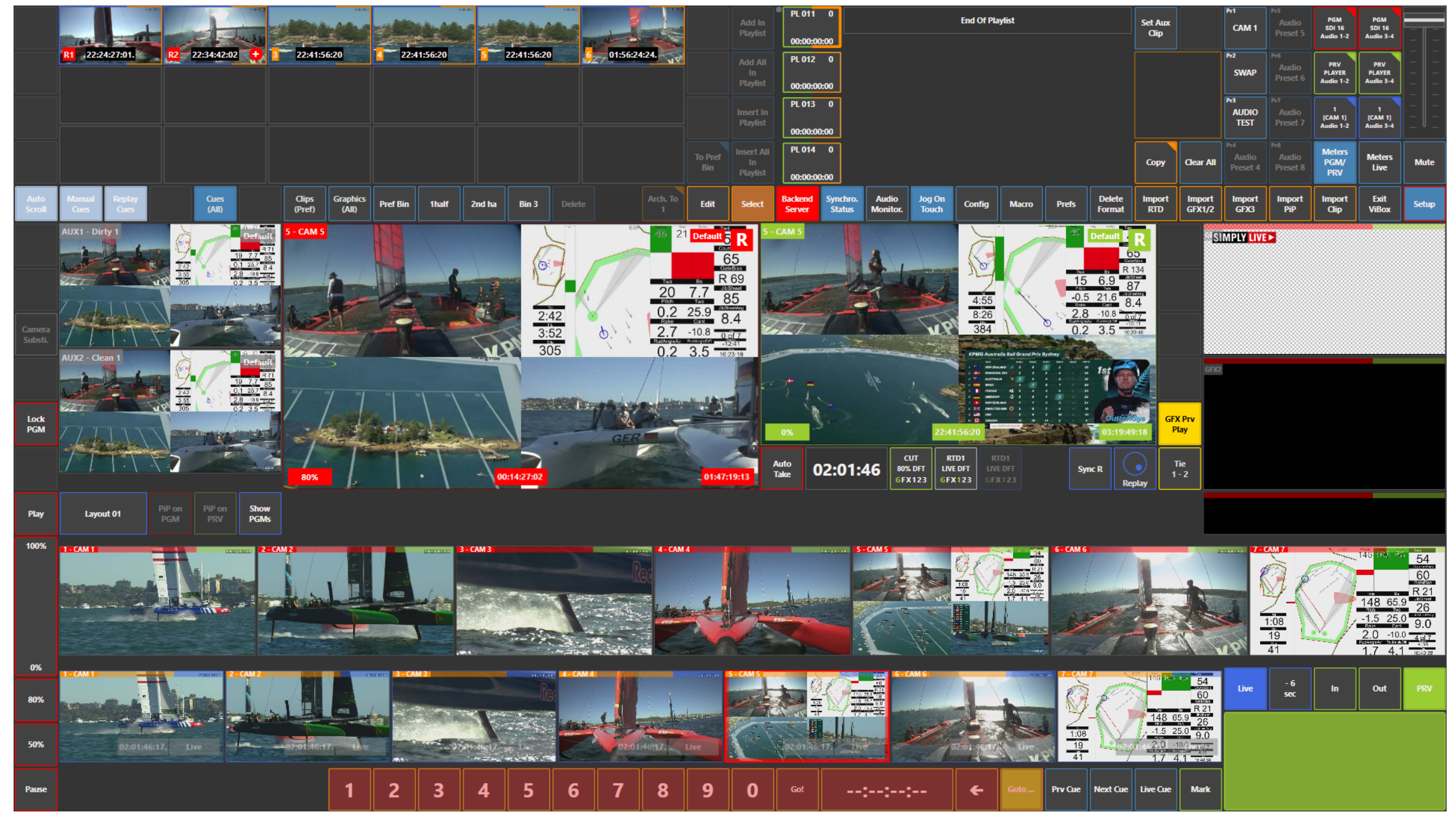
Press Goto..., enter the required timecode, and go directly to that position.
This is useful when you know the exact timecode you want and need to reach it quickly without jogging manually.
Use Case – Live Production Scenario
You are preparing a replay and already know the exact timecode of the action.
Instead of jogging through the replay manually, use Goto... to jump directly to that point on the replay cameras or on Preview.
This saves time and helps you reach the required moment faster.
Pro Tip
Use Goto... when the producer, replay operator, or logger gives you an exact timecode. This is the fastest way to move directly to the required position.