
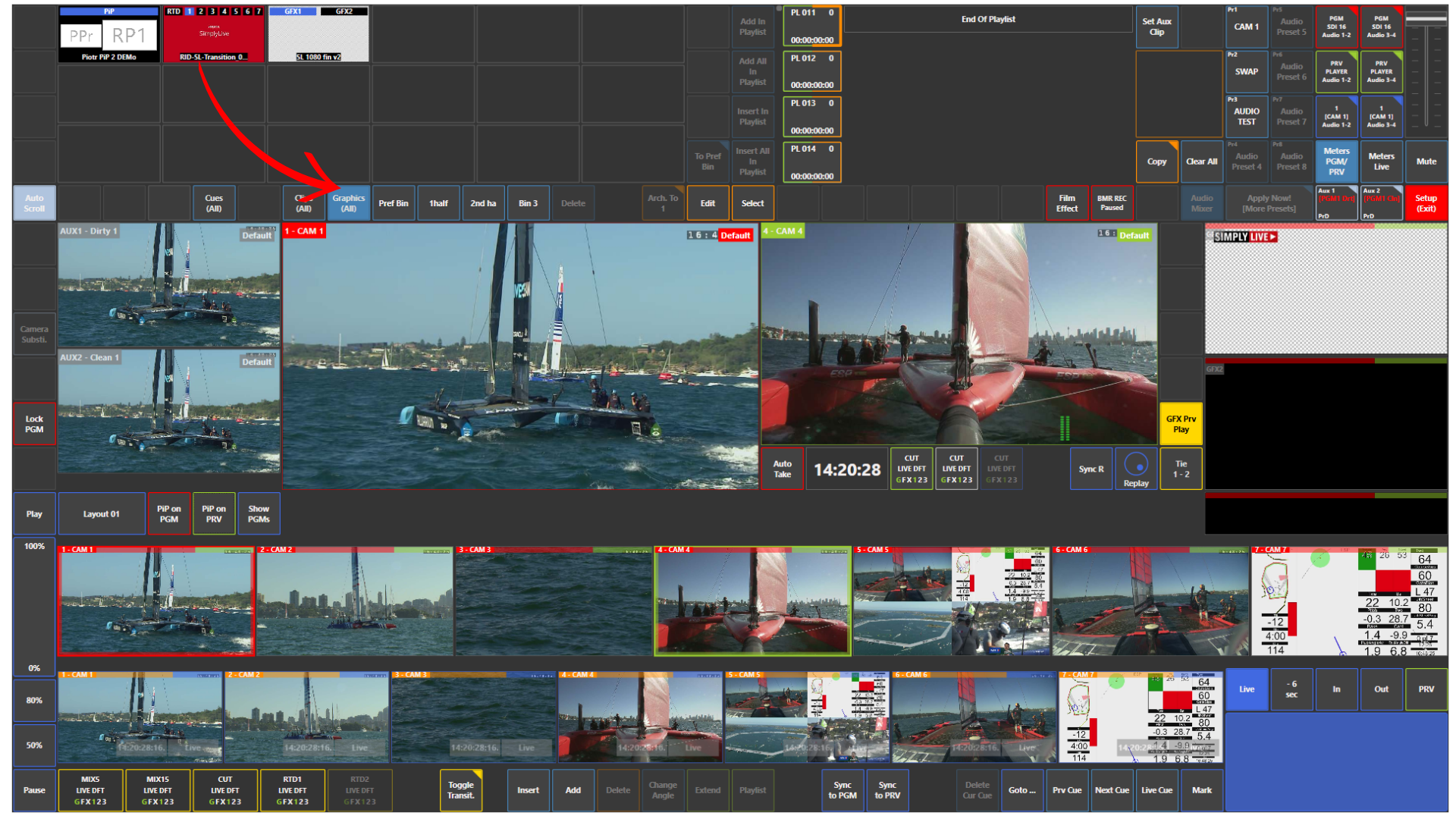
If you import graphics into SimplyLive Production Suite Flex, they appear in the Graphics panel.
This panel can contain:
-
wipes and replay transitions
-
graphic slates
-
PiP sources
-
RTD elements
-
other graphic assets used in production
Everything is organised in one place for quick access during live operation.
How to Activate Graphics
To activate a graphic, tap the top label of the thumbnail, for example:
-
GFX1
-
RTD1
-
PiP
When the label is blue, the graphic is active.
Pro Tip
Check that the correct graphic layer is active before going on air. If the top label is not blue, that graphic source is not armed for use.