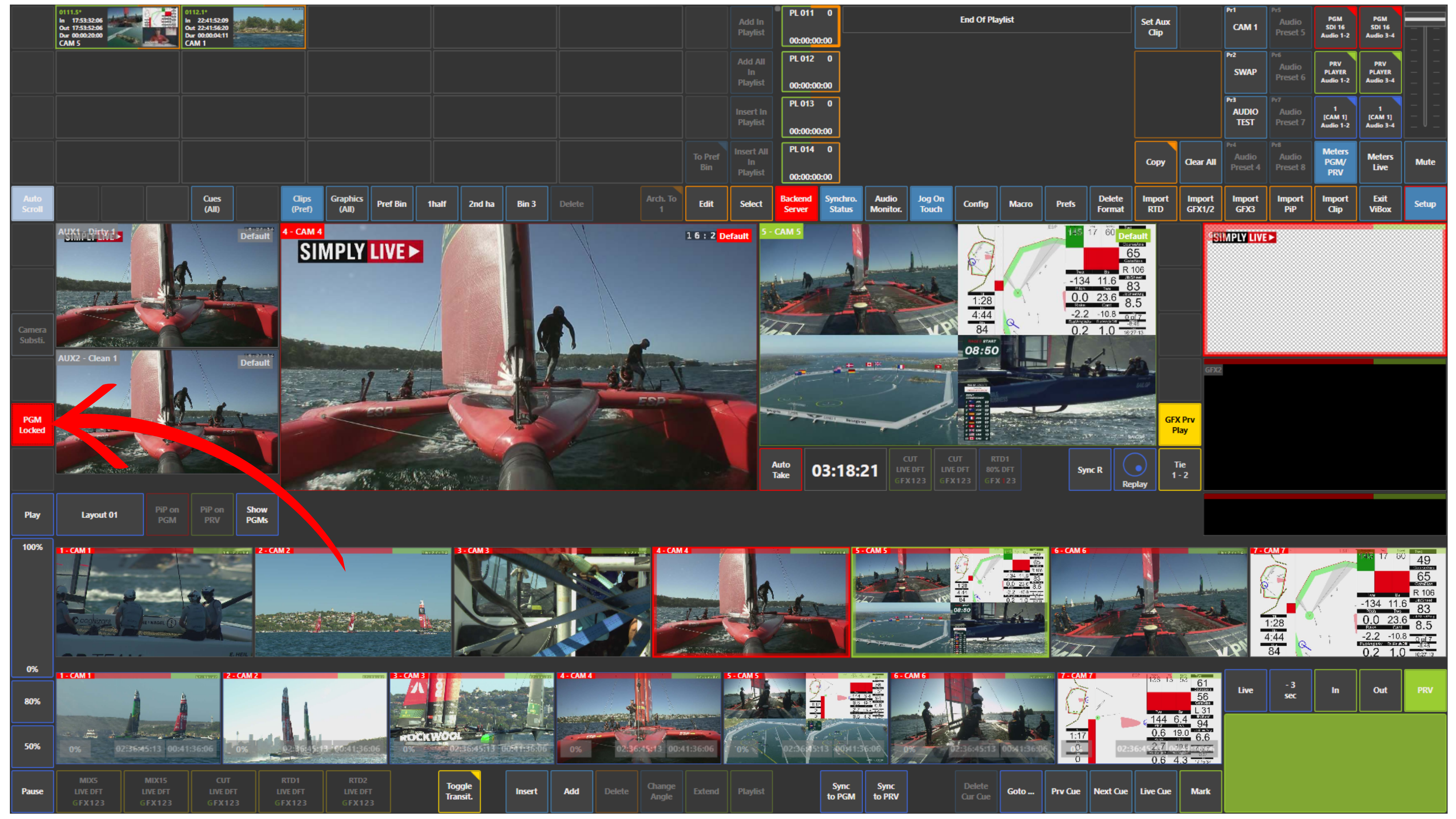
You can lock your program output in production to prevent any unintentional changes.
This is especially useful when you want to keep your program output stable for a longer period, when you are not fully confident in your actions yet, or when you need to focus on another task while ensuring that the most important output remains untouched.
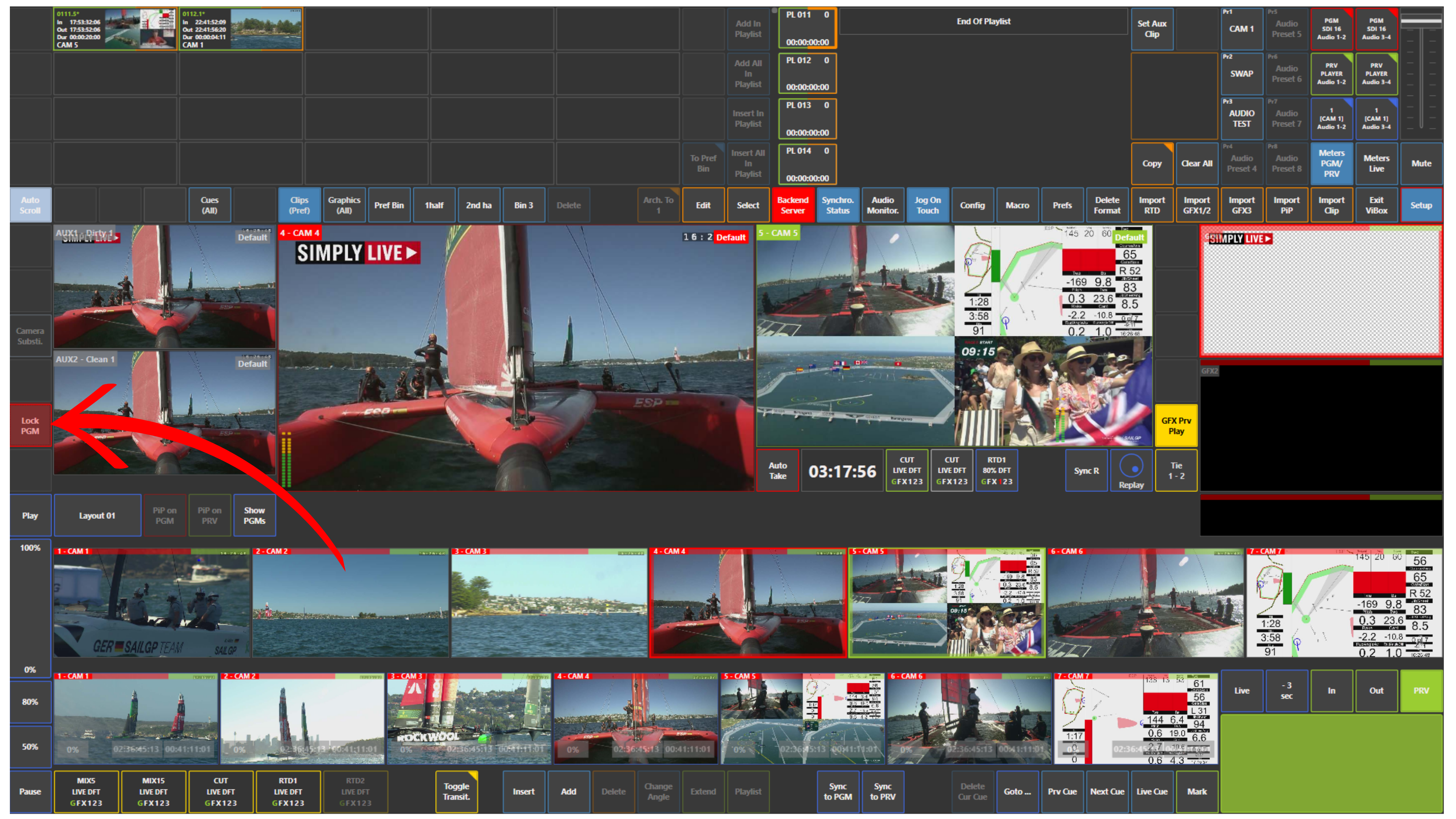
Once the program is locked, any attempt to switch cameras or interact with the Program output will have no effect. Your output stays exactly as it is.
How to use it
-
Activate the Lock PGM function using the dedicated panel.
-
Once enabled, the Program output is secured and cannot be modified until you unlock it.