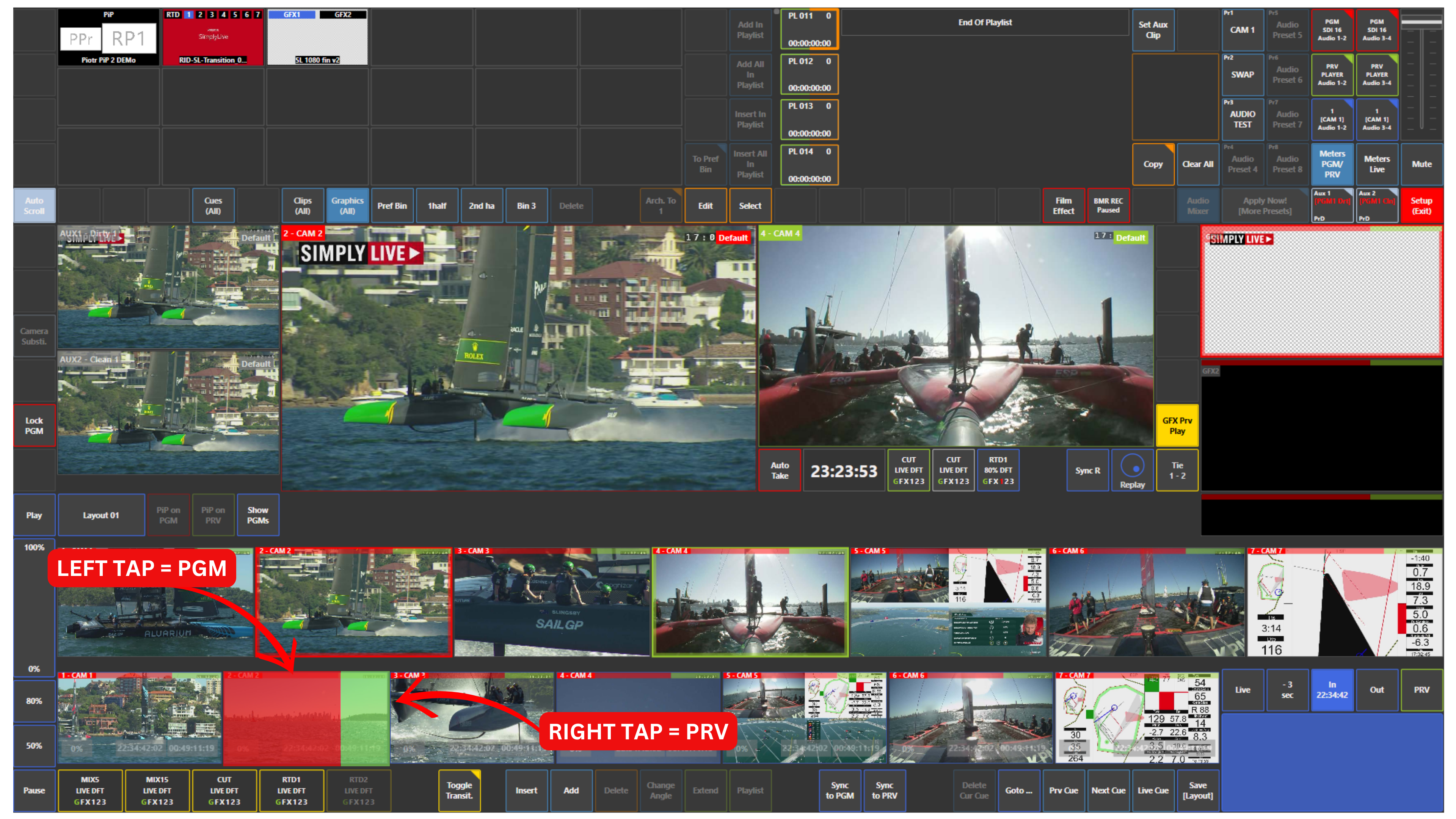
Switching replay cameras in Production works in the same way as switching input cameras.
To do this, use the replay camera layer, which is the bottom row of replay thumbnails.
The same rule applies:
-
Tap the left side, highlighted in red, to load the replay camera to Program (PGM)
-
Tap the right side, highlighted in green, to load the replay camera to Preview (PRV)
This allows you to prepare or take replay angles directly from the replay camera layer during production.