
Production in multi-user mode allows you to use the full potential of SimplyLive Production Suite Flex together with other operators.
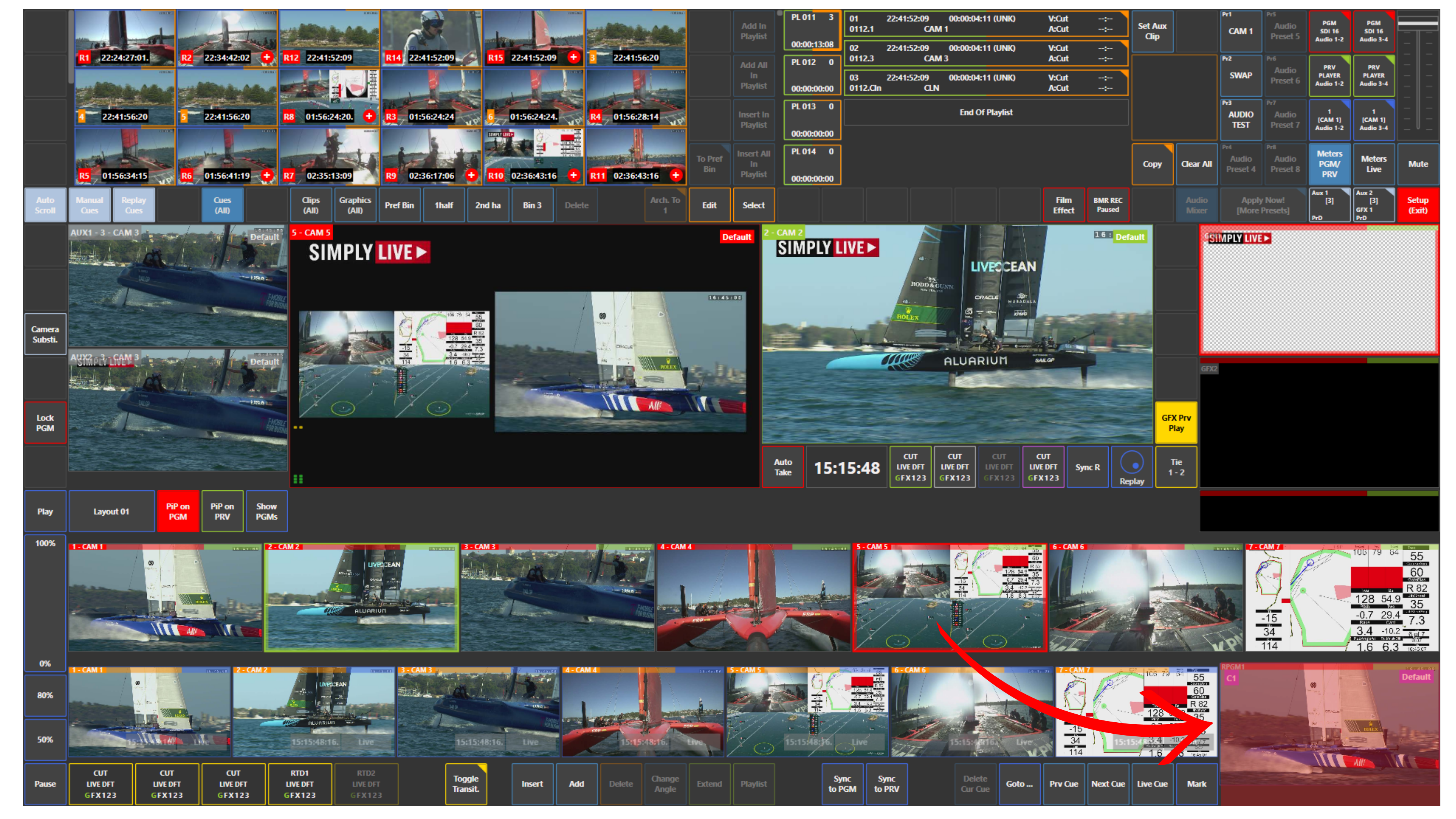
You can vision switch and direct the show while another operator works next to you on replays, highlights, and clips in a more standard replay workflow.
Warning
A maximum of three users can be connected to one server at the same time.
Use Case – Live Production Scenario
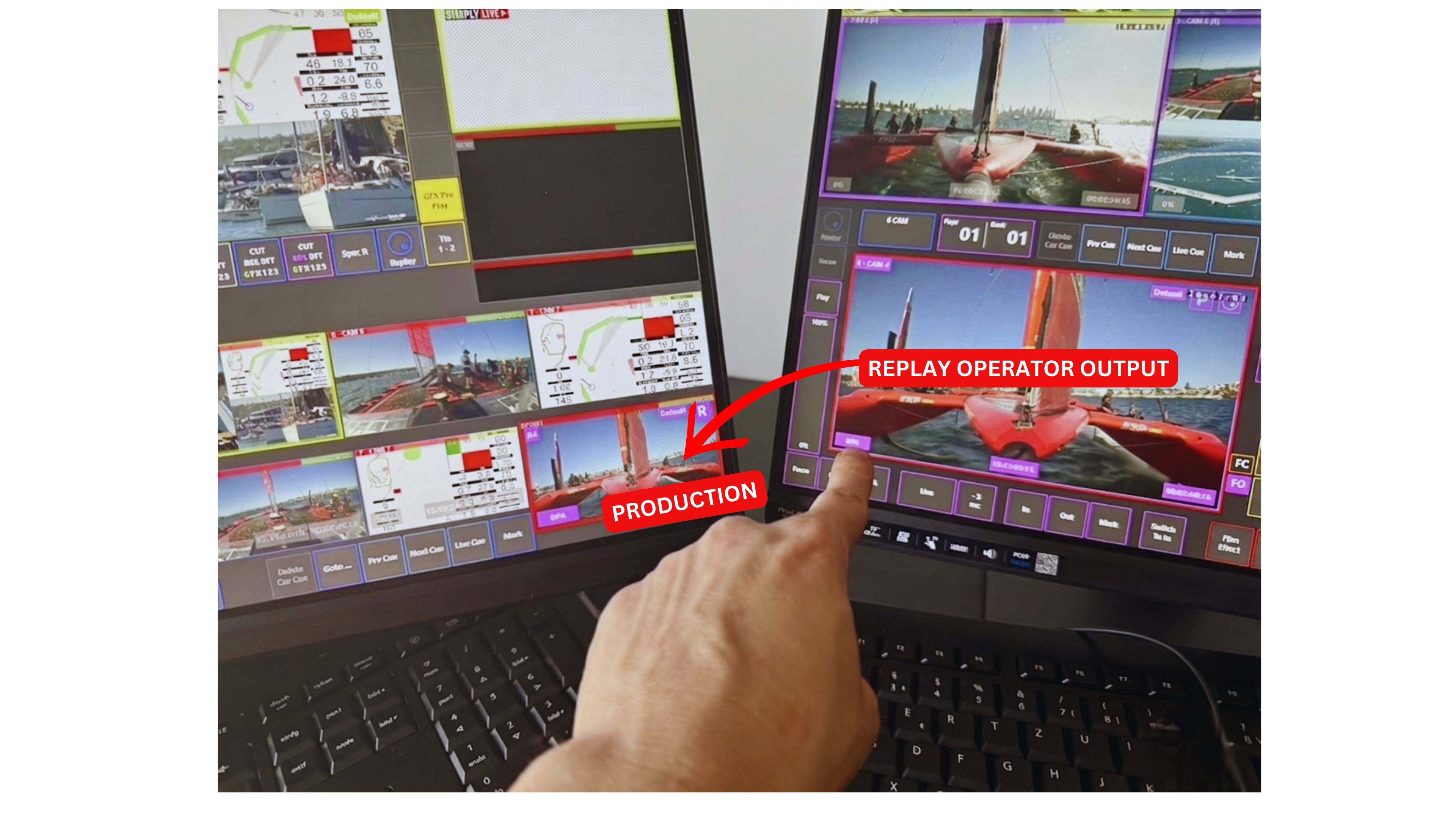
You are working in Production while a replay operator is preparing replays, clips, highlights, and playlists.
The replay operator loads the required content on his output and confirms when it is ready.
You can then take that output and start it from your side when needed.
The replay operator can also load clips or playlists, and you can trigger them from Production as part of the live workflow.
This allows both operators to work in parallel:
-
one operator focuses on the live production
-
the other focuses on replay preparation
Pro Tip
Multi-user mode works best when responsibilities are clearly divided. Let the replay operator prepare the content, then use Production to take the output at the right moment on air.