
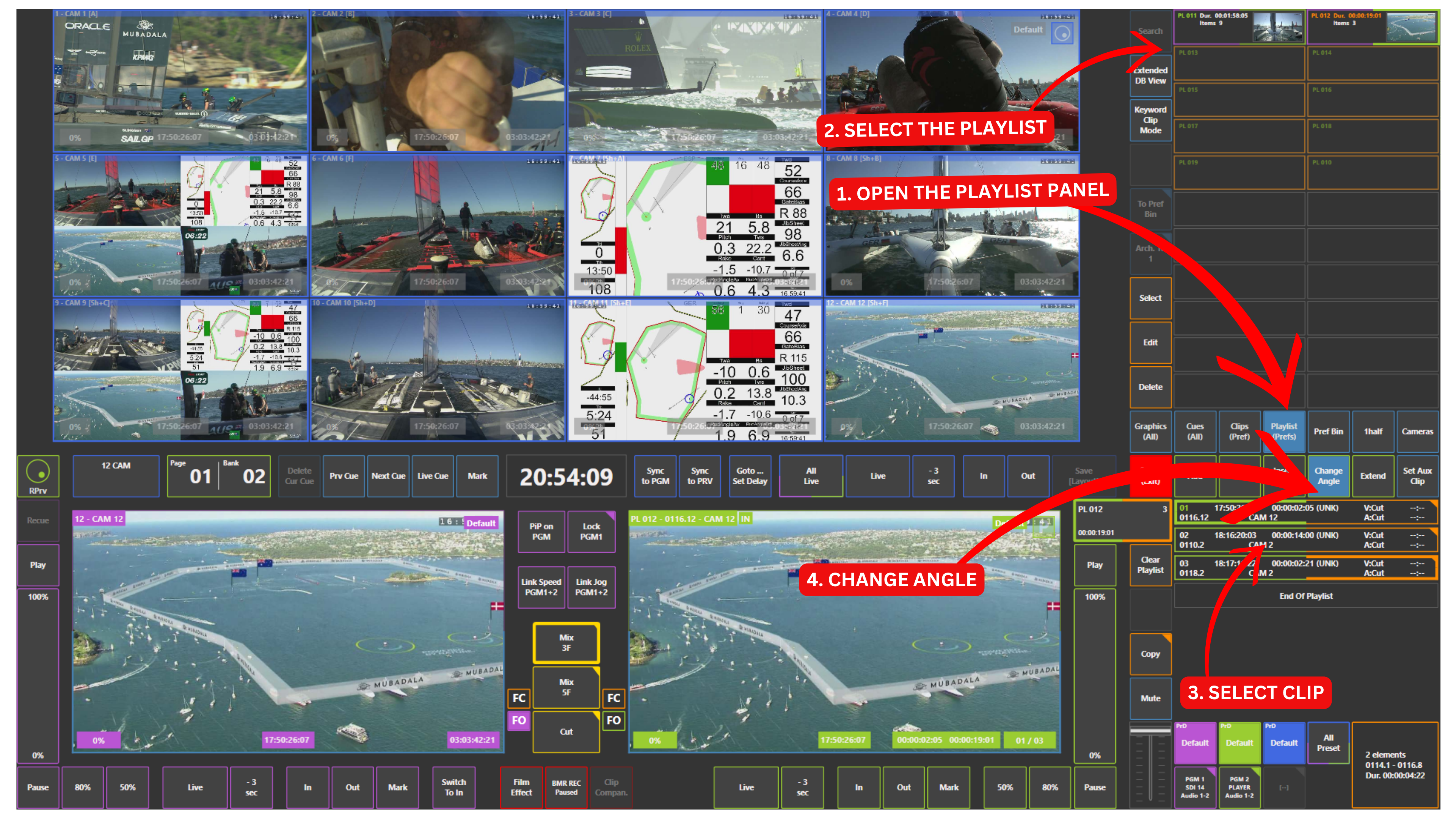
Changing camera angles directly inside a playlist is quick and efficient using the touchscreen.
How to Change a Camera Angle
-
Load your playlist on Preview or Program 2 (PGM2)
-
Select the clip in the active playlist that you want to modify
-
Open the Change Angle panel
-
Choose the desired camera angle
The selected clip will update to the new camera angle.
Warning
Changing camera angles and editing a playlist is only possible when the playlist is loaded on Preview or Program 2 (PGM2).