
You can create clips directly from your inputs (cameras) without using Program or Preview / Program 2 (PGM2).
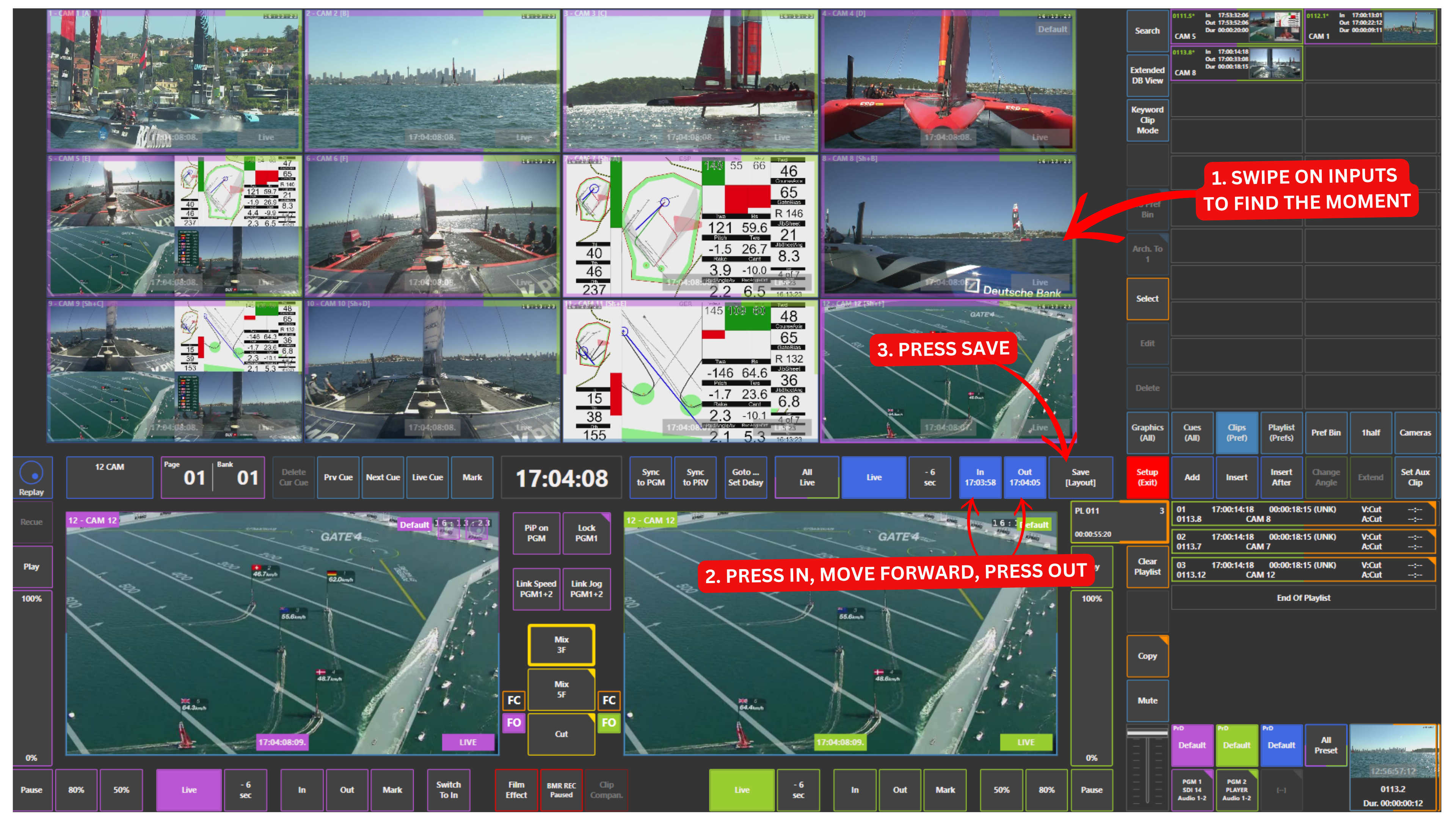
Swipe to find the moment on your inputs, press the IN key, move forward, press the OUT key, then press the Save panel.
This works across all inputs at once, allowing you to mark the same moment on every angle in one go.
Pro Tip
Use marking directly from the inputs to create clips without affecting your Program or Preview / Program 2 (PGM2).
For example, while you are playing something on air on Program and Preview / Program 2 (PGM2), you can still create clips in the background.
This gives you an additional layer of control, even when your outputs are fully on air — something that is not commonly available in traditional replay workflows.