
If you import graphics into the SimplyLive server, you can quickly access and browse them using the touchscreen.
How to Access Graphics
-
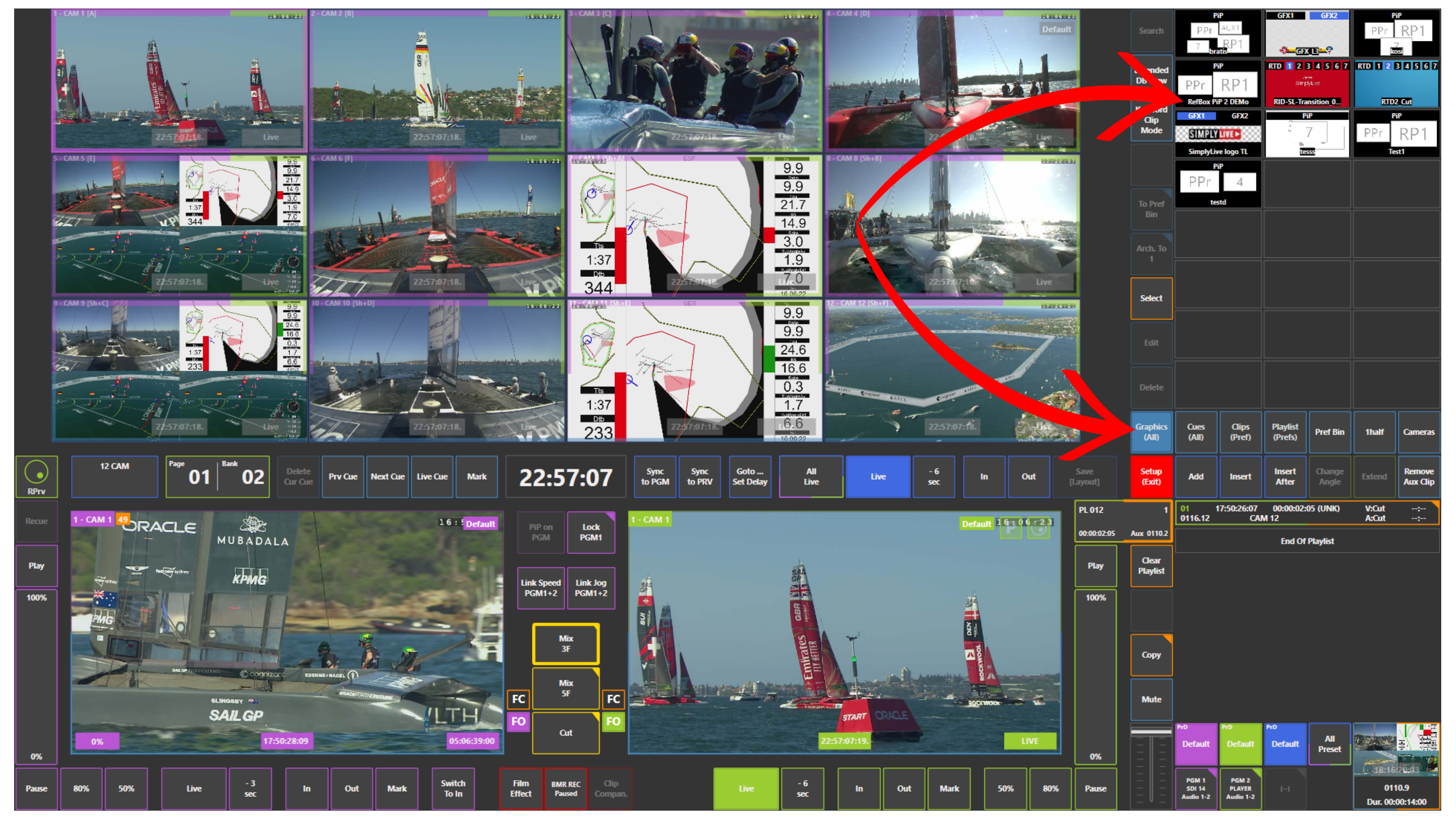
Use the Graphics (All) panel
This shows all available graphic assets on the system, including wipes, lower thirds, fill and key graphics, and other elements.
Pro Tip
Use separate panels such as Graphics, Cues, Clips, and Playlists to stay organised.
Keeping different types of content in dedicated panels makes it much easier to find what you need quickly during production.