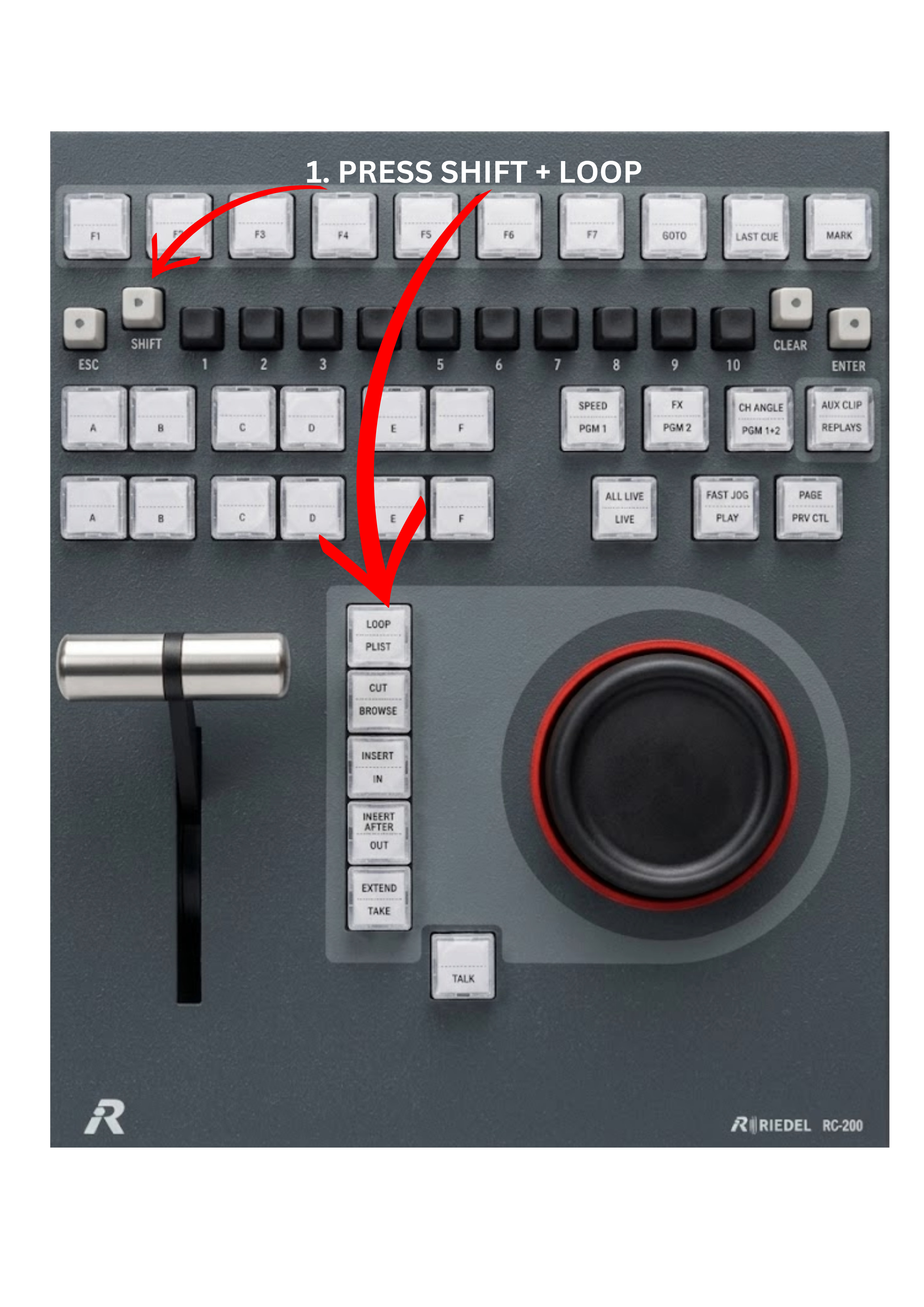
In some production scenarios, it is useful to loop content continuously. For example, you may want to loop graphics for LED screens, background animations, or an emergency slate that needs to run repeatedly until the director decides to switch to another source.
The system allows you to loop either a single clip or an entire playlist.
To do this:
-
Select the clip you want to loop by choosing the correct page and clip position, or select the playlist by pressing the PLST key.
-
Press SHIFT + LOOP.
The selected clip or playlist will start looping continuously until the loop mode is disabled.