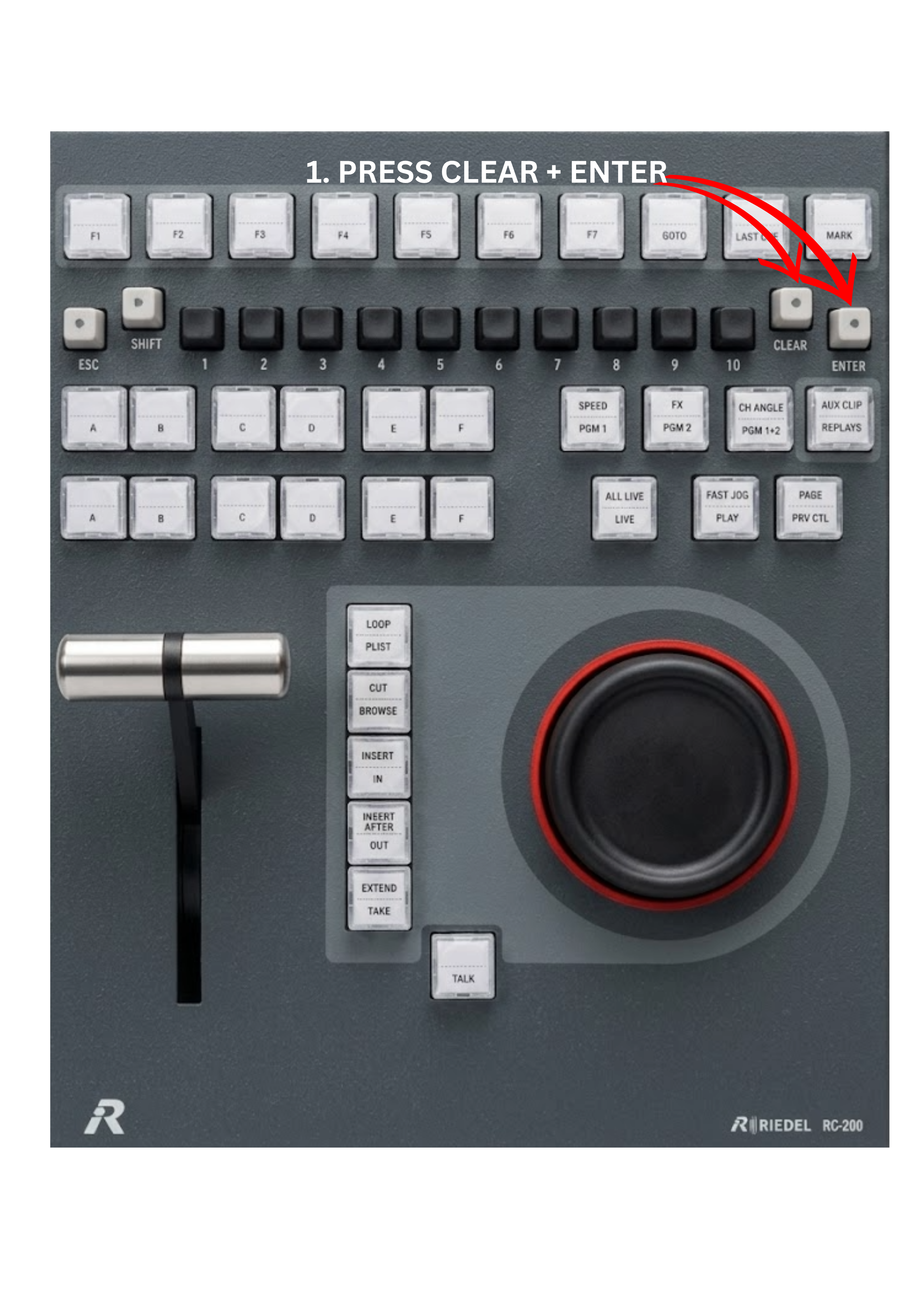
Removing a clip from the current playlist is very simple. During playlist creation, you may decide that some clips are no longer needed, do not fit the montage style, or were added by mistake. In such cases, the clip can be quickly removed directly from the control panel.
To remove a clip from the current playlist:
-
Load the playlist by pressing the PLST key.
-
Browse to the playlist item you want to remove and load it on PGM2 / PRV.
-
Press the CLEAR key + Enter key on the control panel.
The selected clip will be removed from the playlist.