
Sometimes, after creating a clip, you may want to continue working on the record train at the same moment where the action happened.
For example, you may want to extend the clip, analyse the action further, or create another clip from a different camera angle at the exact same timecode.
Imagine the action happened at 19:32:32. You may want to go back to the record train at that exact moment and create a new clip from another input.
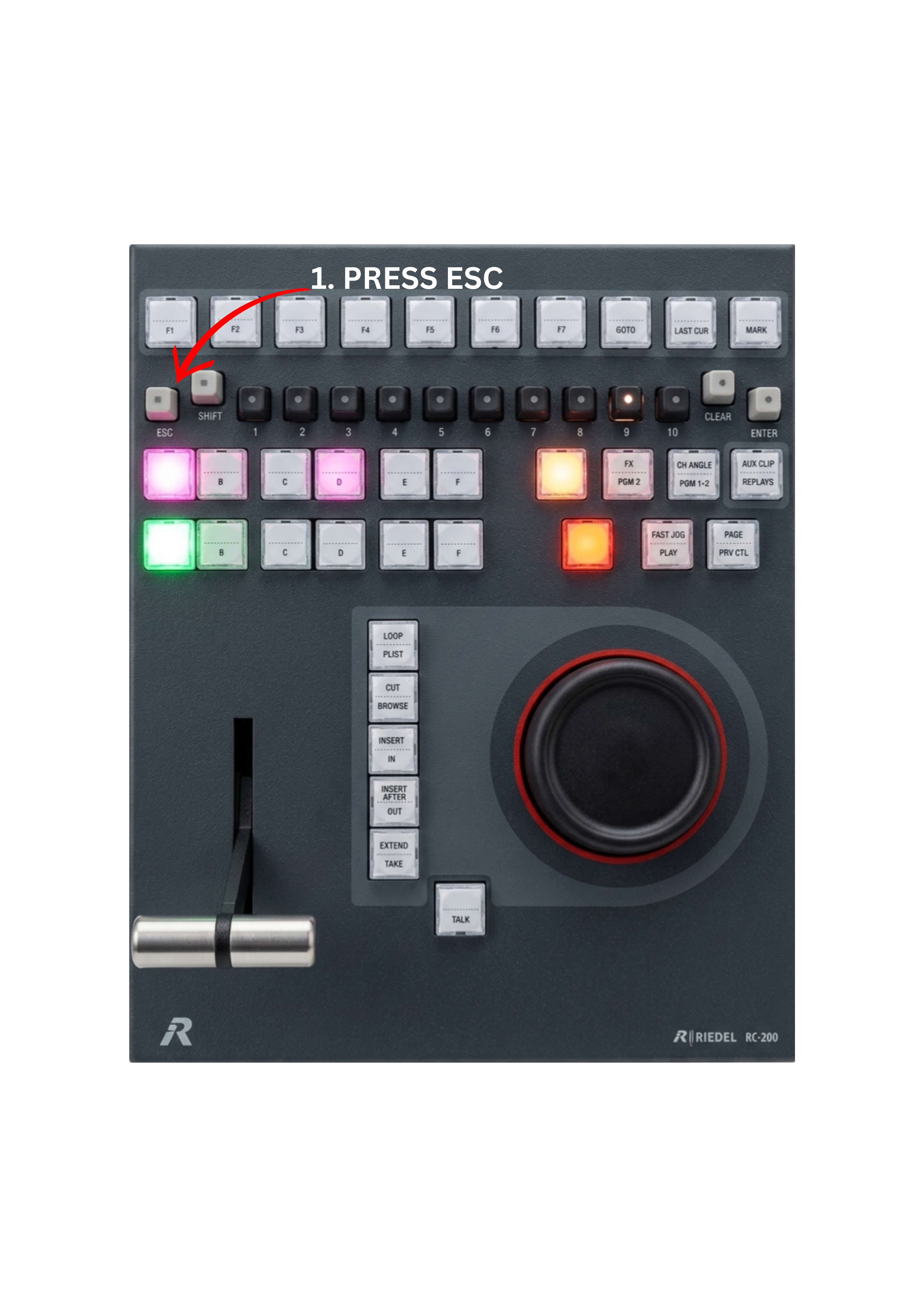
To exit a clip and return directly to the record train:
-
Press the ESC key on the control panel.
The system immediately exits the clip and returns you to the record train at the same time position, allowing you to continue browsing or create new clips from that moment.
Pro Tip
👉 ESC = same moment + same input (no guardband limits)
Pro Tip
If a clip is about to reach its OUT point while on air, press ESC to immediately return to the record train and avoid a freeze.