
Removing a Clip Permanently
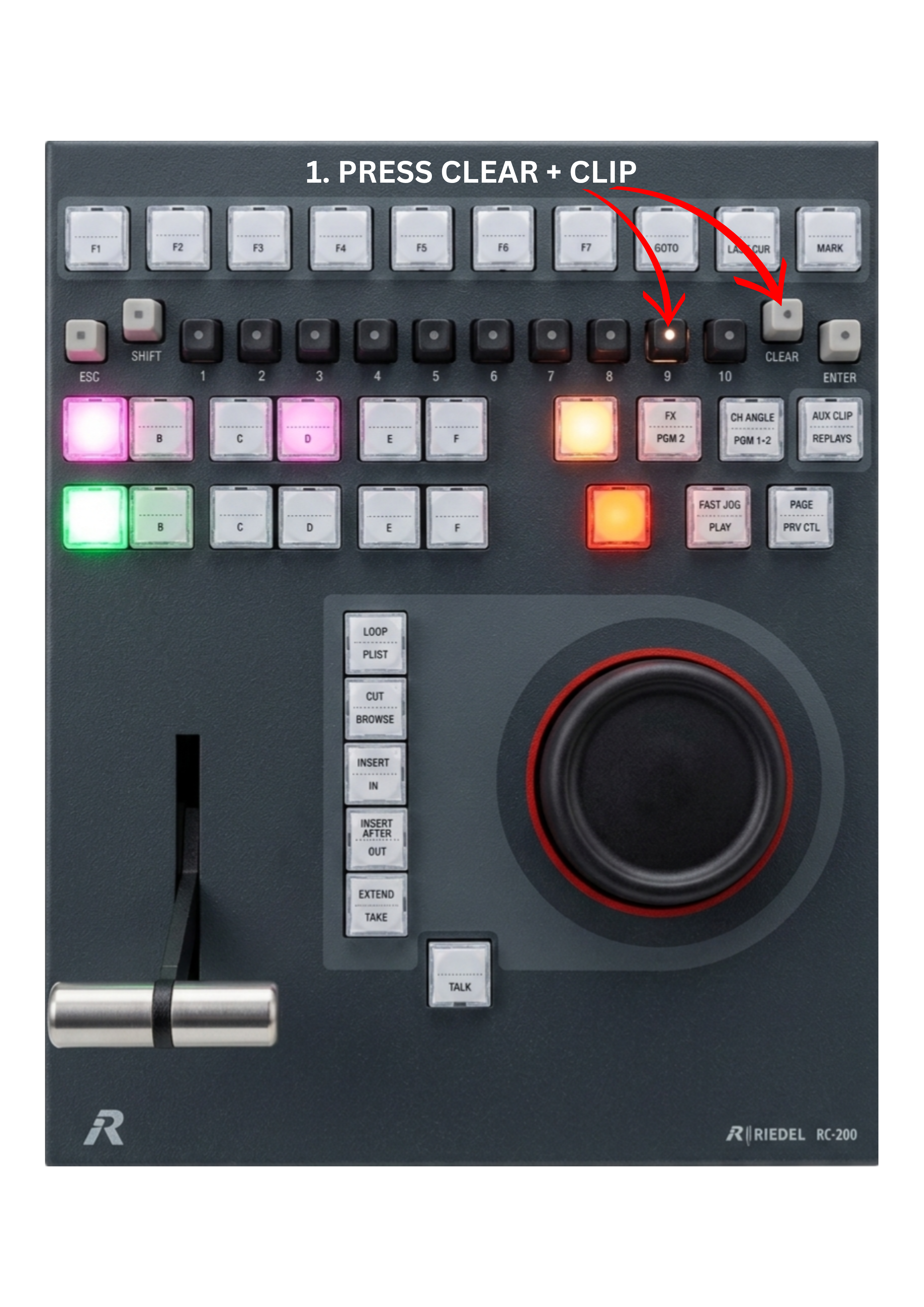
If you want to remove a clip permanently, it is very easy.
-
Press the CLEAR key
-
Select the clip you want to remove
The clip will be deleted immediately.
Pro Tip
This workflow is one step faster than in many replay systems.
In most systems, you need to:
-
select the clip
-
press delete
-
confirm the action
Here, you remove the clip in a single step.
In live broadcasting, speed is everything, and saving even one step can make a real difference.