
Recall a Snapshot
Overview
Apply saved Snapshot values to the live system, for the complete saved scope.
Prerequisites
-
Use an account with the Snapshot admin role.
-
Open Snapshots.
-
Identify the Snapshot and inspect its saved scope.
Caution
Recall applies saved values to the live system. Review the Snapshot scope before proceeding. Locked Destinations remain unchanged.
Recall the Snapshot
-
Select Recall All in the Snapshot detail header, or Recall Snapshot on the required list row.
-
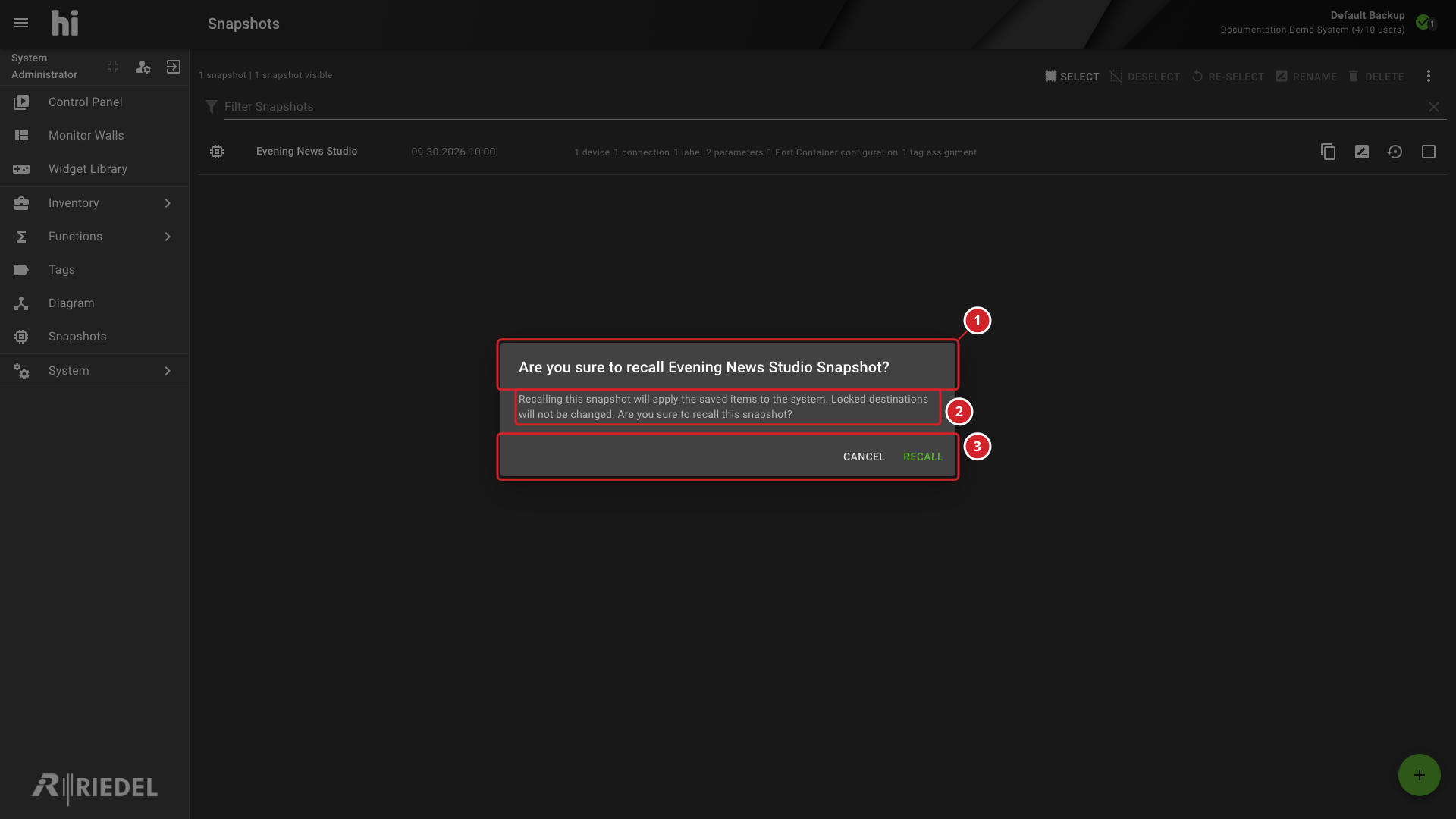
Review the Snapshot name in the confirmation title and the warning that locked Destinations are not changed.
-
Select Recall to apply the saved values.
-
Confirm the Snapshot name before applying its saved values.
-
Locked Destinations remain unchanged by recall.
-
Select Recall to proceed or Cancel to return without applying the Snapshot.
Verify the Result
Confirm the recalled connections or component values in the relevant detail tab. Verify that locked Destinations remain unchanged.
Next Steps
Use Recall Selected Snapshot Items when only part of the saved scope is needed.