
Update Selected Snapshot Items
Overview
Replace selected saved values with their current live state.
Prerequisites
-
Use an account with the Snapshot admin role.
-
Open Snapshots and identify the Snapshot to change.
Caution
Updating items overwrites their previous saved values. Review the selection before confirming.
Update the Selected Items
-
Open the Snapshot and the tab containing the items.
-
Select the items to update.
-
Select Update in the tab toolbar.
-
Review the selected items in the confirmation.
-
Confirm the update.
Only selected items are overwritten; other saved items remain unchanged.
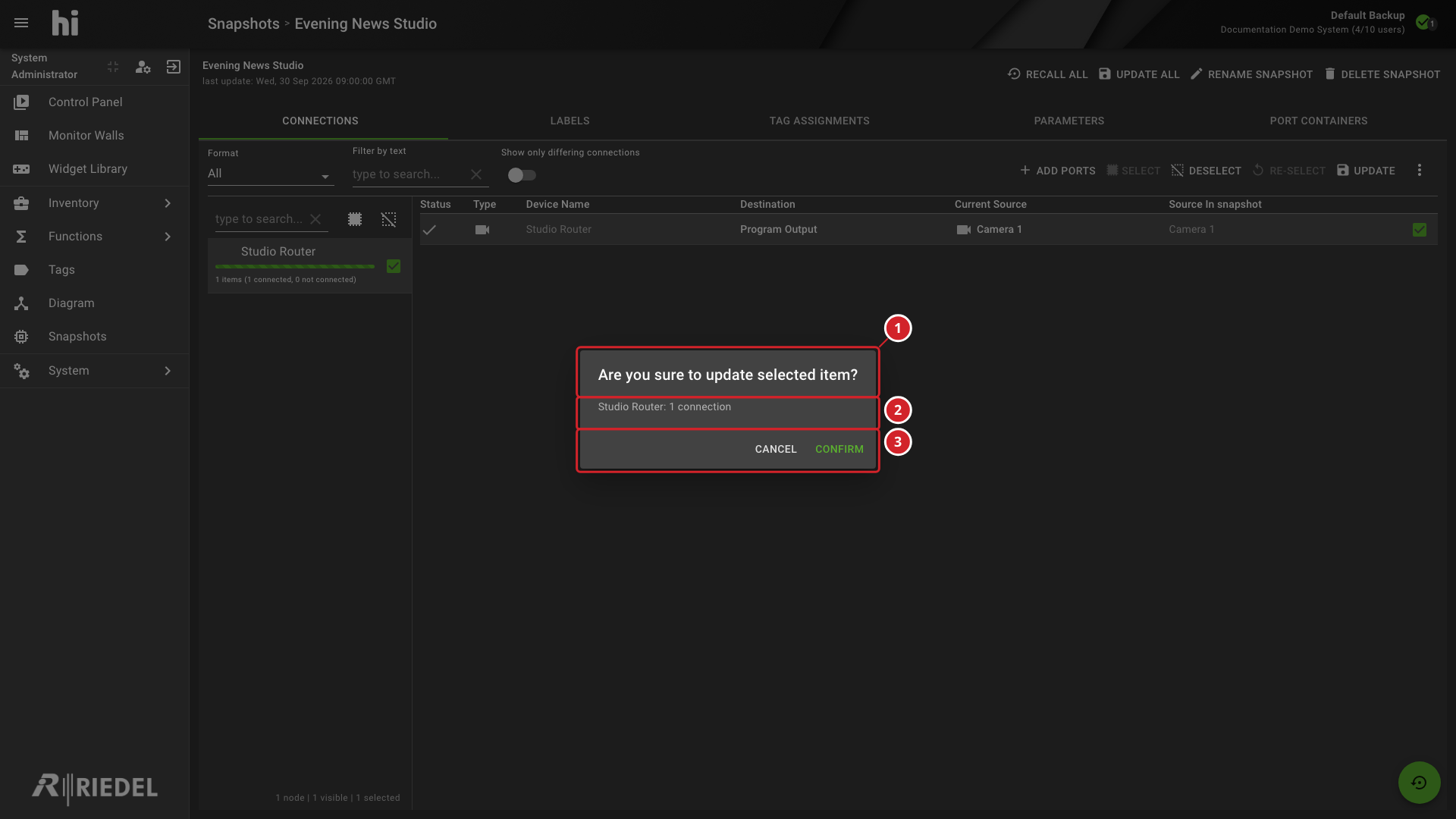
-
The dialog confirms that selected Snapshot items will be updated.
-
Review the selected items before confirming the change.
-
Select Confirm to proceed or Cancel to leave the saved values unchanged.
Verify the Result
Inspect the updated values and confirm that unselected saved items remain unchanged.
Next Steps
Return to Manage Snapshots to select another task.