
Rename a Snapshot
Overview
Change a saved Snapshot's display name.
Prerequisites
-
Use an account with the Snapshot admin role.
-
Open Snapshots.
Rename a Snapshot
-
Select Rename Snapshot on the required row or in the Snapshot detail header.
-
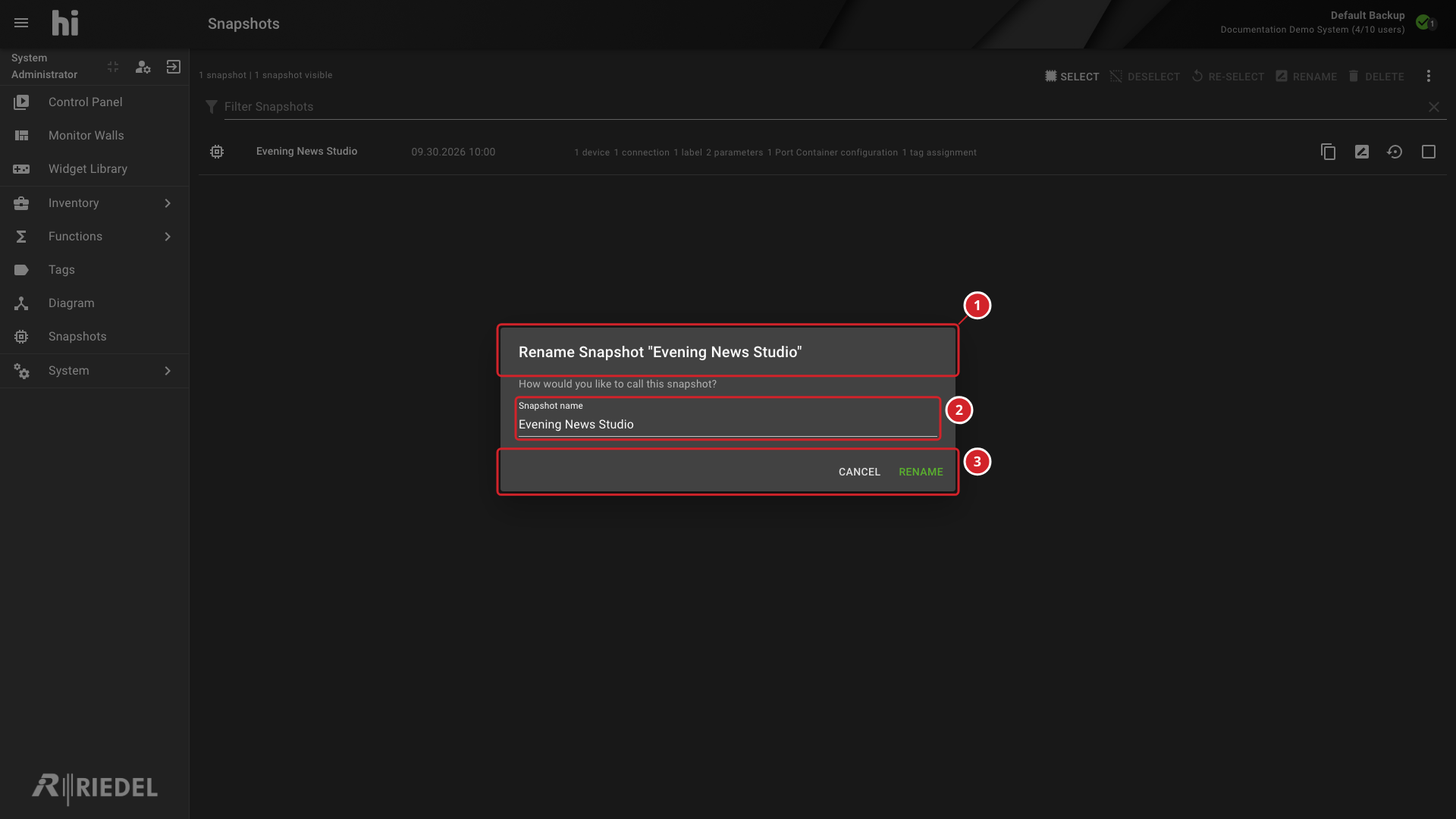
In the rename dialog, enter a name in Snapshot name.
-
Select Rename.
-
The dialog identifies the Snapshot being renamed.
-
Enter the new name in Snapshot name.
-
Select Rename to save the name or Cancel to leave it unchanged.
Verify the Result
Confirm the new name in the Snapshot list and detail header.
Next Steps
Return to the Manage Snapshots task list.