
Update Saved Snapshot Values
Overview
Replace saved values with current live state, for the full saved scope.
Prerequisites
-
Use an account with the Snapshot admin role.
-
Open Snapshots.
-
Identify the saved values to replace before updating the Snapshot.
Caution
Replacing saved values overwrites the previous saved state. The previous values cannot be restored from this action.
Replace the Saved Values
-
Open the Snapshot detail view.
-
Select Update All.
-
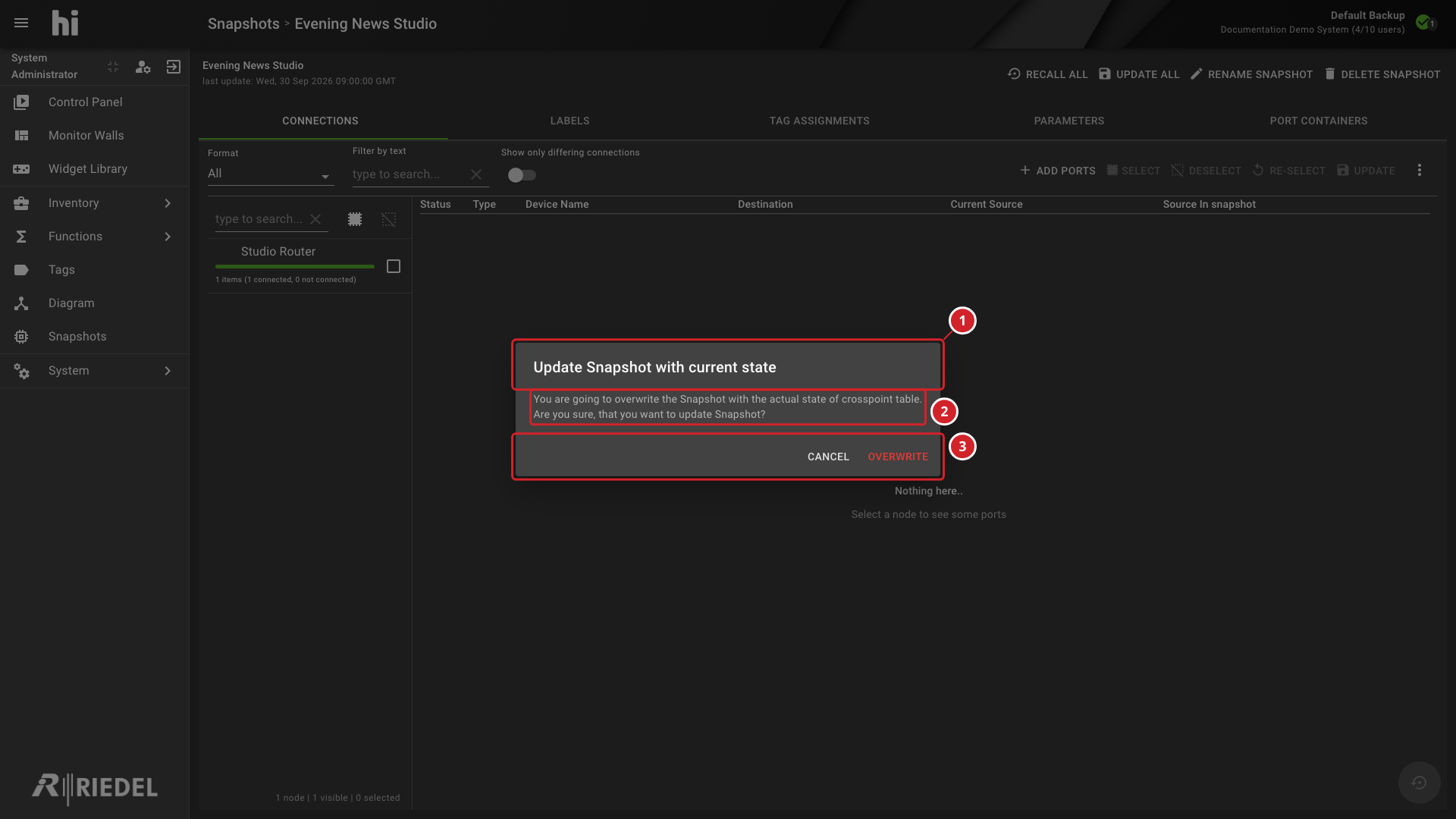
Review the warning that current live state will replace the saved values.
-
Select Overwrite to continue.
-
Update Snapshot with current state identifies the full update operation.
-
The warning explains that current Crosspoint state overwrites the saved Snapshot.
-
Select Overwrite to continue or Cancel to preserve the saved Snapshot.
Verify the Result
Inspect the affected detail tabs and confirm the new saved values against the intended current state.
Next Steps
Use Update Selected Snapshot Items to change only part of the saved scope.