
Inspect Account Information
Overview
Review a user's effective roles, Tags, group memberships, and delegated controls.
Prerequisites
-
Use an account with the User admin role.
-
Open the Users list and identify the account to inspect.
Inspect the Account
-
Find the user in the Users list.
-
Select the info icon beside the user. Account Information is not available for Hardware Panel profiles.
-
Review the effective configuration.
This dialog displays a read-only summary of the user's effective configuration:
-
Assigned roles (with role category grouping)
-
Assigned Tags (organized by category)
-
Aggregated Access Limit, with separate User and Groups entries
-
Group Membership, for Entra ID users
-
Delegated Widgets, for users with Widgets delegated to them as Simplified Power Widget users
-
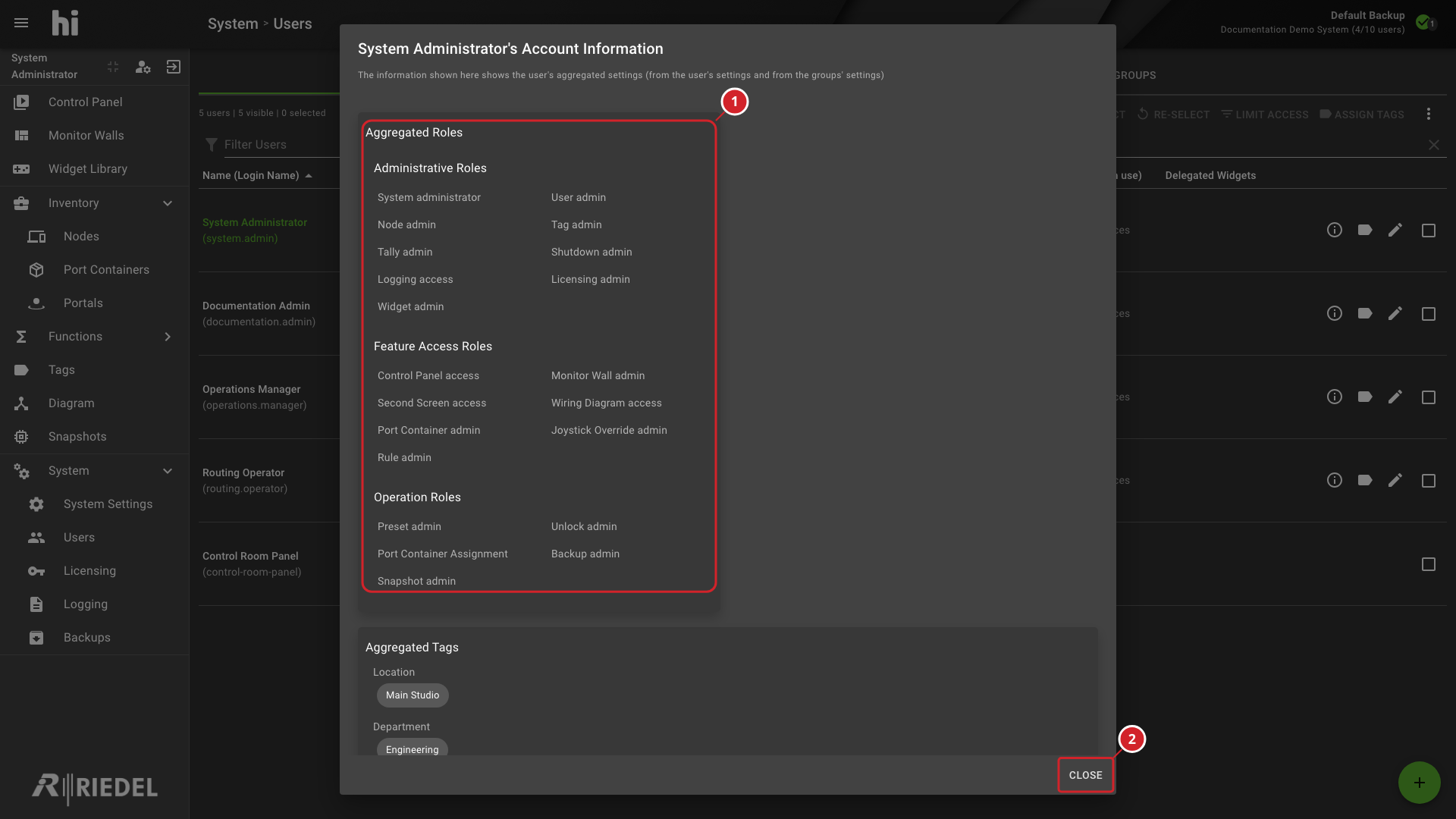
Aggregated Roles shows the effective Administrative, Feature Access, Operation, and Other roles, including roles inherited from groups.
-
Close returns to the Users list.
-
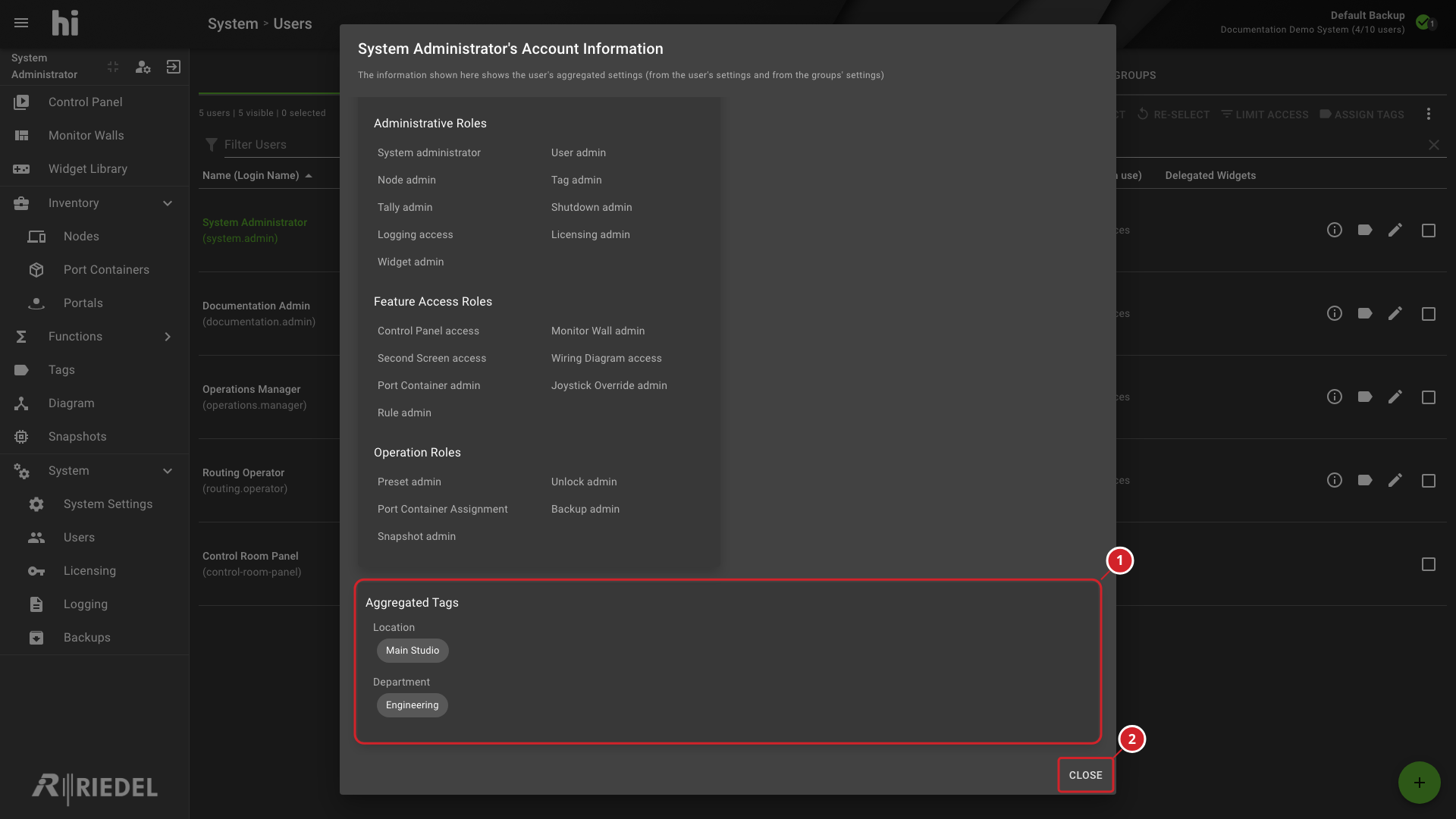
Aggregated Tags groups the user's effective Tags by category.
-
Close returns to the Users list.
Verify the Result
Confirm the expected roles, Tags, and access limits in Aggregated Roles, Aggregated Tags, and Aggregated Access Limit.
Next Steps
Return to the Manage Users task list.